
01
Analysis
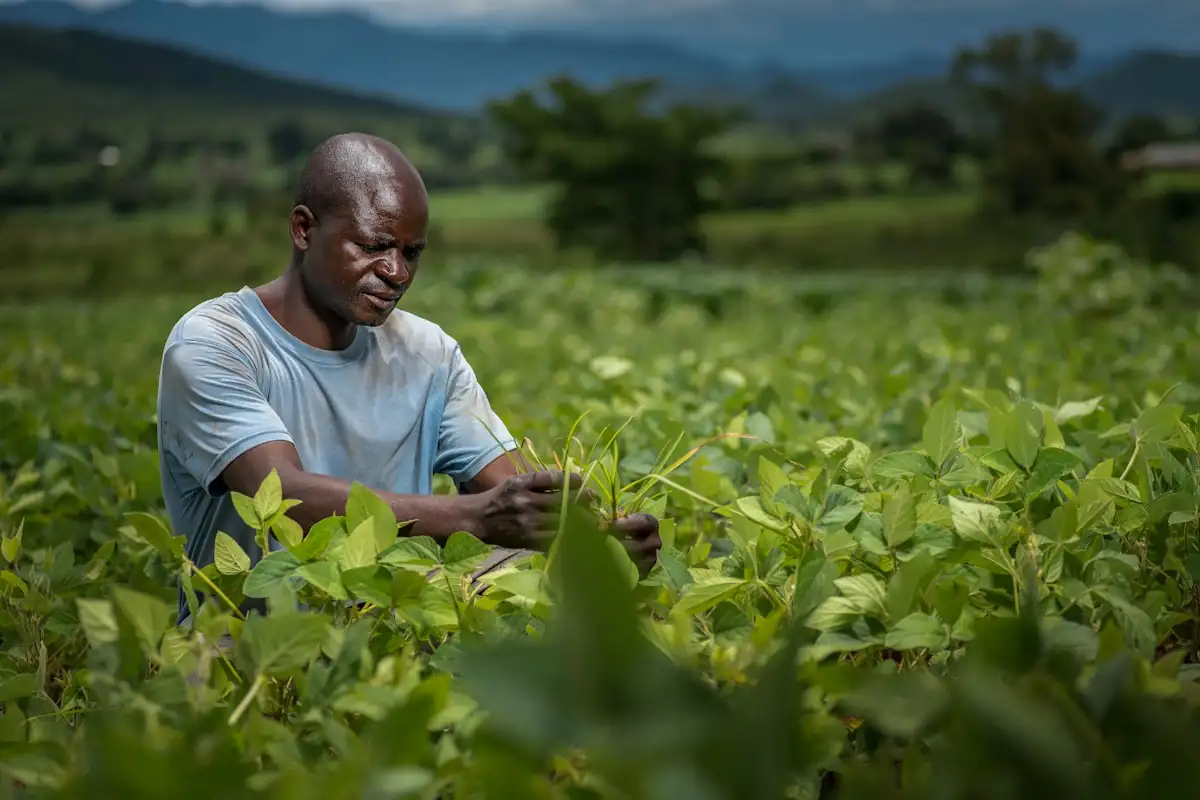
We learn the operation, seasons, users and current tools.
SOFTWARE FOR AGRICULTURE & AGRIBUSINESS
We develop custom software for work planning, crop management, inventory and traceability. We connect field information with administration, so your team works with better organised data.
Harvest P-07 · lot L-2410—
Field app
Harvest · P-07
Team A · tomatoes
Quantity: 1,240 kg · 3 photos
CUSTOM SOFTWARE
Agricultural production connects parcels, crops, people, materials and deadlines. When information lives in notebooks, messages and separate documents, it gets harder to follow what was planned, what was done and where resources went.
At ENOR, we develop applications that organise this data the way your business works. From recording work on a phone to inventory and delivery documents, we build links between the processes that need to work together.
Who exchanges what
Illustrative viewField teamSystem
Work done, quantities, photos and time
Click the same party again to return to the animation.
Click a party to see its responsibility. The arrows show the information exchanged.
WHO IT IS FOR
Every operation has its own rhythm, units and documents. The application is built around what you do every day.
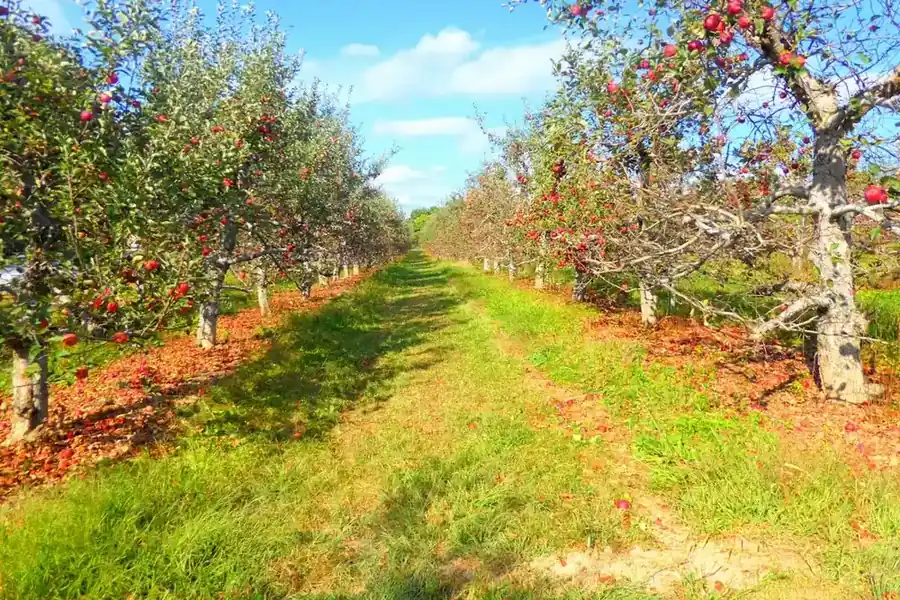
Types of operations we build software for.
Work plans and history by parcel and season.
Zones, production cycles and climate readings in one place.
Rows, varieties and multi-pass harvests.
Animal records, feed, weighings and visits.
Deliveries from many members and payments by quantity.
Receiving, weighing, grading and lots.
Linking raw material to the processed lot.
Orders, availability and deliveries to customers.
A digital product that tests the idea with real users.
PROBLEMS WE ADDRESS
Each difficulty maps to a specific feature of the application.
Today: Tasks without an owner or status
With a connected system: Work planning and recordingToday: Materials not linked to their use
With a connected system: Inventory and consumption by activityToday: Parcel data spread across places
With a connected system: History by parcel and seasonToday: Production not linked to the lot
With a connected system: Structured traceabilityToday: Devices with separate dashboards
With a connected system: Integrations and shared viewsToday: Reports that need manual merging
With a connected system: Indicators from recorded dataA connected system reduces repeated work and copy errors, but it does not eliminate losses or mistakes entirely.
CORE SOLUTIONS
You can start with one module and extend the system season by season. Each card takes you to the matching explanation.
Parcels on a map, areas and history by season.
See moreGrowing cycles with crops, varieties and dates.
See moreCalendar, teams, deadlines and work done.
See moreReceipts, issues, lots and consumption by activity.
See moreQuantities, units, grades and weighings.
See moreFrom parcel or supplier to delivery.
See moreZones, readings and irrigation with confirmed commands.
See moreAnimals, groups, events and documents.
See moreSensors, stations, meters and scales.
See moreReal availability, orders and deliveries.
See moreCost per kilogram or hectare, with clear definitions.
See moreField recording, even with a weak connection.
See morePARCELS AND CROPS
The same parcel can carry different crops in different periods. We keep the physical parcel separate from the growing cycle, so the history does not get mixed up.
P-03 · North field
4.6 ha · drawn on a map, not a cadastral measurement
Growing cycles
Recent activities
Click a parcel on the map, or move with Tab and press Enter. The panel shows its cycles and activities.
Area is shown with its source and unit. A boundary drawn on a map is not a certified cadastral measurement.
The physical parcel and the growing cycle are stored separately, so each season's history stays readable.
PLANNING AND FIELD WORK
Plan and actuals are stored separately, so it stays clear what was intended and what happened in the field.
A planned task is never marked done by itself: the actual work is recorded with quantity, time and, when required, approval.
Switch tabs. Under “Tasks”, mark an in-progress task as done and see where it goes.
A planned task is never recorded as completed automatically.
Delays are stored with their reason, so the next plan is based on what actually happened.
MOBILE AND OFFLINE APP
The field app has few fields, large buttons and a clear status for every record.
Statuses the worker sees
What is handled
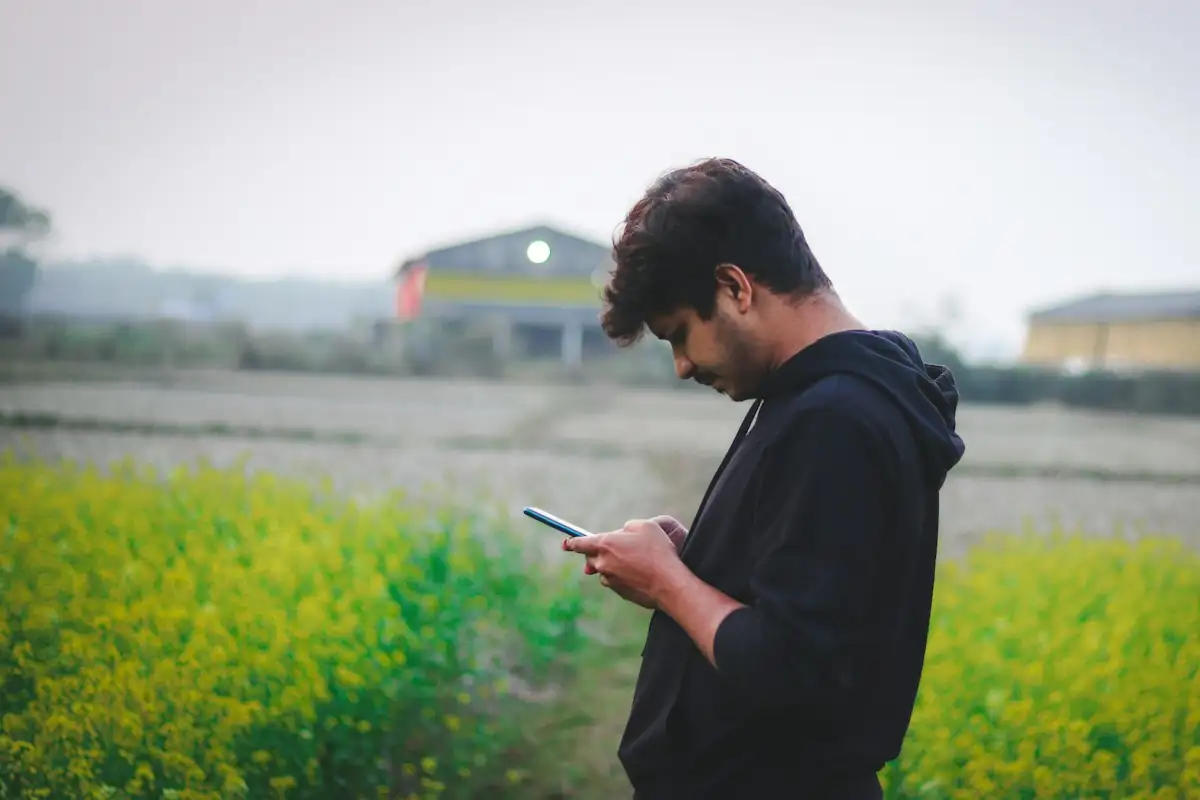
My work today
Illustrative viewOffline · records are saved on the device
Record while offline, then switch the connection on and sync. One record turns out to be a duplicate and another is in conflict.
For areas with a weak connection we define a specific scope of offline work. Not every feature works without internet.
The interface is designed for the field: high contrast, large buttons and little typing.
INVENTORY AND MATERIALS
Every movement is linked to the lot, the unit and the activity, and corrections carry a reason and a history.
| Item | Unit | Qty | Expiry | |
|---|---|---|---|---|
| NPK fertiliser | LP-221 | kg | 1,200 | — |
| Demo tomato seed | FS-087 | pack | 48 | 03.2027 |
| Plastic crates | AR-010 | pcs | 640 | — |
| Cattle feed | UK-330 | kg | 2,400 | 11.2026 |
Movement history
Record a consumption, try adding litres to an item kept in kg, and make a correction with a reason.
Units and conversions are kept exactly as defined. Weight, volume, unit counts and concentration are never mixed.
The software records use. It does not generate treatment doses or instructions for agricultural products.
HARVEST AND PRODUCTION
The harvest is recorded with date, parcel, team and lot, and weighing turns it into an accepted quantity.
Four quantities that are never confused
Receiving scale
Read the scale to move from the harvested quantity to the accepted and available quantities.
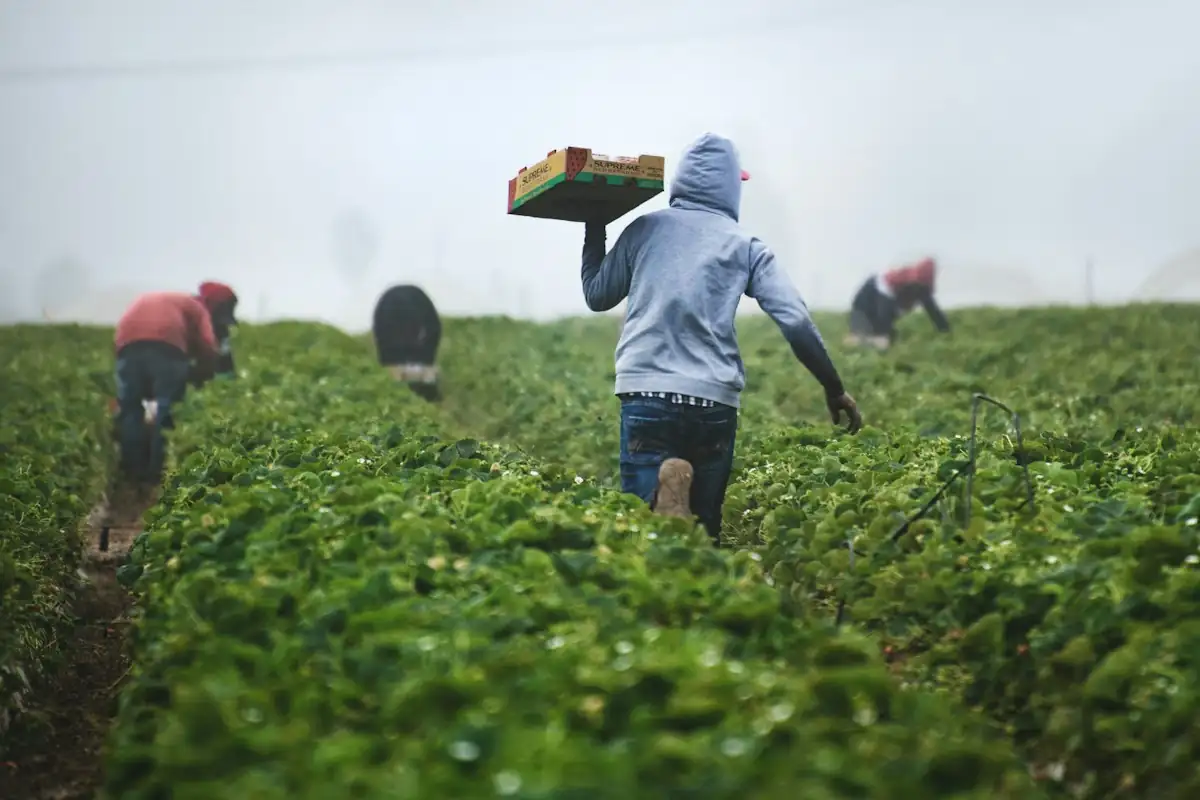
Scale integrations define gross, tare and net.
Losses are recorded separately, with their category and reason.
TRACEABILITY
Lots are linked to parcels or suppliers, to activities and to deliveries, even when they are split or merged.
Parcel / supplier
Harvest / receipt
Lot
Storage / processing
Packing
Delivery
Internal view of PK-5521
The label opens only the authorised fields; internal data requires sign-in.
Click a lot to see where it comes from and where it goes. Turn on “Public view” to see what the QR label opens.
The link is kept between
Traceability needs accurate records. QR codes or blockchain do not prove origin or quality on their own.
Installing software does not bring food or agricultural certification.
COLLECTION, STORAGE AND DISTRIBUTION
From receipt to loading, every step records the quantity, the lot and the location.
Delivery D-118Producer: Demo Farmer 07
4.2 °C · last reading 2 min ago · sensor T-02
Step through the receipt. Switch the sensor off to see how missing readings are flagged.
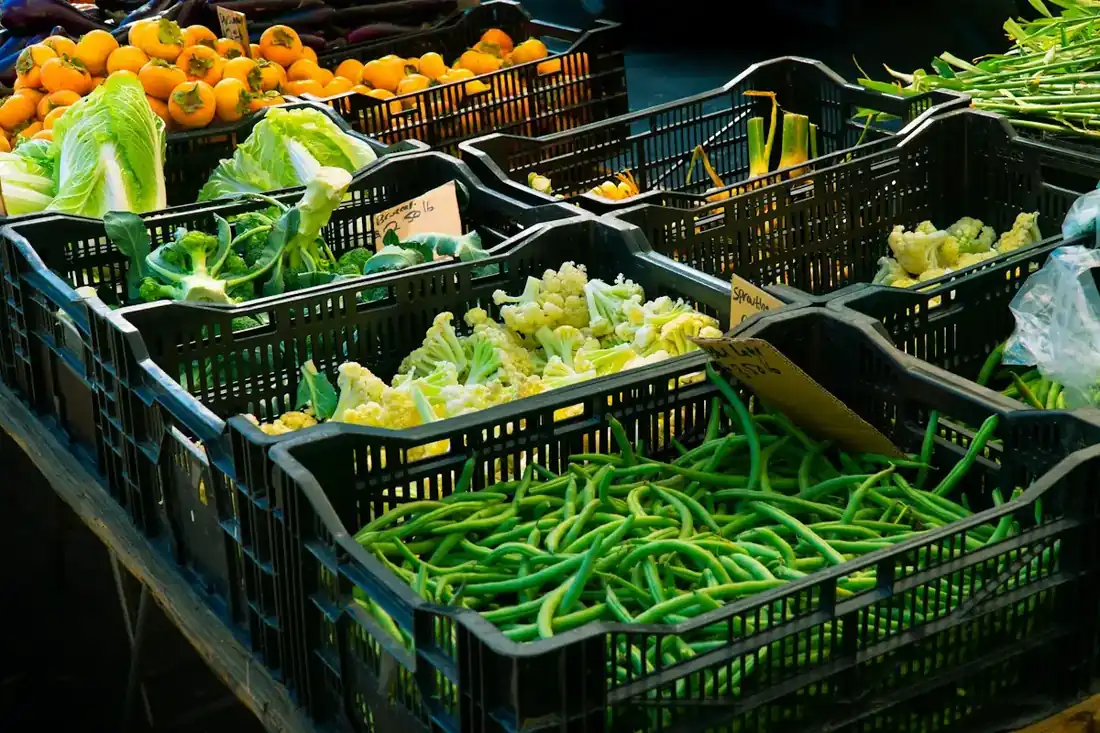
For products that need storage conditions, temperature data and alerts can be integrated, depending on the devices.
A temperature chart is not cold-chain control on its own; that depends on devices, measurements and procedures.
GREENHOUSES AND IRRIGATION
Readings, the work plan and irrigation are recorded together, and every command tracks its own status until it is confirmed.
Four different things
Cases we plan for
Suggestion from your rule
Soil moisture is below the threshold you set for zone B. The rule suggests a 15-minute irrigation cycle; the decision stays with the person in charge.
Local control and manual mode stay active; the cloud is not the only safety mechanism.
Send the command and simulate acceptance, confirmation or its absence. Try the disconnected sensor too. No device is controlled.
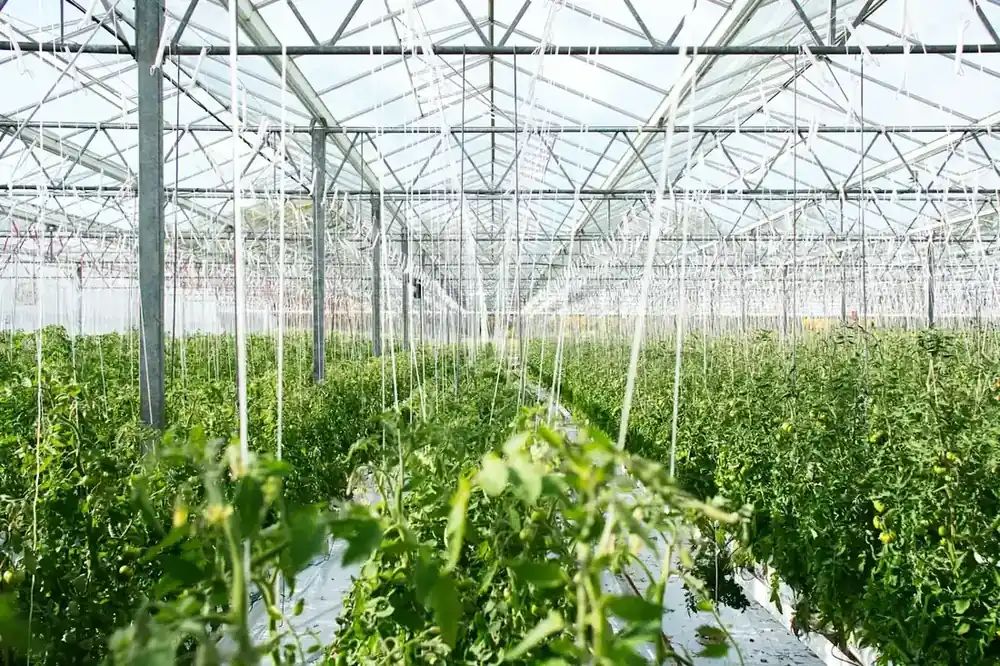
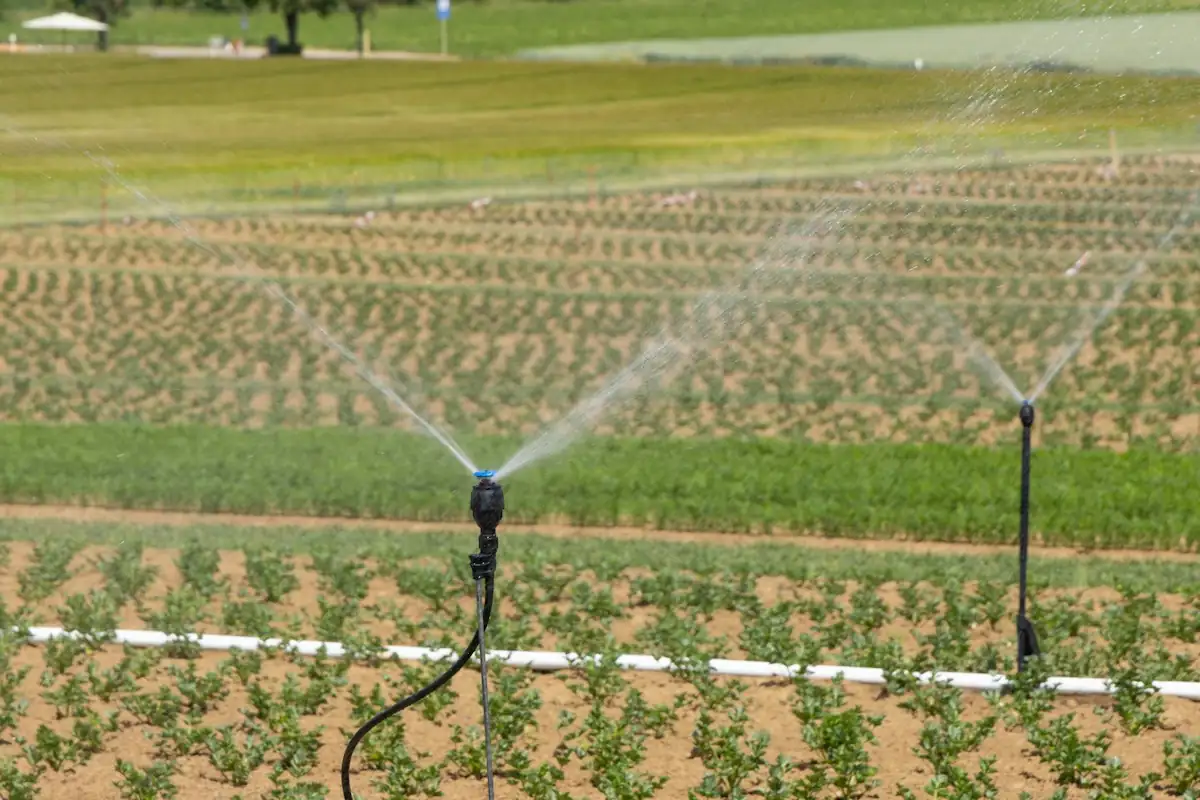
Automatic control of pumps or valves needs dedicated design, limits, local control and a manual mode.
The cloud is not the only safety mechanism for physical control.
LIVESTOCK
Animals or groups keep their own history, from movements to weighings and documents.
The software stores events and documents; health decisions are made by the vet.
Switch tabs for animals, events and reminders.
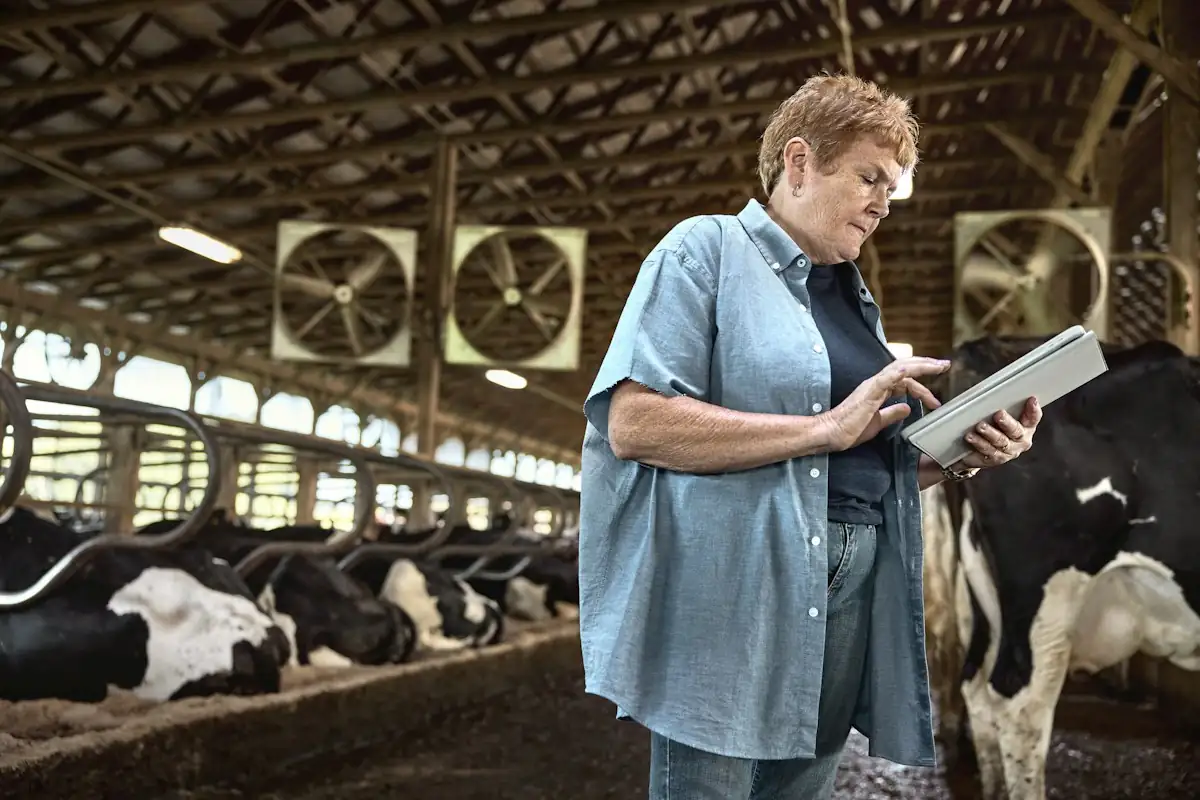
The software does not replace the vet. It stores events and documents; health decisions are made by the specialist.
Integrations with official registers or devices depend on the authorisations and interfaces available.
IoT, WEATHER AND SPATIAL DATA
Readings are stored with the parcel, the device and the time, so they are read in context rather than as isolated numbers.
Possible integrations
Every reading has
Each card shows the source, place and time. Forecasts and satellite images are marked separately from measurements.
Protocols such as MQTT, Modbus or LoRaWAN are used when the device supports them. Compatibility is checked against the documentation of the specific model.
Satellite images have a date, a resolution and limits such as cloud cover; they are not live views. We do not promise integration with every drone or sensor.
AI AND ANALYSIS
AI is used for defined cases, with suitable data and review by the responsible person.
What it needs
Pick a question above.
Pick a question and see where the assistant stops.
We do not promise reliable plant-disease diagnosis, automatic treatment recommendations or guaranteed yields.
Forecasts are shown separately from actual results.
COSTS AND REPORTING
Indicators are built from the records, with clear definitions for every cost.
For cost per kilogram or hectare we define
Margin not shown: shared costs have not been allocated yet.
Allocate the shared costs to see the margin. Without them, the margin is not shown.
Margin is not presented as full profit when costs are missing.
Water, energy or sustainability indicators rely on data and a clear methodology.
CRM, SALES AND E-COMMERCE
Offers and orders are based on the real quantity in the warehouse, not on expected production.
Tomatoes · Grade IPrice for this customer: €0.95 / kg
Can be confirmed now900 kg
300 kg are not confirmed from the forecast. They can be logged as an open request, with no supply guarantee.
Change the order quantity and see what can be confirmed.
Forecast production is not promised to the customer as guaranteed stock.
Market prices are integrated only from suitable, authorised sources, with their date and context.
INTEGRATIONS AND PRODUCT DEVELOPMENT
We build new applications or connect the ones you have, so data is not re-keyed by hand.
For AgriTech businesses: we help you test the idea with a PoC or MVP and develop the product based on real use.
PoC
Checks one technical uncertainty.
MVP
Delivers the core features for the first users.
For multi-tenant and white-label platforms we include data isolation, roles and per-organisation configuration.
MODERNISATION AND MAINTENANCE
Moving from Excel or legacy systems is done with checks, so the history of parcels and lots is not lost.
Maintenance can include
| Data | Excel | Imported |
|---|---|---|
| Parcels | 46 | 46 |
| Lots 2025 | 312 | 312 |
| Stock movements | 5,118 | 5,109 |
9 movements with unclear units → under review before go-live
Rollback plan: ready
We do not promise zero-downtime migration without assessing the system and agreeing on it.
Support hours are set in the agreement; we do not promise 24/7 support without one.
DEVELOPMENT PROCESS
Planning takes the farming season into account. Not every process can be tested at any time of year.
We learn the operation, seasons, users and current tools.
We define the main problem, the budget and the first version.
We design for office and field use, including weak connectivity.
We build in phases, with demos.
We verify data, units, devices and permissions.
We test on a single parcel, team or limited process.
We improve based on usage and assessed results.
SECURITY AND TESTING
Measures are defined per project, and tests also cover weak connectivity, devices and units.
Test scenarios
Software does not guarantee food safety or compliance with every standard.
Device credentials are stored separately and never shown in the application.
WHY ENOR
Code ownership, licences, handover and recurring costs are set in the agreement.
FREQUENTLY ASKED QUESTIONS
More solutions for your business needs.
Tell us how your farm or agribusiness works. We will define the features, the integrations and a concrete starting point for the project.
Sample Logistics Co.
“They translated complex technical concepts into clear decisions for our team.”