
01
Process analysis
We get to know the users, workflows, existing systems and main pain points.
HEALTHCARE SOFTWARE DEVELOPMENT
We build dedicated software for clinics, hospitals and healthcare services. We connect bookings, records, communication and administration in secure systems shaped around the way your organisation works.
Dr Demo · General practice
Patient record
Ana Demo
ID P-1042 · demo patient
Patient portal
Booking request
10:30 · General check-up
SentDEDICATED SOFTWARE
Every organisation has its own way of working: specialties, teams, schedules, documents and systems that need to work together. When information stays scattered, staff spend more time searching for it, checking it and entering it again.
At ENOR, we design solutions that connect these processes and make information available to authorised people. From a patient portal to an integrated administration platform, we build the functions your organisation needs and leave room to extend them.
Choose a role
Illustrative viewIllustrative example. Roles and permissions are defined with the organisation and enforced on the server.
PROBLEMS WE ADDRESS
Each difficulty maps to a specific software function. The aim is more clarity in everyday work.
Today: Bookings by phone, messages and separate documents
With connected processes: A shared schedule with availability and confirmationsToday: The same data entered more than once
With connected processes: Connected processes and controlled integrationsToday: Documents that are hard to find
With connected processes: Organised by patient, service and permissionsToday: No overview of activity
With connected processes: Operational reports and admin dashboardsToday: Scattered communication with patients
With connected processes: A portal and notifications based on their preferencesToday: Existing systems that don’t talk to each other
With connected processes: Integrations and gradual modernisationSoftware makes information clearer and processes more connected.
SOLUTIONS WE BUILD
Modules chosen and combined for your organisation, not a ready-made package with everything in it.
Reception, clinical staff and administration work from the same schedule, with the status of every visit visible.
A patient’s history, notes and documents in one place, available by role.
Free slots by doctor and service, with confirmations and changes that don’t get lost.
Learn morePatients book, fill in forms and see published documents without extra phone calls.
Learn moreRemote consultations linked to the schedule, payment and visit documentation.
Learn moreKey functions for patients and staff on the phone, with controlled access.
Learn moreOrders and results exchanged with LIS, RIS and PACS without retyping.
Learn moreFrom the service delivered to the invoice and payment, with separate statuses and reconciliation.
Learn moreStock by location, batches and expiry dates with timely alerts.
Learn moreData from connected devices, with measurement time, source and connection status.
Learn moreAdministrative answers and document processing, reviewed by staff.
Learn moreAppointments, slot use, billing and inventory in reports with a clear source.
Learn moreCLINIC AND HOSPITAL MANAGEMENT
We build platforms that connect the work of reception, clinical staff and administration, with functions adapted to your organisation’s structure and processes.
Modules are chosen to fit the structure: a single-site clinic and a hospital with several departments have different needs.
| Time | Patient | Status |
|---|---|---|
| 08:30 | Ben Demo | Completed |
| 09:00 | Dea Demo | In visit |
| 09:30 | Erion Demo | Waiting |
| 10:00 | Gent Demo | Confirmed |
| 10:30 | Iris Demo | Cancelled |
Switch tabs to see the schedule, patients, services and reports. With a keyboard, use the arrow keys to move between them.
ELECTRONIC HEALTH RECORDS (EHR / EMR)
We build and integrate electronic records for documenting and organising health information, based on each user’s role and the organisation’s processes.
Depending on requirements, this can include
EHR (Electronic Health Record) and EMR (Electronic Medical Record) are electronic health records. What they contain varies by organisation and requirements.
Follow-up in 3 weeks.
Follow-up in 2 weeks.
Switch the role to see how access changes, then open the change history.
The data scope, terminologies and integrations are defined during analysis. We do not promise universal integration with every records system.
A correction never deletes the previous version: the author, time and reason for the change are kept.
BOOKINGS AND PATIENT PORTAL
Patients book, fill in forms and receive information on time, while staff see the changes straight away in the schedule.
Book an appointment
General practice
Thursday
Pick a slot on the phone. One of them has just been booked by someone else: try it to see how that is handled.
A document becomes available to the patient only after it is authorised. Until then, only the relevant staff can see it.
Staff view
Examination report
Ana Demo · P-1042
Patient portal
No new documents
Authorise the release from the staff view to make the document available in the portal.
Results and documents appear in the portal only after the responsible person authorises them for release.
SMS, email and push notifications show no health information in the preview; details are visible once the patient signs in to the portal.
TELEMEDICINE
Consultations that follow the same flow as an in-person visit: booking, identification, consultation and documentation.
Dr Demo · Ana Demo
Step through the consultation and simulate a dropped connection.
Video recording is off by default. If recording is needed, authorisation, patient information, access and retention period are defined separately.
Telemedicine is not suitable for every condition and is not an emergency service. The organisation decides when remote consultations are offered.
LABS, IMAGING AND INTEGRATIONS
We integrate new software with existing systems after reviewing each one’s documentation, versions and permissions.
Possible integrations with
Status: Received
Status: Received
Status: Received
Status: Delivery failed
Watch how message statuses change: processing, duplicate, manual review and retry.
Standards and mechanisms, by role
What we handle in every integration
Compatibility is assessed against the version, profiles, documentation, permissions and capabilities of each system.
We do not claim automatic integration with every hospital or device. HL7, FHIR and DICOM are technical standards, not security certifications.
MOBILE APPS
Responsive web experiences and mobile apps, depending on users, devices and project needs.
My portal
Today’s schedule
If offline use is required, we define which functions are allowed, how data on the device is protected and how it syncs when the connection returns.
Sessions close according to the organisation’s policy and device access requires authentication.
PHARMACY, INVENTORY AND PRESCRIPTIONS
For pharmacies, stores and points of use in clinics: a clear stock position, traceable movements and timely replenishment.
| Product | Expiry | Qty | ||
|---|---|---|---|---|
| Paracetamol 500 mg · tablets | L2408 | 03/2027 | Pharmacy | 240Min. 100 |
| Nitrile gloves · MBelow minimum | L1190 | 11/2028 | Store room | 35Min. 50 |
| Saline 0.9% · 500 mlExpiring soon | L3317 | 12/2026 | Ward B | 60Min. 40 |
| Sterile bandage 10 cmBelow minimum | L0712 | 08/2029 | Pharmacy | 18Min. 30 |
Filter products below minimum or close to expiry, and create a draft purchase order.
We build functions for managing prescriptions and integrations with the relevant systems, in line with the authorisations and requirements of the market where you operate.
The right to issue prescriptions, connection to national systems and compliance depend on the organisation’s authorisations and are verified for every project.
The system does not give automatic dosage advice or suggest treatment changes. Clinical decisions stay with professionals.
BILLING AND FINANCIAL ADMINISTRATION
We link delivered services to invoices, payments and reconciliation, so administration has an accurate view of receipts.
Five steps we keep separate
Only the matching status changes
Record a partial payment or send the reimbursement claim: only the matching status changes.
One status never implies another automatically: a completed visit does not mean a paid invoice.
Fiscal reporting, health insurance and financial documents depend on the market and the relevant integrations.
IoT AND REMOTE MONITORING
We build software to collect, display and manage data from connected devices, when they provide the necessary interfaces and permissions.
Needs attention
Notification route
Select a device to see its source, configured threshold and notification route.
A disconnected device, or one sending no data, is shown as needing attention, never as normal.
A dashboard does not guarantee continuous clinical monitoring or an urgent response. Clinical functions and alarms that affect care need assessment, validation and defined responsibilities.
ARTIFICIAL INTELLIGENCE
We prioritise administrative and supporting uses, where AI saves time without making clinical decisions.
What are your Saturday hours?
On Saturdays the clinic is open from 08:00 to 14:00. You can book directly in the portal.
Source: Published opening hours · approved version
Choose a question. The demo uses administrative information only, with no health data.
For every solution we define the sources, permissions and limits of action. Generated content can be reviewed and corrected by staff.
We do not promise automatic diagnoses, perfect accuracy or a replacement for doctors. Image analysis and clinical decision support are separate projects that need suitable data, clinical validation and regulatory assessment.
SECURITY AND PRIVACY
Measures are designed around the risks and requirements of the project, from the data structure to the way staff work.
Requirements such as the GDPR in the European Union, HIPAA in the United States or local data protection law apply depending on jurisdiction, organisation, the role of each party and the use. We identify them together with your responsible people.
Encryption matters, but on its own it does not guarantee security or compliance. Technical measures and documentation are prepared to match the project’s requirements.
HL7 and FHIR are standards for exchanging data, not laws or security certifications.
REPORTING AND ANALYTICS
Operational reports that help managers see workload, slot use, billing and inventory.
Appointments
1,284
Cancellations 6% · No-shows 2%
Source: schedule · Period: last 30 days · Completed and planned appointments
Views switch automatically; you can also pick one yourself.
Each indicator has a defined source, period and meaning. Billing and receipts are reported separately.
Values shown are illustrative. We do not publish invented clinical outcomes, savings percentages or productivity gains.
WHERE THE SOLUTIONS FIT
Examples of organisations and needs these solutions can cover.
Bookings, visits, billing and a patient portal.
Departments, sites, roles and consolidated reports.
Orders, samples, results and LIS integrations.
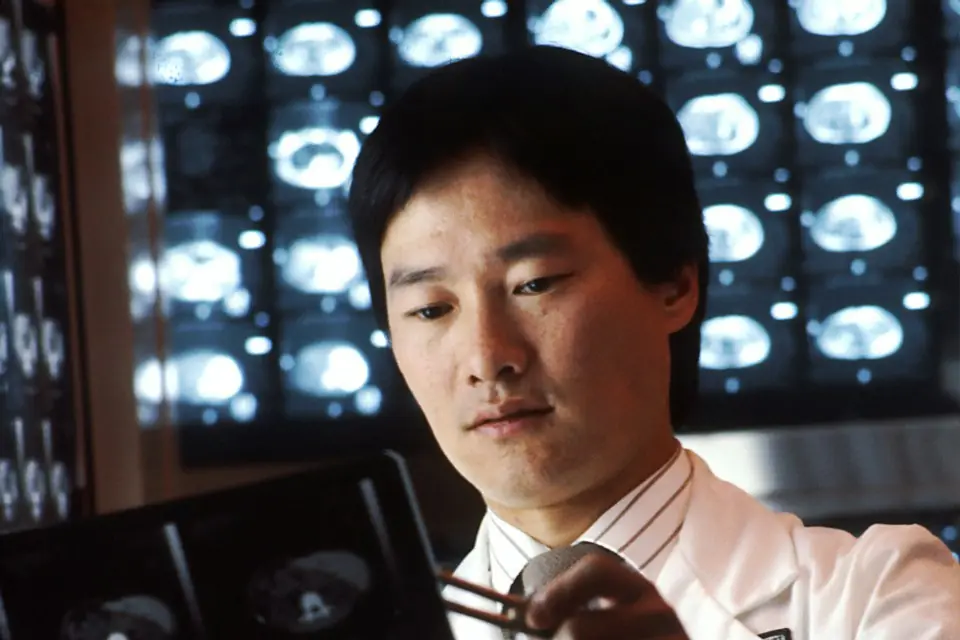
Equipment schedules, RIS/PACS and result release.
Treatment plans, multiple sessions and instalment payments.
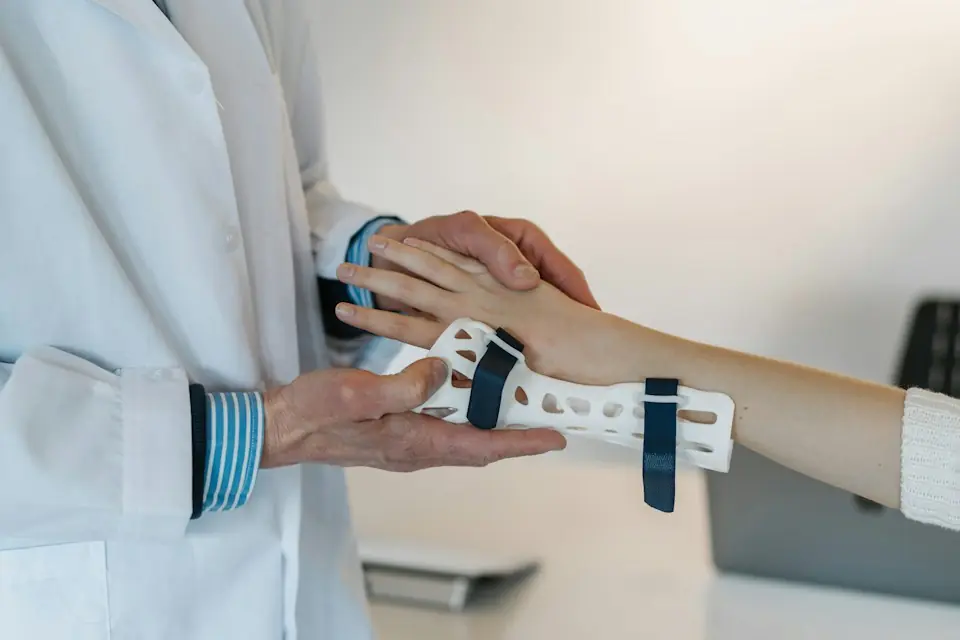
Session series, therapists and progress tracking.
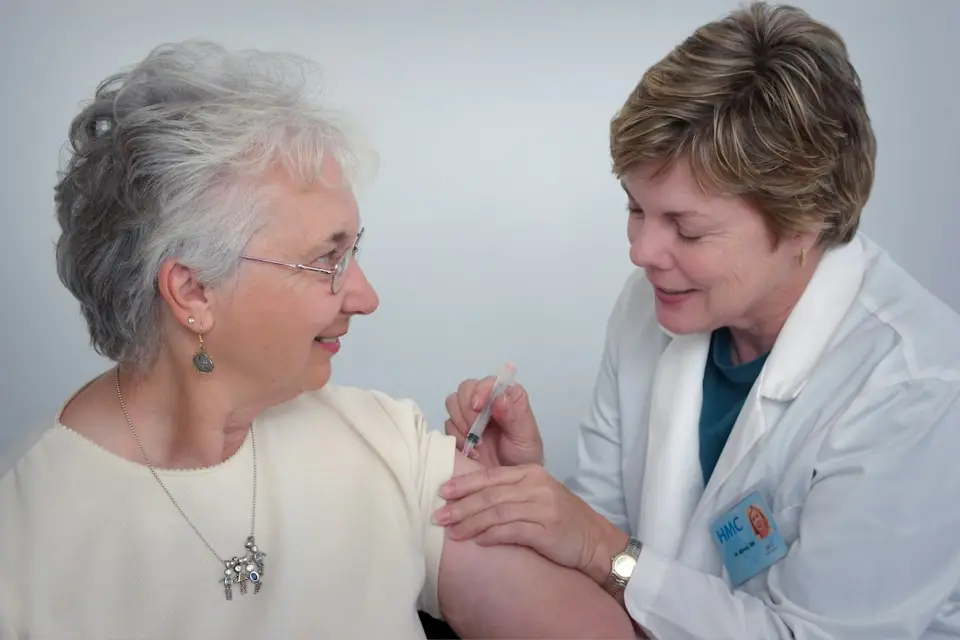
Field visits, routes, tasks and mobile documentation.
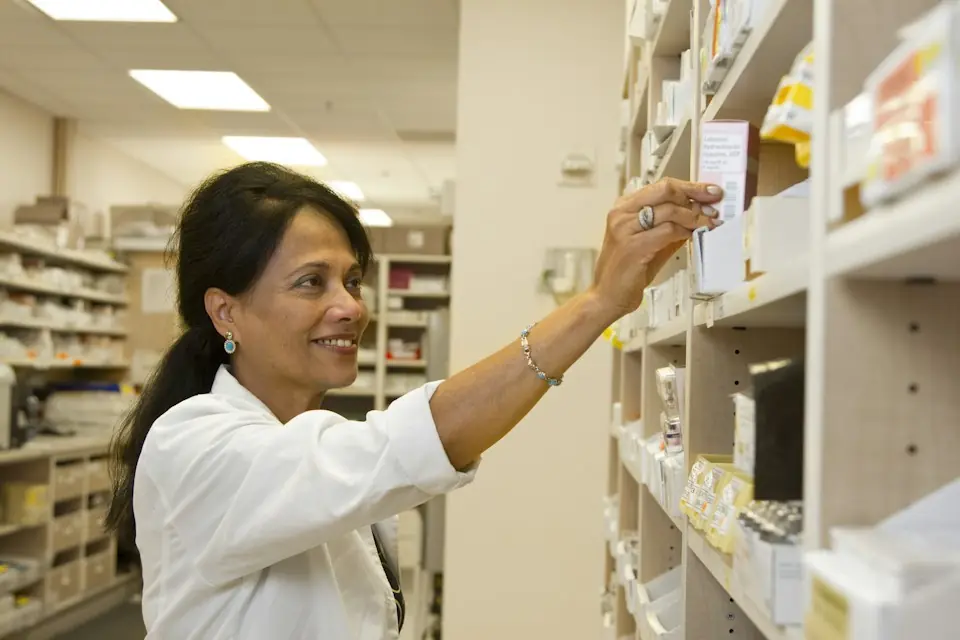
Stock, batches, expiry dates, purchasing and prescriptions.
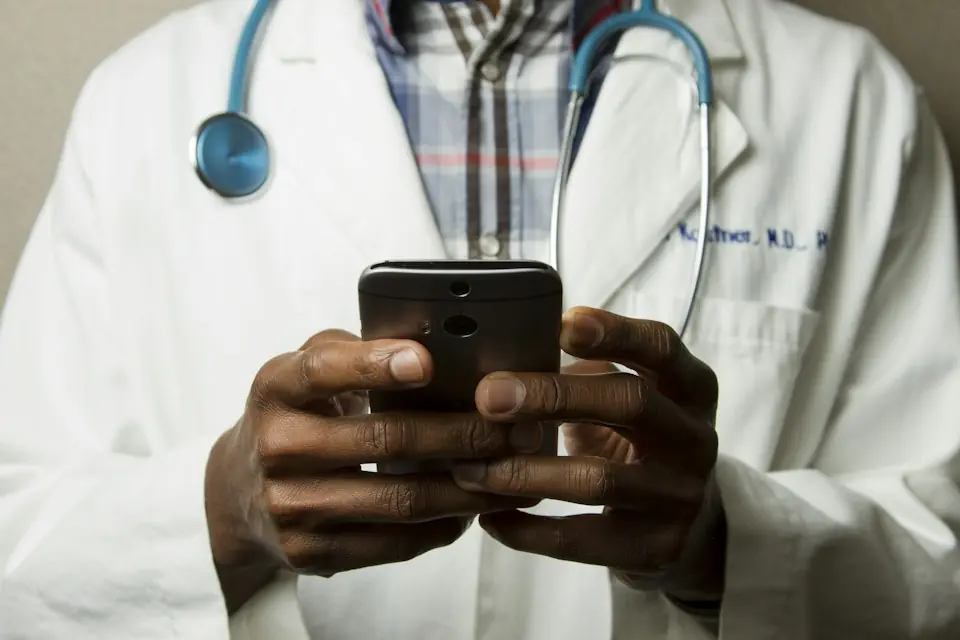
Booking, waiting room, video and documentation.

MVPs, scalable architecture and integrations.
HOW WE DELIVER THE PROJECT
Phases and timelines are set after analysis, based on the modules, integrations, migration and security requirements.
We get to know the users, workflows, existing systems and main pain points.
We define functions, integrations, data, risks and acceptance criteria.
We design the technical structure and interfaces for patients, staff and administration.
We build in phases, with demos and feedback from the people responsible.
We check functions, permissions, integrations, performance and recovery.
We plan the switchover, data verification, pilot and user training.
We monitor issues and build improvements based on the organisation’s priorities.
MODERNISATION AND MIGRATION
Moving from an existing system is done with trial runs, verification and reconciliation, not just an export and import.
We don’t use “lossless migration” as a slogan. Every mismatch is identified, reviewed and documented before the final switchover.
| Data | Source | Migrated |
|---|---|---|
| Patient records | 12,480 | 12,480 |
| Visits | 86,214 | 86,214 |
| Linked documents | 31,920 | 31,902 |
18 unlinked documents → manual review
Rollback plan: ready
TESTING
Beyond the main functions, we test the scenarios where an error costs most for the patient or the organisation.
Scenario: Two people book the same slot.
Expected behaviour: Only one booking is confirmed; the other person is notified and offered other slots.
Scenario: A user tries to open a record without permission.
Expected behaviour: Access is refused on the server and the attempt is logged.
Scenario: A corrected result arrives after the original version.
Expected behaviour: Both versions are kept; the correction is clearly marked and the relevant people are notified.
Scenario: An integration sends the same message twice.
Expected behaviour: The second message is recognised as a duplicate and creates no new record.
Scenario: A device stops sending data.
Expected behaviour: Its status changes to “missing data” and the configured notification route starts.
Scenario: A payment goes through but the confirmation is late.
Expected behaviour: The payment stays “being verified” until reconciled, with no duplicate payment.
Scenario: A document is released to the wrong patient.
Expected behaviour: We test the controls that prevent it and the procedure to withdraw, log and notify if it happens.
Scenario: A backup has to be restored.
Expected behaviour: The restore is rehearsed in a separate environment and data completeness and links are verified.
Technical testing does not replace clinical validation where that is required for functions that affect care.
WHY ENOR
We start from your organisation’s real workflows, not a template.
Documentation and capabilities are checked before anything is promised.
Screens for patients, clinical staff and administration.
Roles, history and data protection are planned from the start.
Periodic demos and agreed priorities.
Continuity after launch and new modules when you need them.
FAQ
Tell us which processes you want to connect or improve. Together we define the functions, integrations and development phases.
Sample Logistics Co.
“They translated complex technical concepts into clear decisions for our team.”