
01
Analysis
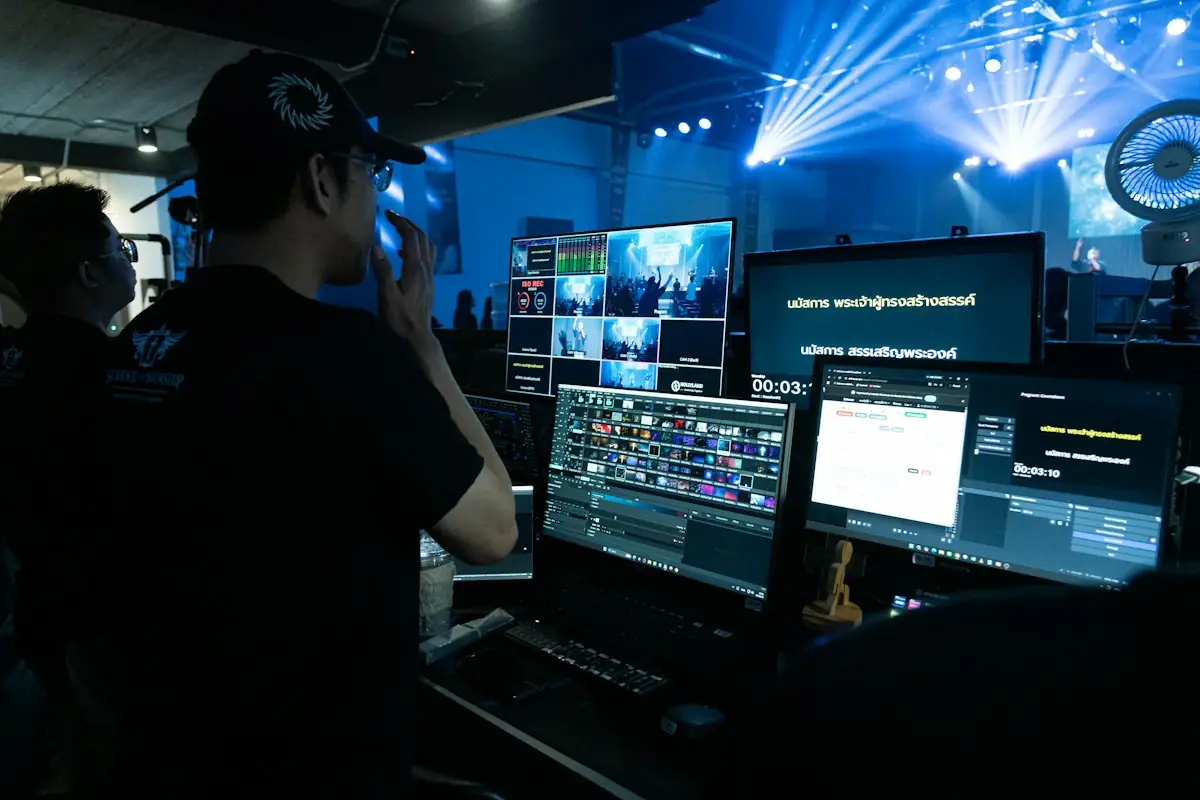
We define the audience, content, devices and monetisation model.
MEDIA & ENTERTAINMENT SOFTWARE
We develop platforms for digital publishing, video, audio and events. We connect content management, subscriptions and audience interaction in applications built around your brand and business model.
Demo Series · Episode 4
Documentary · 42 min
Continue watching
Demo Podcast
Ep. 12 · Voices of the City
38 min · with transcript
TECHNOLOGY FOR CONTENT
A media platform has to do more than display material. It has to organise publishing, help people find content and manage access according to rights and the business model.
At ENOR, we develop applications that connect these processes: from the newsroom or creator's work to the player, the subscription and reporting. We build a foundation tailored to the content and channels you want to grow.
Who exchanges what
Illustrative viewNewsroom and creatorsPlatform
Content, metadata and publishing schedule
Click the same party again to return to the animation.
Click a party to see its responsibility. The arrows show the information exchanged.
WHO IT IS FOR
Every model has its own rhythm, formats and way of earning. The platform is built around them.
Types of organisations we build platforms for.
Newsrooms, publishing workflows and portals.
Schedules, archives and digital channels.
Live broadcasting, episodes and transcripts.
Catalogue, player, profiles and subscriptions.
Memberships, exclusive content and interaction.
Tickets, entry and online streams.
Live matches, statistics and fans.
Profiles, calendars and partner materials.
Admin tools for projects and assets.
This is a list of the kinds of organisations we can design platforms for, not a list of ENOR clients.
CORE SOLUTIONS
Start with what matters most to your audience today. Each card takes you to the matching explanation.
Articles, categories, authors and editorial workflows.
See moreCatalogue, player, continue watching and profiles.
See moreSchedule, live player, chat and polls.
See moreShows, episodes, transcripts and live radio.
See morePlans, purchases and access by model.
See moreProfiles, memberships and the creator dashboard.
See moreSeats, holds, payments and check-in.
See moreComments, moderation, quizzes and challenges.
See morePlayer, notifications and access from the phone.
See moreFrom editorial rules to models when there is data.
See moreTerritories, windows, plans and devices.
See moreMetrics with clear definitions.
See moreMEDIA PORTALS AND DIGITAL PUBLISHING
The portal view and the newsroom view work together: what the newsroom approves is what the reader sees.
Demo Portal
Demo Festival opens its summer programme with 40 shows
Editing
Send the article for review, switch the role to “Editor” and approve it. Try “Publish now” before approval and change the URL.
Newsroom workflow
Unapproved content is never published automatically.
This is a solution we build for clients, with its own newsroom workflows and roles.
VIDEO AND OTT
Features are defined per project and per the devices you want to cover.
OTT means delivering video content over the internet, straight to the user's apps and devices, outside the traditional broadcast model.
Devices according to the project's goals
Continue watching
Catalogue
City Nights
Series · 2 seasons
Northern Forests
Documentary
Backstage
Series
Grandma's Kitchen
Show
Little Star
Animation
The Final
Sport · live
Chronicle
Documentary
The Detective
Film
Switch the profile to “Kids” to see parental controls, search the catalogue and add titles to your list.

We do not promise a single app that works automatically on every Smart TV.
Each platform has its own requirements, player, testing and publishing process.
MEDIA PROCESSING AND DELIVERY
Every step has a clear status and error, so the team knows exactly what is ready and what is not.
episode-04-master.mov
4K · 42 min · 38 GB
Go step by step. Turn on the failure before processing to see how publishing stops.
Per project
Five things kept separate
Content is not marked ready if processing has failed.
Providers and the costs of processing, storage and traffic are defined separately.
LIVE STREAMING
Latency, quality and scaling depend on the architecture, the devices and the user's connection.
Three different kinds of “live”
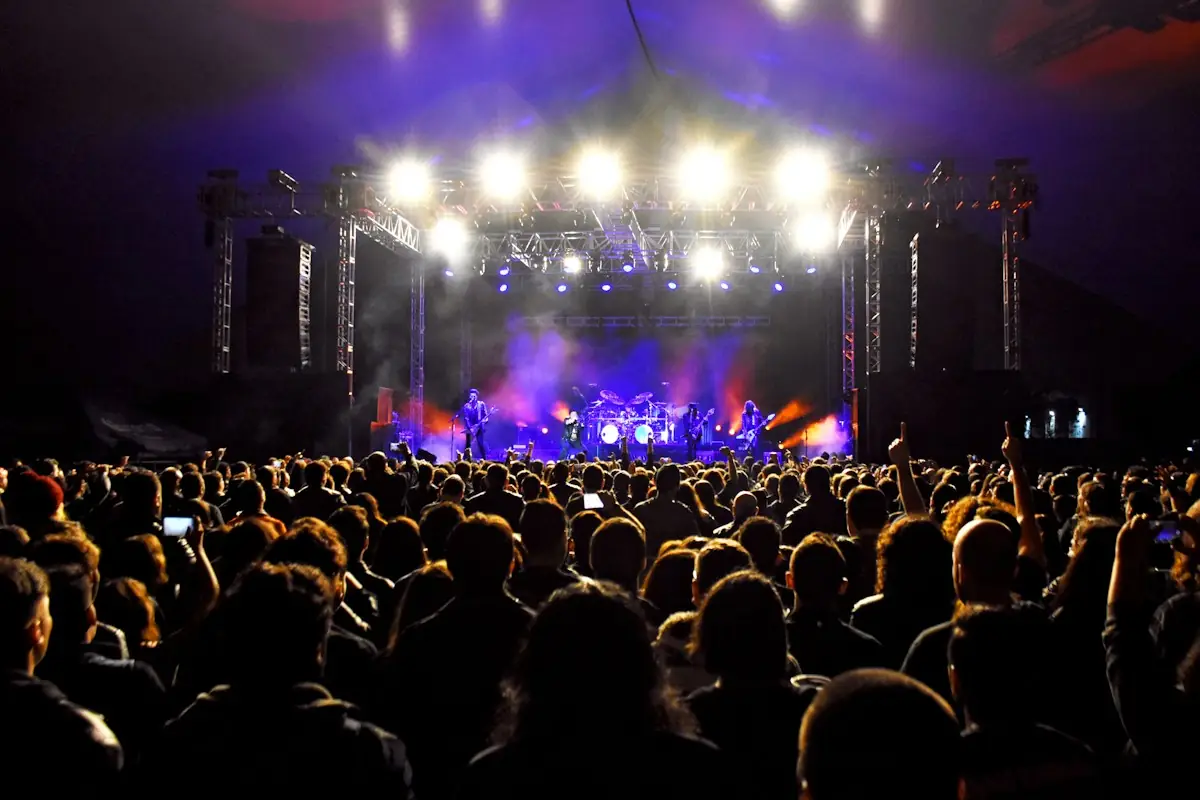
Summer Concert · Main Stage
Simulate a disconnection and reconnect. Turn on the moderator view in the chat and vote in the poll.
We do not promise zero latency or uninterrupted streaming.
If the connection drops, the player shows a clear status and a way to reconnect.
AUDIO, RADIO AND PODCASTS
Live radio and on-demand episodes behave differently, so they are handled separately.
Voices of the City · Season 2
The podcast feed and distribution to other channels are configured to each platform's requirements.
Play the episode, change the speed and follow the transcript. Under “Live radio”, see what changes.
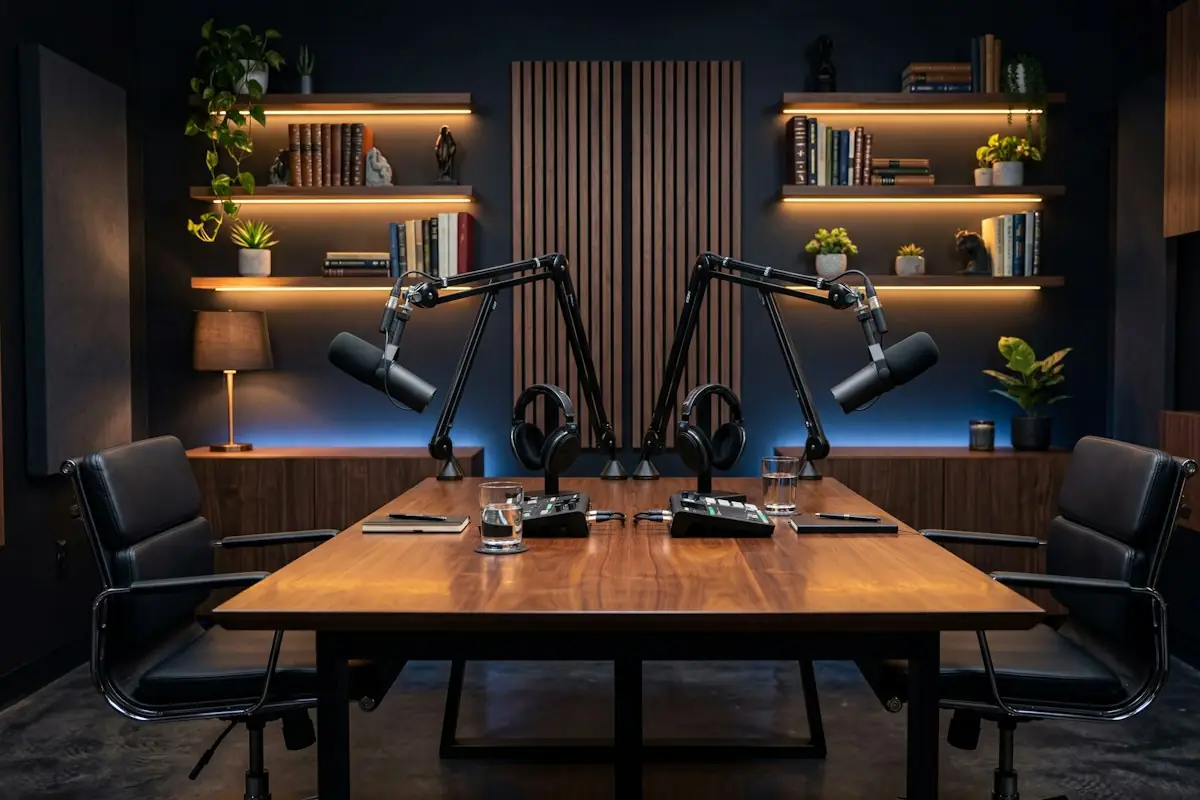
Live radio is followed in real time; on-demand episodes can be started, paused and resumed.
We do not promise automatic publishing to every podcast platform without checking each one's requirements and accounts.
SUBSCRIPTIONS AND MONETISATION
Payment, subscription and access right are linked but kept separate, so no user loses access or gets it without confirmation.
Four different things
Cases handled
For in-app purchases on mobile, the mechanism is checked against the platform's current policies.
Pick a plan and start the payment. Simulate the confirmation, a duplicate notification, a failed renewal and a cancellation.
Access is not confirmed by the browser's success page alone; it waits for confirmation from the payment provider.
We do not promise a single payment model for web, iOS and Android; each platform has its own rules.
CREATOR AND COMMUNITY PLATFORMS
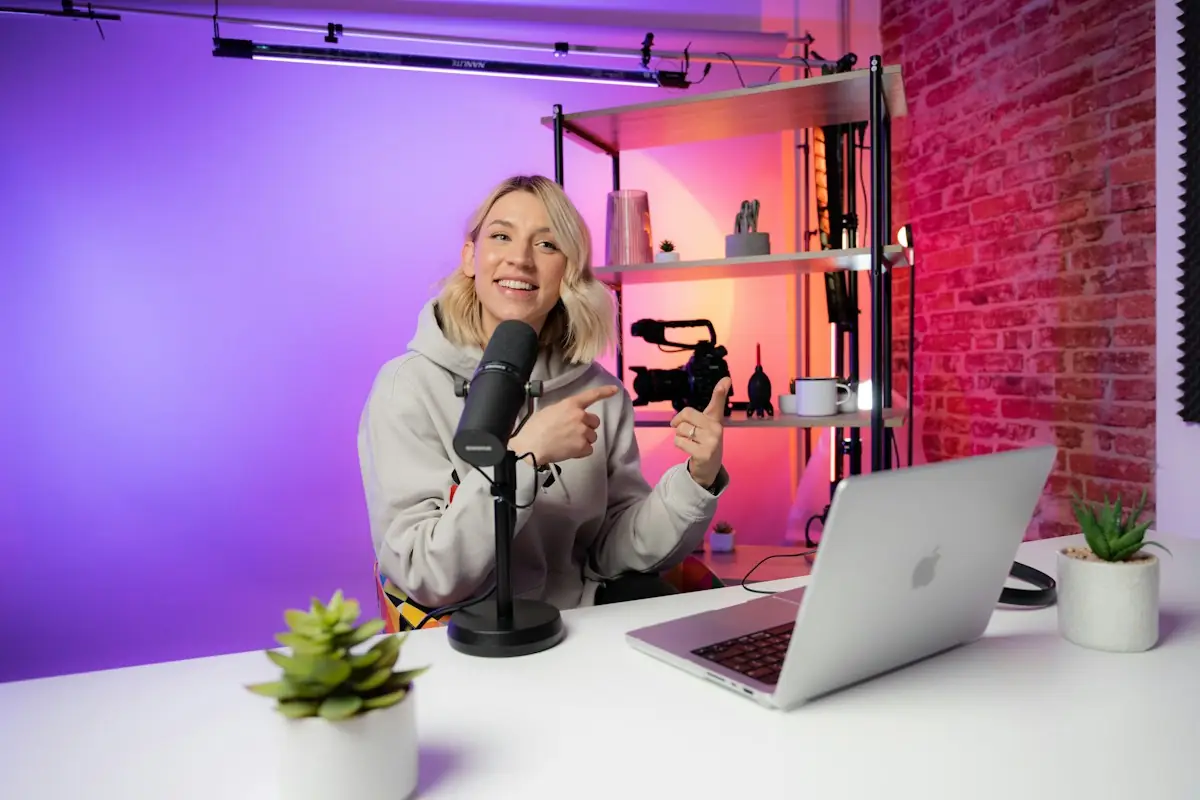
The creator publishes, manages memberships and sees results in one place; the audience sees what their membership allows.
An 8-minute video with local ingredients.
Members-only content
A live chat with members at 18:00.
Follow the creator and simulate a membership to unlock the exclusive post. Under “Dashboard” see the creator's view.
For payouts to creators we assess the provider, supported countries, verifications, fees and responsibilities.
Collecting and distributing funds is not a simple feature; it needs the relevant partners.
EVENTS AND TICKETS
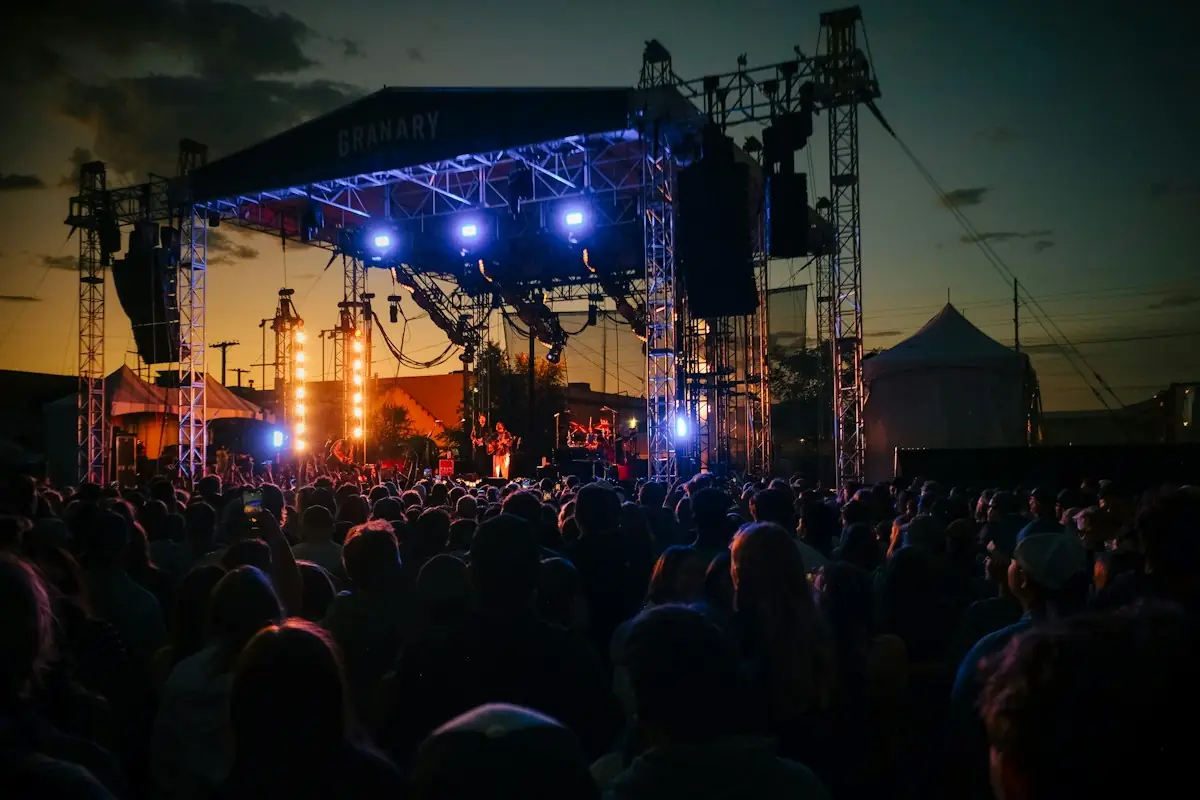
Capacity, holds and scanning follow clear rules, even when many people buy at the same time.
Summer Concert
14.06 · Demo Amphitheatre · 20:30
Stage
Pick and hold a seat, try the second buyer and the expiry. Under “Check-in”, scan twice and try the offline scanners.
Cases we handle
When offline scanners do not talk to each other, duplicate use is detected after sync; we do not promise absolute prevention at that moment.
Refunds and cancellations follow the organiser's and payment provider's rules.
PERSONALISATION AND RECOMMENDATIONS
We start with rules and metadata when that is enough, and add models only when there is data and a way to measure them.
Editorial picks
Chosen by the editorsNorthern Forests
Chronicle
The Final
Little Star
Trending on the platform
Most watched this weekCity Nights
Backstage
The Detective
Chronicle
Based on your sign-up choice
Preference: documentariesNorthern Forests
Chronicle
The New Bridge
The Old Traders
Compare the new user with the active one. Turn personalisation off to see what remains.
Not every recommendation needs machine learning. We define privacy, quality measurement and how new users are handled.
We do not promise a guaranteed increase in watch time or retention.
RIGHTS AND CONTENT PROTECTION
The platform checks the window, territory, plan and devices before it creates the playback link.
Five different layers
Location
Plan
Devices active now
Date
Access allowed. The playback link is created with a short expiry.
Change the location, plan, active devices and date to see which rule decides.
DRM and watermarks do not guarantee the end of piracy or screen recording.
Protected offline downloads require an assessment of devices, the player and the DRM system.
LOCALISATION AND ACCESSIBILITY
Languages, subtitles and accessible controls are designed from the start, not added at the end.
Mirë se vini në episodin e katërt.
Original audioUse the controls with the keyboard: subtitles, language, audio track and transcript. The English subtitles are awaiting review.
AI-generated subtitles or transcripts can be reviewed and corrected. We do not promise automatic translation or dubbing that is always accurate.
Dubbing and voice use require the appropriate rights and permissions.
MODERATION AND USER CONTENT
Reports go to a queue, decisions carry a reason and the history is kept for review.
For user-uploaded content
“This story is fake, don't believe it!”
Report reason: Possible misinformation
Decision history
Pick a report, set the reason and decide. Then simulate an appeal.
If the platform targets minors, safety and privacy requirements are analysed separately.
We do not promise fully automatic, error-free moderation.
INTERACTIVE EXPERIENCES
Interactive elements are tied to the content and to the moment the user sees it.
The question appears when the show reaches second 30 on the viewer's device.
Sync follows each device's playback position, not the phone's clock. The delays are illustrative and vary by channel.
Move the broadcast time and see when the question appears on each device.
Syncing with live shows takes the different delays between devices and channels into account.
2D/3D games, AR/VR and virtual environments are treated as separate projects with defined skills, devices and scope. We do not promise development for every console or device.
AUDIENCE ANALYTICS
Every metric has a clear definition, so numbers can be compared meaningfully.
Not equated
Technical quality
Analytics receives no private content or sensitive data; events are minimised to their purpose.
Turn autoplay on and change the qualified-view threshold to see how the numbers change.
Autoplay is not counted as an engaged user.
We define privacy and data minimisation; private content and sensitive data are not sent to analytics.
ADMINISTRATION AND INTEGRATIONS
The team sees the status of every item and every change is kept in the history.
| Title | Status | |||
|---|---|---|---|---|
| Episode 4 | Video | Processing | Premium | |
| City Nights S2 | Series | Scheduled | Premium | |
| Ep. 12 · The Old Traders | Audio | Published | Free | |
| Summer Concert | Live | Scheduled | Pay-per-view | |
| Trailer · Backstage | Video | Failed | Free | |
| The book market | Article | Published | Free |
Change history
Filter the library and unpublish an item to see what is recorded in the history.
Admin panel
Possible integrations
Before naming specific brands or features, we check the current official documentation.
We do not claim universal integration; each connection is assessed on its own.
PERFORMANCE AND RELIABILITY
Load is split by layer, so one busy part does not stop the whole platform.
Switch the processing service off and process the queue a few times, then bring it back. No version is created twice.
Load planned separately
We do not promise millions of users or maximum quality on every internet connection.
Media costs depend on minutes, quality, storage, traffic and provider usage.
SECURITY AND MODERNISATION
Security measures and migration are planned together, so content, accounts and subscriptions are not lost.
Security
Migration
| Data | Old system | New system |
|---|---|---|
| Articles | 12,480 | 12,480 |
| Videos | 1,306 | 1,306 |
| Redirects | 12,480 | 12,471 |
9 URLs without a redirect → under review before cutover
Rollback plan: ready
Card data is never transferred without authorisation; migrating subscriptions and tokens depends on the payment provider.
We do not promise zero-downtime migration without analysis.
DEVELOPMENT PROCESS
For new projects we can start with a focused MVP and grow it based on use.
We define the audience, content, devices and monetisation model.
We clarify features, access, suppliers and limits.
We design content discovery, playback and administration.
We build in phases, with demos.
We verify publishing, the player, payments and access.
We test on the agreed devices and conditions.
We monitor and improve as agreed.
TESTING
Every scenario has its expected result defined in advance.
We test the devices and browsers included in the project scope.
WHY ENOR
Code ownership, licences, handover and recurring costs are set in the agreement.
FREQUENTLY ASKED QUESTIONS
More solutions for your business needs.
Tell us the idea, the content and the business model. We will define the features and the development steps.
Sample Logistics Co.
“They translated complex technical concepts into clear decisions for our team.”