RETAIL SOFTWARE DEVELOPMENT

Store, warehouse and online sales.In one connected system.

We develop custom software for shops and retail chains, from POS and inventory to eCommerce and order management. Connect your information, simplify your team’s work and create a better experience for your customers.

Clothing store with shelves, displayed products and warm lighting
City Centre store · Till 2
SaleIllustrative demo
  1. Product scan
  2. Sale
  3. Inventory update
  4. Dashboard view
Run sneakers 42Scanned€69
Sales today€864

Stock · City Centre

12 pcs

Run sneakers 42

My points

1,240

  • POS
  • Inventory
  • eCommerce
  • Customers
  • Orders
  • Reports

CUSTOM SOFTWARE

Software that follows the way you sell.

When the physical store, the warehouse and online sales work with separate information, the team spends time checking stock, updating prices and following orders by hand.

At ENOR, we build platforms that connect these processes around your business model. From a single shop to a network of points of sale, we develop the functions and integrations you need to work with clearer information.

  • Organised informationProducts, prices and stock in one place.
  • Connected processesSale, stock and order move together.
  • Control by store and roleEveryone sees and acts according to their responsibility.
Cashier recording a payment on a tablet POS

SOLUTIONS WE DEVELOP

From the point of sale to running the whole business.

Development options selected and combined per project, not an off-the-shelf program with every module included.

POS Systems

Interfaces for sales, payments, returns and daily operations.

Inventory and Warehouse

Products, movements, supplies and stock by location.

ERP for Retail

Connecting purchasing, sales, inventory and administration.

eCommerce and Omnichannel

Coordinating physical and online channels.

Order Management

From receiving and stock reservation to picking and delivery.

CRM and Loyalty

Customer history, preferences and reward programmes.

Apps and Kiosks

Interfaces for customers, staff and self-service.

Reports and Analytics

Views of activity, products and channel performance.

POS (Point of Sale) is where sales and payments are recorded. ERP (Enterprise Resource Planning) connects purchasing, inventory, sales and administration. CRM (Customer Relationship Management) keeps the customer history and relationship.

POS SYSTEM DEVELOPMENT

A point of sale designed for the pace of your store.

Custom POS software follows the way your cashiers work: fast search, clear buttons and actions based on permissions.

  • Product search and scanning
  • Barcodes and variants
  • Basket and quantity changes
  • Discounts by permission
  • Multiple payment methods
  • Split payment across methods or currencies when included
  • Sales on hold
  • Returns and exchanges
  • Shift and till management
  • Reporting for managers

Four steps we keep separate

  1. 01Recording the saleWhat was sold, how many and at what price.
  2. 02Payment confirmationPayment accepted by the method or terminal.
  3. 03Sales documentThe invoice or receipt the customer gets.
  4. 04FiscalisationTax reporting according to the market and integration.

Integrations with scanners, printers and terminals depend on the device, its drivers and the available interfaces.

Till 2 · City CentreRole:

Basket

  • Tap a product to add it

Discount needs manager permission

Total€0
  1. Sale recorded
  2. Payment confirmed
  3. Sales document created
  4. Fiscalisation: per integration

Tap products to add them to the basket, then try the payment: each step appears separately.

INVENTORY AND WAREHOUSES

Know the stock and movement of every product.

An inventory program that separates what is physically on the shelf from what can be sold. SKU (Stock Keeping Unit) is the unique code of each product or variant.

  • Product catalogue
  • SKUs and barcodes
  • Size, colour or model variants
  • Units of measure
  • Receipts and issues
  • Transfers between stores
  • Stock counts
  • Adjustments with reasons and audit
  • Reservations for orders
  • Reorder thresholds
  • Lots, serial numbers and expiry dates when needed

Four quantities that never get mixed up

Physical stock
How many units are actually at the location.
Reserved
Allocated to orders not yet delivered.
Available to sell
Physical stock minus reserved quantity.
In transit
On the way between stores, not yet received.
SKUProductVariantQty
AT-42-BKRun sneakers42 · Black40
AT-43-BKRun sneakers43 · Black18
JK-M-GRUrban jacketM · Grey9
TS-S-WHBasic teeS · White64

Run sneakers 42 · City Centre

Physical
40
Reserved
6
Available
34
In transit
5

Switch tabs to see products, movements, transfers and the stock count.

PHYSICAL AND ONLINE SALES

A connected experience between store and eCommerce.

Omnichannel connects sales channels and their processes around shared information.

  1. 01

    Online order

  2. 02

    Product reservation

  3. 03

    Preparation in store

  4. 04

    Pickup or delivery

  • Shared catalogue
  • Stock by channel or store
  • Online orders
  • Click & Collect store pickup
  • Preparation from a suitable store
  • Returns according to your policy
  • Customer accounts
  • Status notifications

We define which system is the main source of inventory and how quantities are synchronised between channels.

Selling products that are out of stock (overselling) is limited by reservations and timely updates; it cannot be ruled out without these controls.

ORDERS AND DELIVERY

From order to delivery, with clear statuses.

  • Receiving and verification
  • Inventory reservation
  • Picking and packing
  • Order splitting when needed
  • Handover to the carrier
  • Tracking when offered by the integration
  • Cancellation and return
  • Payment and stock reconciliation

Picking means collecting items from the shelves; packing is packaging them. Order, payment and shipment statuses are tracked separately because they change at different times.

Order #W-2048

  1. Received
  2. Verified
  3. Reserved
  4. Picking
  5. Packing
  6. Handed to carrier
  7. In transit
  8. Delivered
Order
New
Payment
Pending
Shipment
—

PRICES AND PROMOTIONS

Pricing rules your team can understand and control.

  • Price lists
  • Prices by store, channel or customer
  • Time-limited discounts
  • Coupons
  • Product bundles
  • Quantity offers
  • Promotion combination rules
  • Approval for certain changes
  • Price history

For each project we define

  • Rule priority
  • Prices with or without tax
  • Rounding
  • Handling of returns
  • Activation time

Urban jacket · M

Channel

Customer


Rules by priority

  1. Base price list€89
Final price (incl. VAT)€89

Change the channel, customer type or coupon to see which rules apply.

Dynamic pricing is an option per project, with limits and control by your team.

The software applies the rules you define; we do not promise automatic profit optimisation.

CRM AND LOYALTY

Know the customer relationship beyond a single sale.

  • Customer profile
  • Purchase history
  • Segments by defined criteria
  • Points and rewards
  • Coupons or gift cards when included
  • Communication preferences
  • Integration with communication channels
  • Recording marketing choices
Arta K.Member · SilverPoints1,120

    Email marketing: no · Consent is recorded separately from purchases

    For points and gift cards we define earning, redemption, expiry and handling after returns, with a history for each transaction.

    Customers are not added to marketing communications automatically just because they made a purchase.

    RETURNS AND EXCHANGES

    A clear process even when an item comes back.

    • Link to the original sale
    • Return quantity and reason
    • Product check
    • Back to stock or quarantine
    • Product exchange
    • Refund or credit by policy
    • Correction of points and promotions
    • Documents and audit

    Sale #S-1093

    SoldReturned
    Run sneakers 4220
    Sport socks10

    Returned item

    Return one item from the sale: once the full quantity is returned, a second return is blocked.

    The same quantity cannot be returned twice: the system checks how much has already been returned from the original sale.

    The refund and the inventory movement are reconciled with each other.

    PAYMENTS AND TILL MANAGEMENT

    Every receipt linked to its sale and its till.

    • Cash
    • Card and online payments
    • Mixed payments
    • Multiple currencies per project
    • Shift opening and closing
    • Authorised cash in/out
    • Expected balance and physical count
    • Differences with reasons
    • Reports by till, user and currency

    Till 2 · Shift 1

    Balance by currency

    €

    €139

    $

    $50

    • Shift opening€100
    • Sale S-1093€74
    • Sale S-1094 · $50Stored rate: $1 = €0.92$50
    • Change S-1094€-15
    • Authorised cash-out€-20

    See the balance per currency, then close the shift to compare the expected balance with the count.

    The physical till is kept separate from bank accounts and card terminals. Every transaction keeps its original amount and currency; when there is a conversion, the rate and value used are stored too.

    Fiscalisation and tax documents are assessed per market and integration. We don’t present the software as fiscally certified without evidence.

    PURCHASING AND SUPPLY

    Connect stock needs with the supply process.

    1. Stock threshold

    2. Purchase request

    3. Supplier order

    4. Receiving and check

    • Suppliers
    • Purchase requests
    • Purchase orders
    • Partial receiving
    • Quantity checks
    • Costs and documents
    • Replenishment suggestions by rules
    • Transfers between warehouses
    • Returns to suppliers

    Demand forecasting is treated as a separate function that needs historical data and an assessment of accuracy.

    MOBILE APPS AND SELF-SERVICE

    The right functions, where the work happens.

    Customer app

    Order #W-2048

    Ready for pickup

    1,240 points

    Customer appCatalogue, orders, loyalty and history.

    Staff scanner

    AT-42-BK

    Stock: 39

    Location A-04

    Staff appProduct checks, inventory, order picking and tasks.

    Kiosk

    Search products

    Basket (2)

    Continue to payment

    Self-service kioskSearch, basket and payment flow depending on the devices.

    Physical devices and integrations are defined per project.

    ANALYTICS AND REPORTING

    See what is selling and where attention is needed.

    • Sales by period
    • Store, channel and user
    • Products and categories
    • Discounts
    • Returns
    • Inventory levels and movements
    • Slow-moving products
    • Stock-outs
    • Receipts by method
    • Margin when costs are available and defined

    Illustrative values

    Net sales

    €12,480

    Invoiced in the period

    Receipts

    €11,065

    Payments received

    Margin

    —

    When costs are defined

    Sales by channel

    • City Centre46%
    • East store31%
    • Online23%

    Low stock

    • Run sneakers 442 pcs
    • Urban jacket L1 pc

    Sales, receipts and profit are different indicators: a sale may be paid later, and profit needs accurate costs.

    Each indicator has a clear formula and source. Values in the views are illustrative.

    AI AND AUTOMATION

    Smart functions when they bring measurable value.

    AI & Automation
    • Product search in natural language
    • Assistant for product information
    • Product recommendations
    • Report summaries
    • Anomaly detection
    • Demand forecasting
    • Support for catalogue categorisation

    Prices and availability always come from the relevant source, not from the model. Recommendations respect catalogue constraints.

    Models are tested against baseline methods; we do not promise higher conversion or guaranteed accuracy.

    STORE NETWORKS AND ROLES

    Central administration, with access by responsibility.

    • Company and stores
    • Warehouses and points of sale
    • Roles and permissions
    • Shared catalogue and settings
    • Store-specific rules
    • Transfers
    • Consolidated reporting
    • Approvals
    • Activity history

    Permissions are enforced in the backend (the system’s server), not just by hiding buttons on screen.

    Company
    • City Centre store

      POS · 3 tills

    • East store

      POS · 2 tills

    • Central warehouse

      Receiving · transfers

    • Online channel

      eCommerce

    Roles and access

    • AdministratorAll stores
    • Store managerOwn store
    • CashierOwn till
    • Warehouse staffStock movements

    INTEGRATIONS AND MODERNISATION

    Connect the new software with the tools you use.

    For each integration we define

    • Main sourceWhich system holds the correct data.
    • DataWhat is exchanged and in which direction.
    • FrequencyReal time, periodic or on demand.
    • IdentifiersThe codes that link the same record.
    • ErrorsNotifications and retries.
    • DuplicatesHow they are prevented.
    • ReconciliationHow data is compared between systems.
    ERP and accounting
    eCommerce platforms
    Payment providers
    Fiscalisation
    Sales platform
    Carriers
    CRM and communication
    Barcodes, printers and terminals
    Inventory and warehouse systems

    What can be developed

    • New systemWhen the process needs a new foundation.
    • Add-on moduleA new function next to the existing system.
    • IntegrationA link between the systems you use.
    • Gradual modernisationStep-by-step improvement without unnecessary disruption.

    We don’t claim to connect with every platform; provider names are used once documentation and terms are verified.

    A full rebuild is proposed only after analysis, when it is truly needed.

    WORKING DURING OUTAGES

    We define what keeps working when the connection drops.

    Local functions are designed around the store’s needs. For each project we define:

    Local data
    Which data is stored on the device.
    Allowed actions
    What can be done without a connection.
    Duplicates
    How they are avoided when the connection returns.
    Synchronisation
    How sales are sent to the server.
    Conflicts
    How simultaneous changes are resolved.
    Connection needs
    Which payments or processes require it.

    Card payments and fiscalisation without a connection depend on the provider’s support and the relevant process; we do not promise them without that support.

    POS · Till 2

    Queued: 0

    Connected

    Central server

    Synced: 0

    • Cash: allowed by your rules
    • Card payment: needs connection per provider

    Cut the connection, record sales and restore it: queued sales are synchronised.

    SECTORS WE CAN COVER

    Different needs for every kind of retail.

    Examples of functions that are common in these sectors.
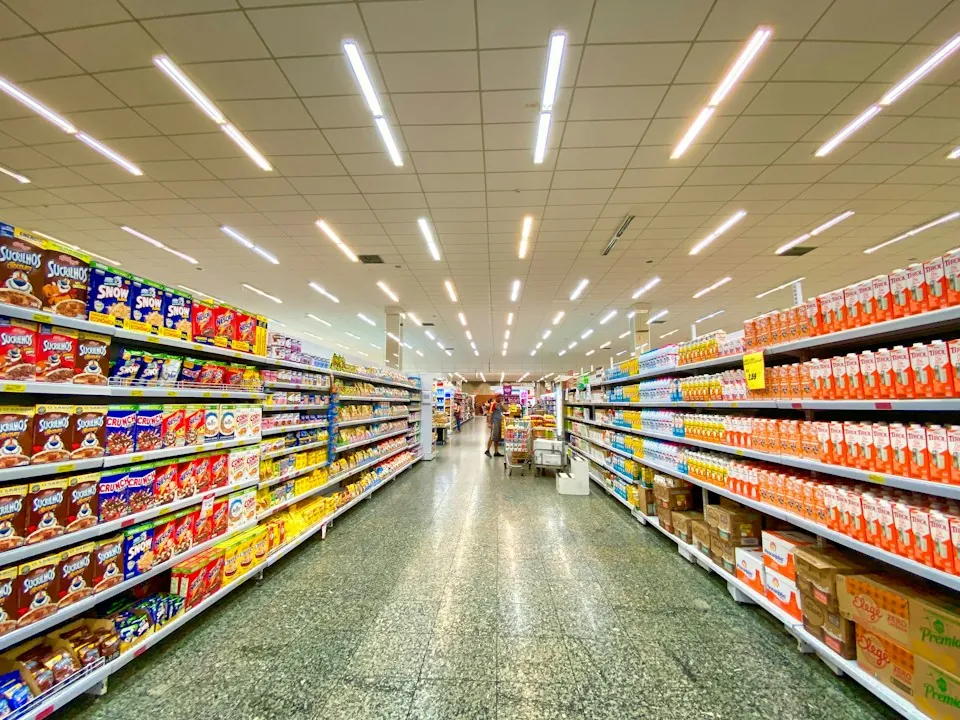
    • Supermarket aisle with fully stocked shelves

      Grocery and supermarkets

      Products, quantities, expiry dates and frequent operations.
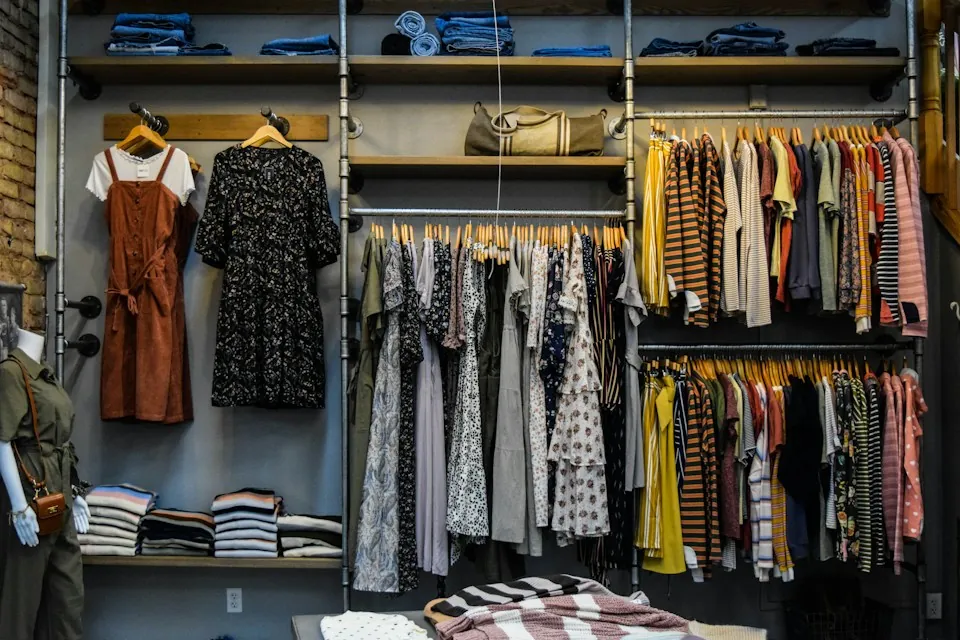
    • Racks of hanging clothes in a fashion store

      Clothing and footwear

      Variants, collections, sizes and exchanges.

    • Cosmetics and make-up brushes on a marble surface

      Cosmetics and beauty

      Catalogue, lots, promotions and loyalty.

    • Headphones, keyboard and wireless mouse on a desk

      Electronics and appliances

      Serial numbers, warranties and after-sales service.

    • Green sofa in a bright furniture setting

      Furniture and home

      Orders, variants, deposits and delivery planning.

    • Pearl necklace in a jewellery box

      Jewellery and accessories

      Item identification and controlled access.

    • Shelves of books in a bookshop

      Books and stationery

      Catalogue, barcodes and quantity management.

    • Close-up of vehicle engine parts

      Vehicle parts and accessories

      Product references and compatibility by catalogue.
    • OPEN sign on a shop door

      Specialty stores

      Functions by category and business model.
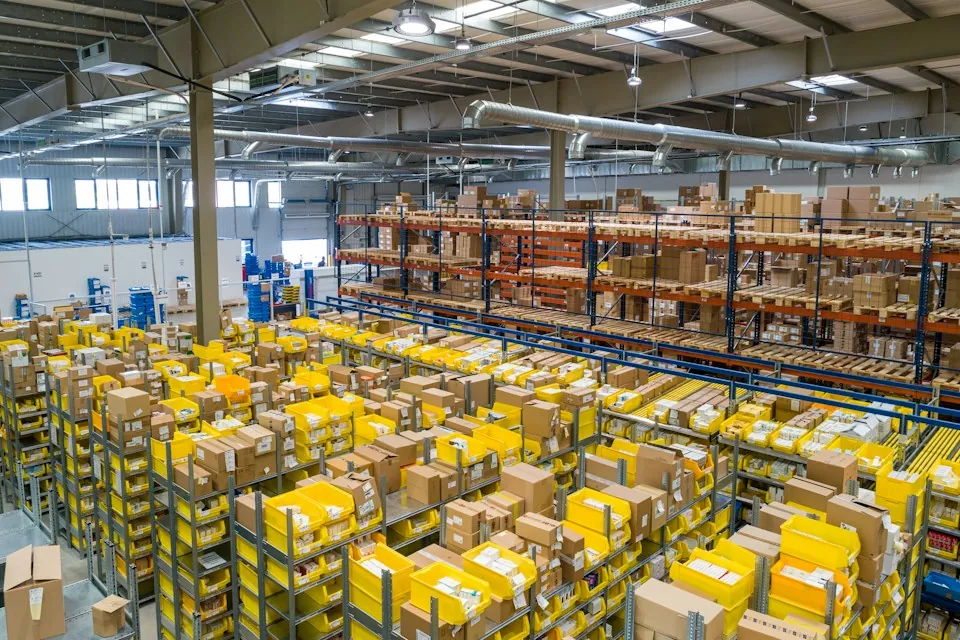
    • Large warehouse with parcels and racks for online orders

      Online marketplaces

      Sellers, catalogue, orders and payments by agreement.

    SECURITY AND TESTING

    Controls and tests for the actions that matter.

    Security measures are defined by risk and project. We do not promise absolute security or automatic legal compliance.

    • Roles and authorisation
    • Isolation by organisation
    • Credential management
    • Audit of important actions
    • Control of price changes
    • Protection of customer data
    • Testing payments and returns
    • Testing stock reservation
    • Testing concurrent actions
    • Synchronisation and recovery
    • Load testing by objectives

    DEVELOPMENT PROCESS

    From your sales modelto a system in use.

    Phases and timelines are agreed in advance, based on functions, devices, integrations and migration.

    01

    Analysis

    We understand your sales model and existing systems.

    02

    Scope definition

    Functions and priorities of the first version.

    03

    Design

    Flows, interfaces and data.

    04

    Development

    Modules and integrations with regular demos.

    05

    Testing and migration

    Verifying sales, payments and inventory.

    06

    Pilot and go-live

    Activation in a controlled scope and staff onboarding.

    07

    Maintenance

    Support and further development as agreed.

    Which retail process concerns you most?

    Discuss your project
    Go-live is planned to keep the impact on your stores as low as possible.

    WHY ENOR

    From the sales process to the software that supports it.

    Analysis of real processes

    We start from how you sell today, not from a template.

    Development to need

    As a software developer, we build only the functions you need.

    Interfaces for staff and customers

    Clear screens for the till, the warehouse and the customer.

    Planned integrations

    Defined sources, identifiers and reconciliation.

    Communication and demos

    Visible progress at every phase.

    Documentation and maintenance

    Continuity as agreed.

    FAQ

    Frequently asked questions.

    What should work better in your retail business?

    Tell us how your sales, inventory and orders are organised. We will help you define the software and integrations you need.


    What our clients say

    5.0
    A
    Arben Hoxha, CEO

    Sample Logistics Co.

    “They translated complex technical concepts into clear decisions for our team.”