
Production Management Software
Orders, operations, resources and deadlines in one organised flow.
MANUFACTURING SOFTWARE DEVELOPMENT
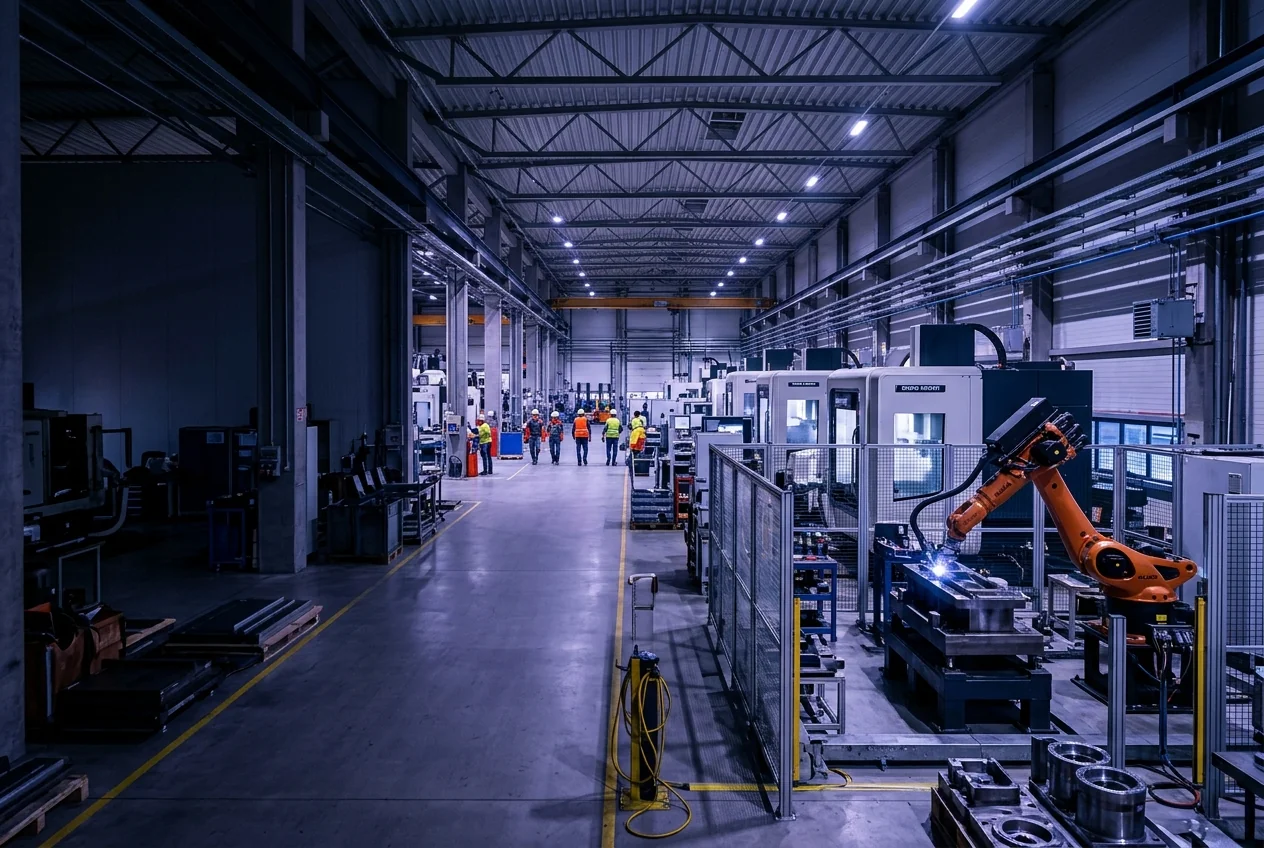
We develop custom software for manufacturing companies that connects production, warehouse, machines and teams in a single system. Monitor processes, organise resources and make decisions with up-to-date information.
Quantity recorded · PO-1042
24 / 40 pcs
Operator tablet · Assembly
CUSTOM SOFTWARE
Every manufacturer has different processes, equipment and needs. When information about orders, materials and production is spread across disconnected systems, it becomes harder to follow the work and spot delays.
At ENOR, we build production management software and platforms that organise production, connect information and support your team. We integrate the systems you already use and, where the equipment allows it, collect data from machines and sensors.
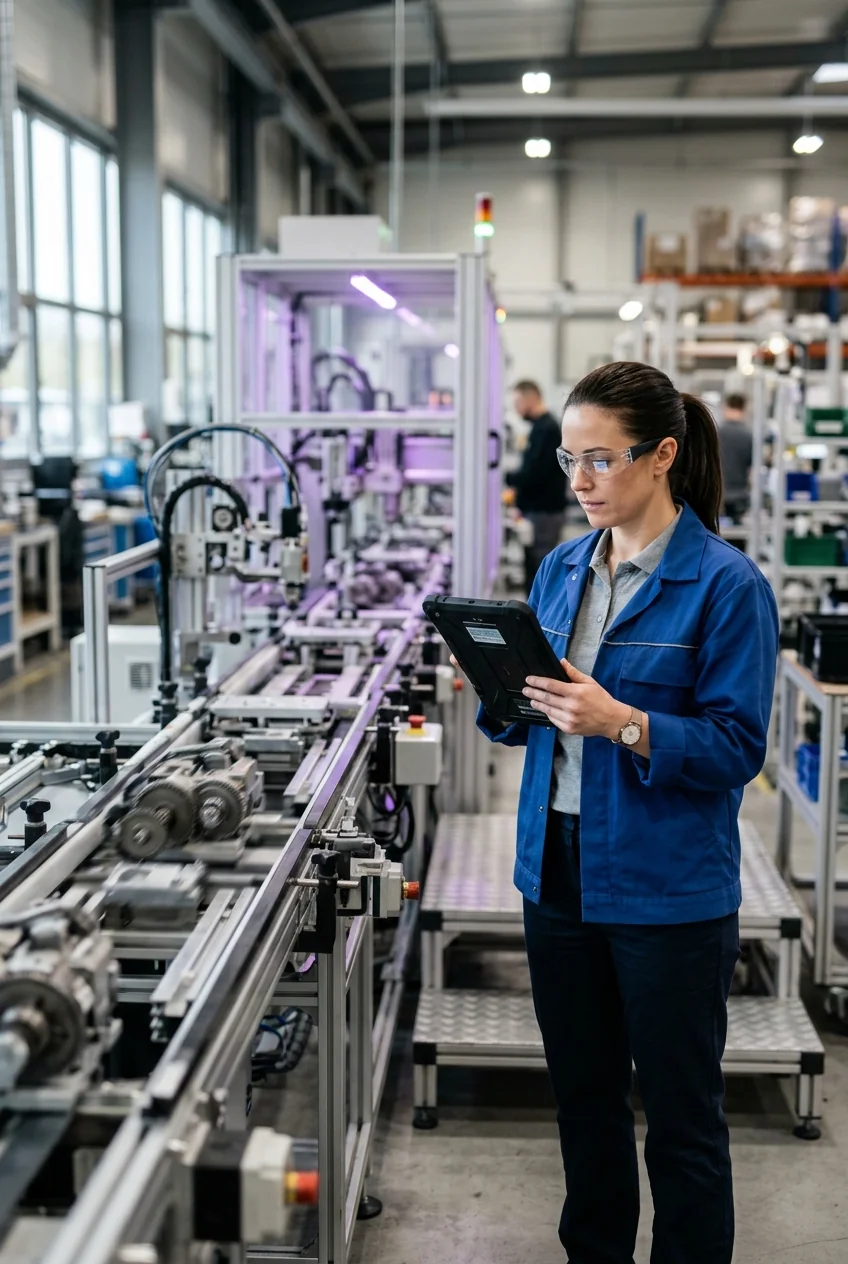
PROBLEMS WE ADDRESS
Each challenge maps to a concrete software capability. The aim is more clarity and control, not a promise that delays or errors will never happen.
Orders, capacities and deadlines are managed in separate files.
Shared planningThe team has no common view of each order’s stage and blockers.
Execution with MESMaterials and products are not reflected in the system on time.
Warehouse and traceabilityResults and non-conformities are hard to link to the product or lot.
Lot-linked qualityEquipment issues are handled only after they affect the work.
Maintenance plansInformation is moved by hand between production, warehouse and administration.
Planned integrationsSOLUTIONS WE DEVELOP
Development options that are selected and combined per project, not an off-the-shelf product with every module included.
Orders, operations, resources and deadlines in one organised flow.
Tracking and recording production execution, from planned work to results.
Linking production with purchasing, inventory, sales and finance.
Collecting data from compatible equipment and sensors.
Inspections, results, lots, serial numbers and non-conformity handling.
Maintenance plans, tasks, history and spare parts.
Connecting systems and automating repetitive manufacturing steps.
Views of production, downtime, quality and resource use.
PLANNING AND PRODUCTION ORDERS
A production planning system shows what has to be made, with which materials and on which work centre. Select an order in the demo to see its materials, operations and due date.
BOM (Bill of Materials) is the list of materials and components needed to make a product.
Production orders
PO-1042 · Office desk T-120
Due: 14 JunMaterials (BOM)
Operations
Work centres
For capacity-based planning we include availability, setup times and dependencies between operations where the process requires them.
MES AND PRODUCTION EXECUTION
MES (Manufacturing Execution System) connects the production plan with the activity recorded on the line or in the workshop.
40
Planned
24
Recorded
0
Rework
Try the operator tablet buttons: the order status changes with each action.
MATERIALS, WAREHOUSE AND TRACEABILITY
Traceability shows where each material came from, which operation used it and where the product went. WIP (Work in Progress) means products that are still in production.
Material lot
LM-2291 · MDF panel
Operation
Cutting · Centre 1
Product lot
LP-0815 · T-120
Warehouse
Warehouse A · Rack 4
Shipment
DR-3310 · Customer
Units of measure and conversion rules are clearly defined, e.g. pallets, boxes and pieces.
Every adjustment keeps its history: who made it, when and why. No value is overwritten without a trace.
QUALITY CONTROL
Inspection · Lot LP-0815
Inspecting| Measurement | Tolerance | Result |
|---|---|---|
| Length | 1200 ± 2 mm | 1201.2 mm |
| Width | 600 ± 2 mm | 599.4 mm |
| Thickness | 18 ± 0.3 mm | … |
MACHINE MONITORING AND INDUSTRIAL IoT
Industrial IoT connects machines and sensors to software so that operating data is collected automatically. A gateway is a device that reads data from machines and forwards it securely to the network. Integrations can include PLCs, SCADA, gateways and sensors, depending on documentation and access.
Machine status
ConnectedWe start with read-only integration where appropriate. Commands to equipment require a defined scope and controls.
Every value is shown with its measurement time. When the connection drops, data is marked as stale, not as live.
PLC
Industrial controller that runs the machine locally.
SCADA
System for monitoring and controlling processes.
Protocols
OPC UA, Modbus, MQTT and APIs carry the data.
Business platform
Software that links the data to orders and reports.
EQUIPMENT MAINTENANCE
Predictive maintenance
We include it when the data and the objective justify it. A threshold alarm notifies you when a value crosses a limit; a predictive model estimates risk from history. Neither predicts every failure.
REPORTING AND OEE
OEE (Overall Equipment Effectiveness) is an indicator that combines the availability, performance and quality of a piece of equipment or a process.
OEE · Line 1 (illustrative)
Quantity by shift
Downtime by reason
Formulas, periods and sources are defined together with you. Reliable OEE requires planned production time, reference speeds and valid counts. Values in the views are illustrative.
DIFFERENT TYPES OF PRODUCTION
Products, components, operations and serial numbers.
Every model needs adaptation: the same functionality does not cover every industry without analysis.
SECTORS
Examples of software needs that are common in these sectors.
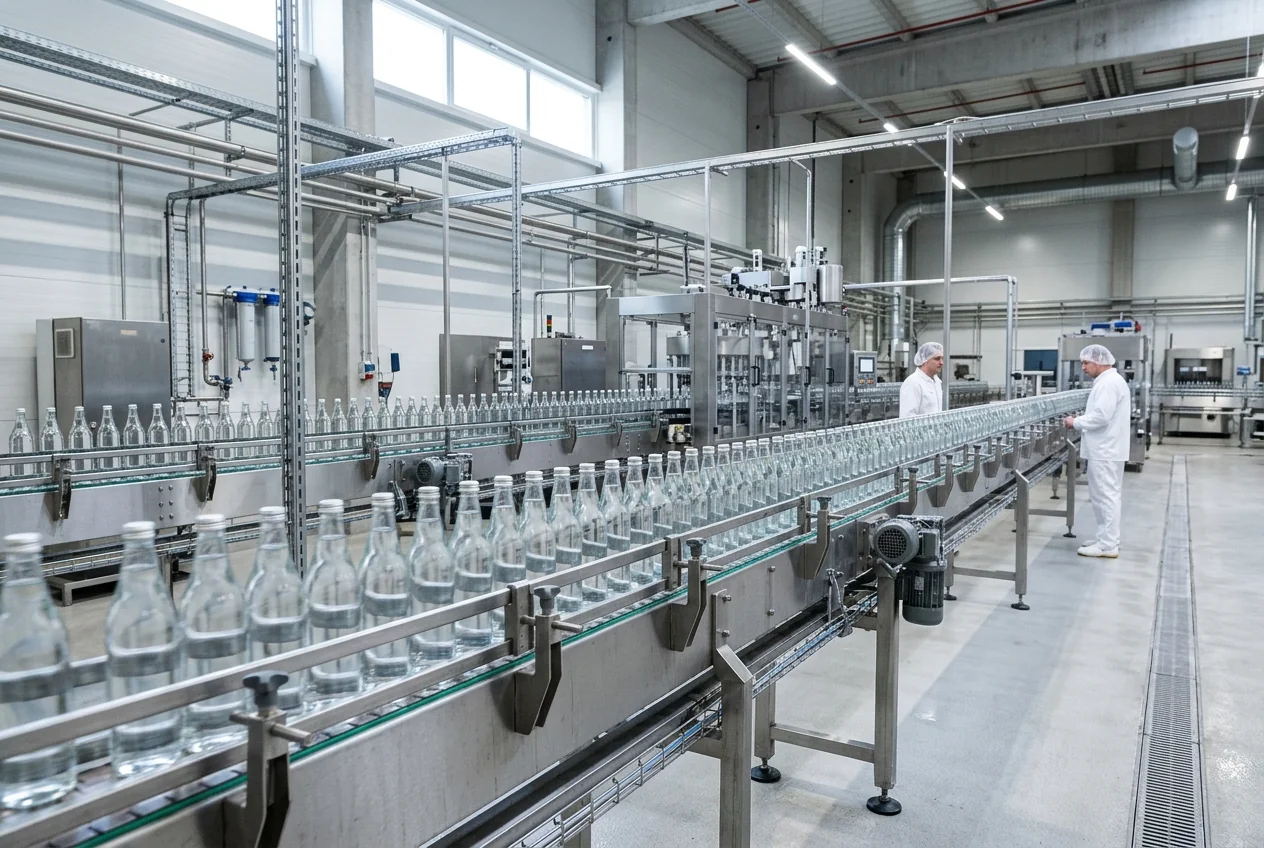
Traceable recipes, lots and expiry dates.
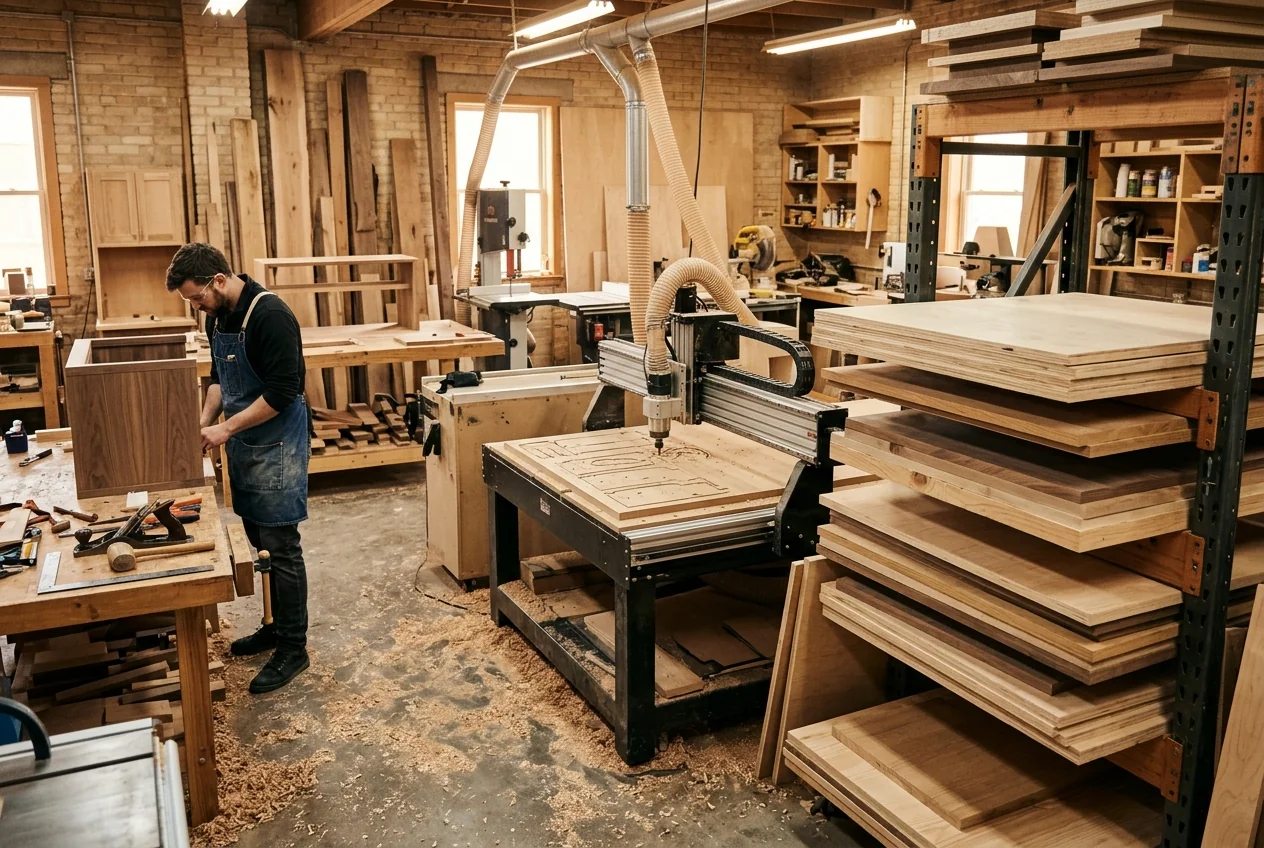
Cutting lists and orders with customer-specific dimensions.
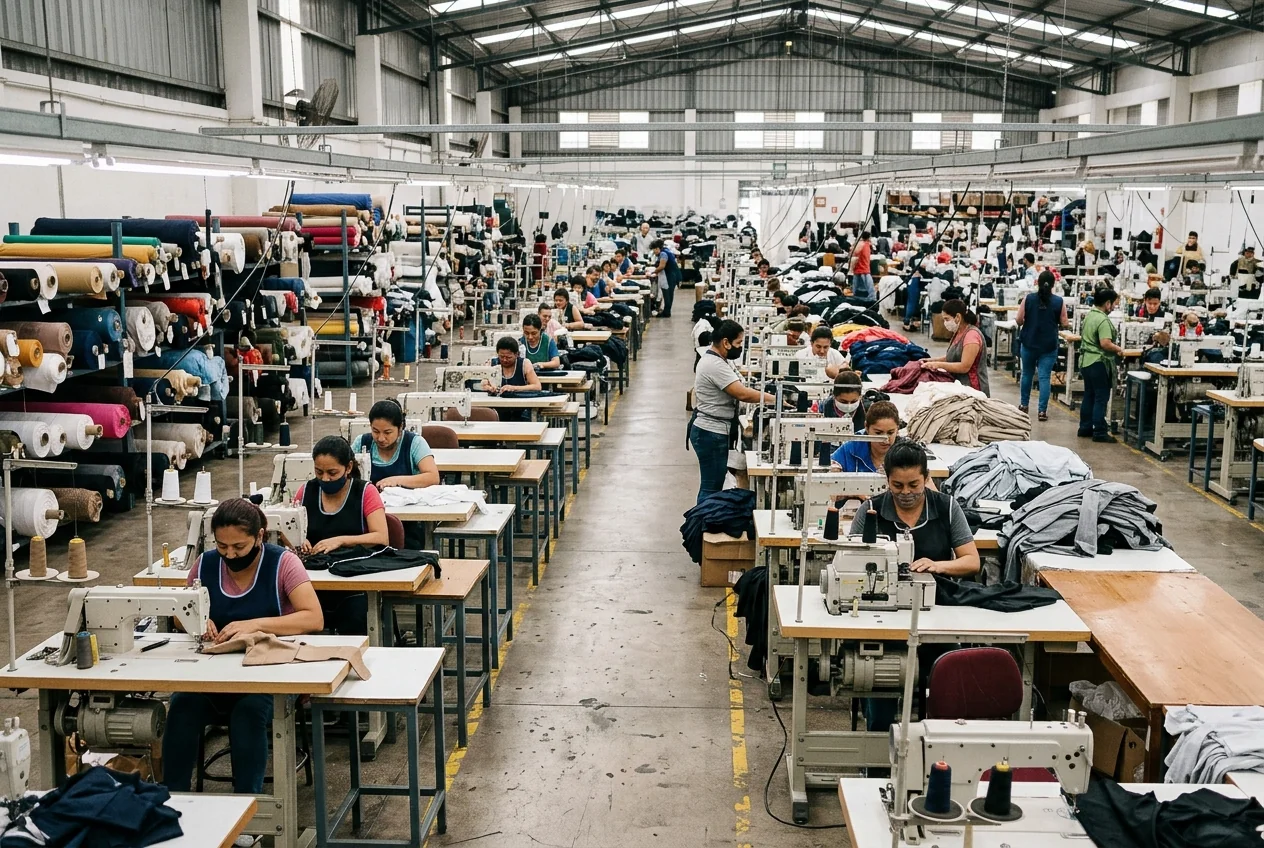
Order tracking by model, size and colour.
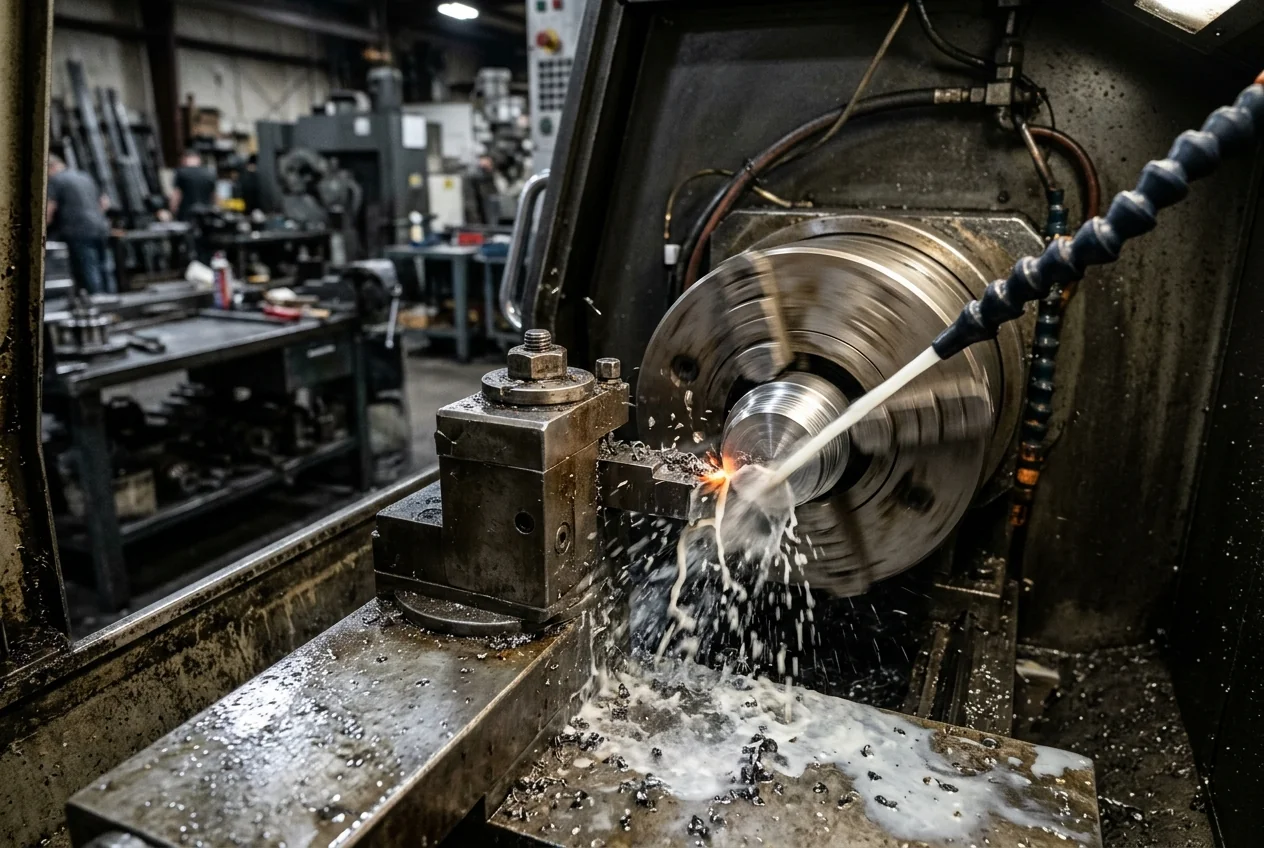
CNC operations, cycle times and dimensional checks.
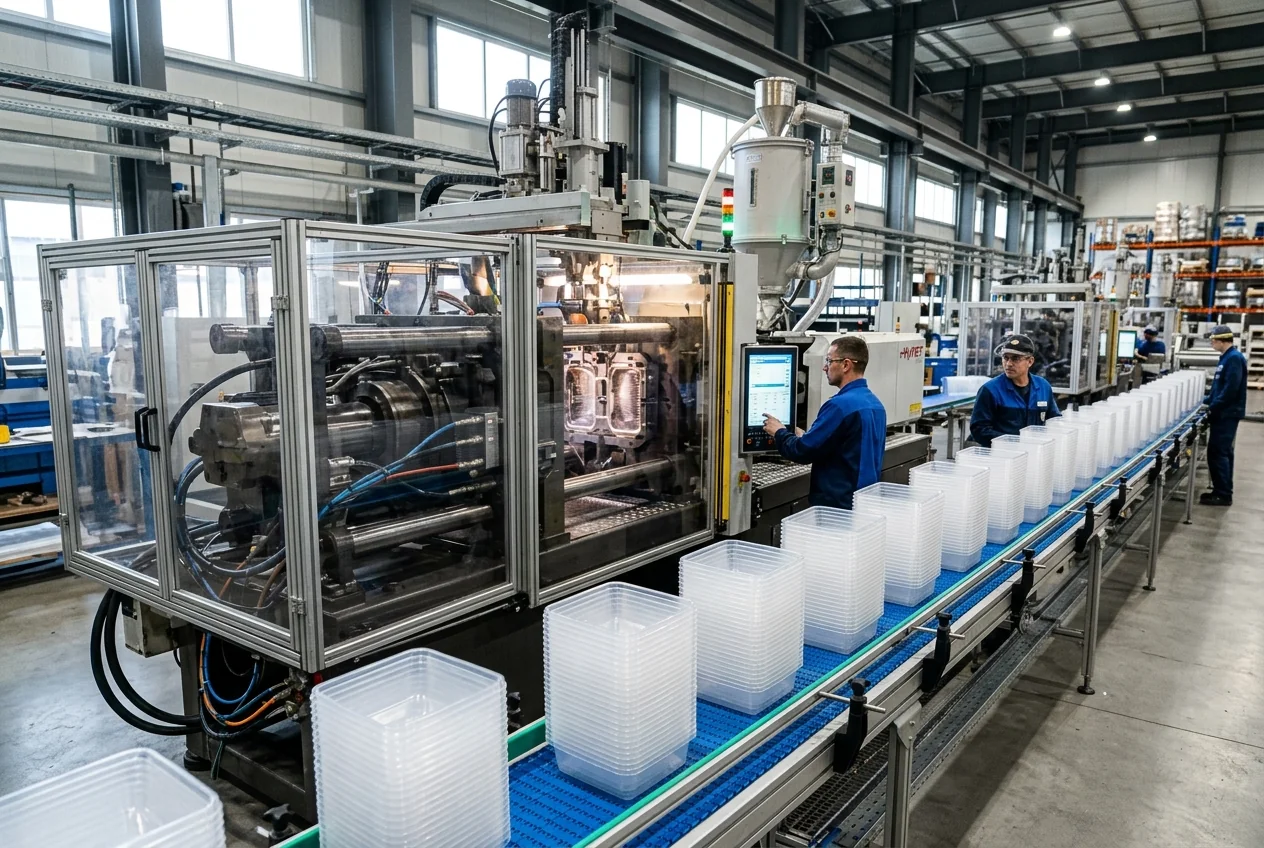
Changeovers, downtime and raw material consumption.
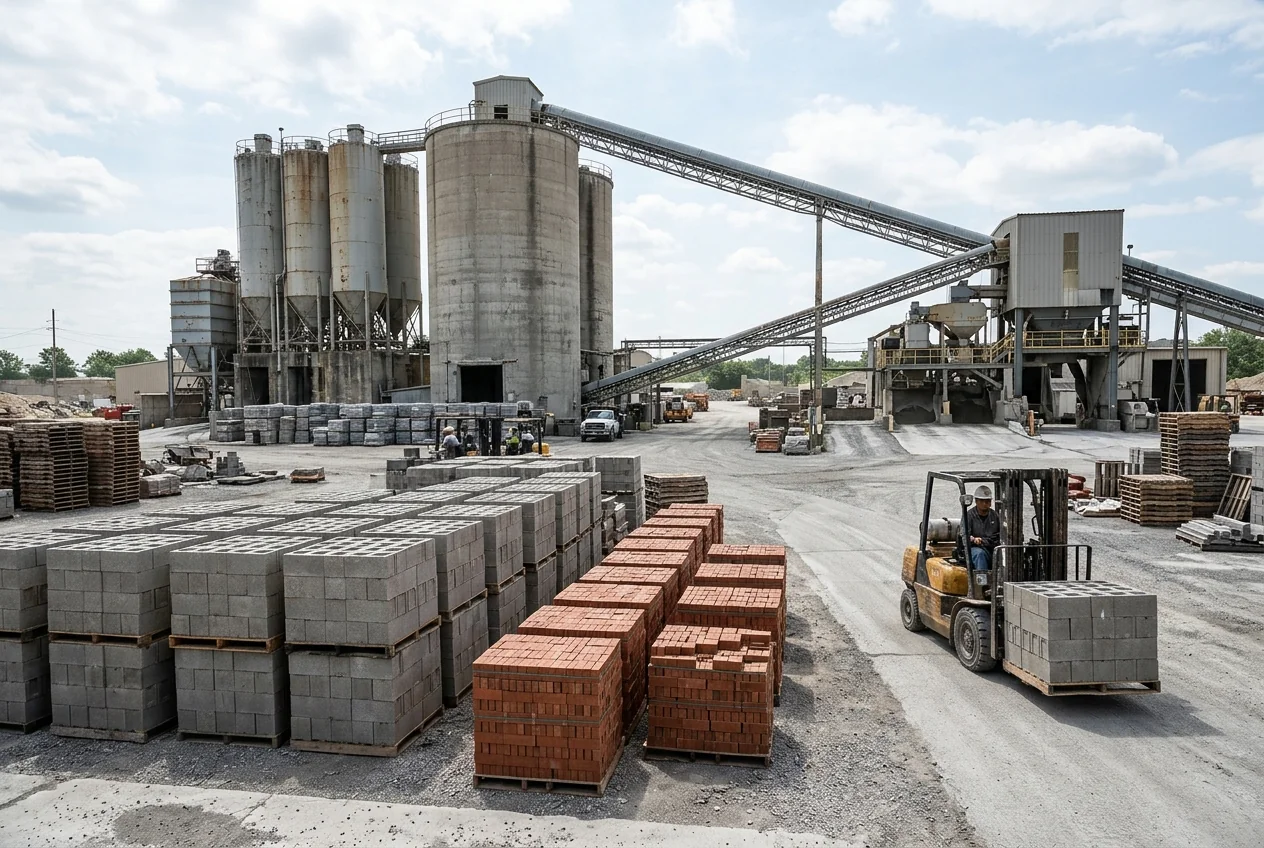
Quantities per shift, recipes and palletised deliveries.
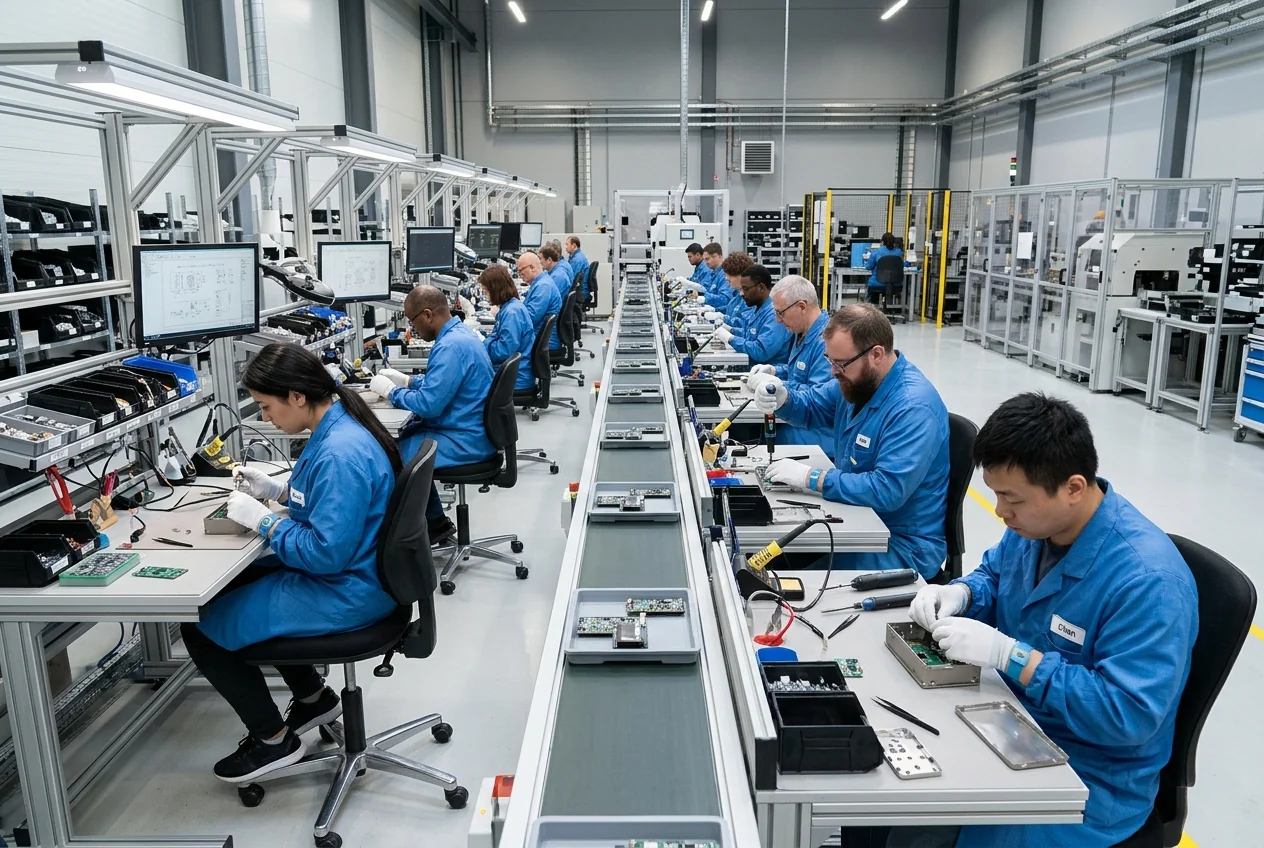
Serial numbers, components and work instructions.
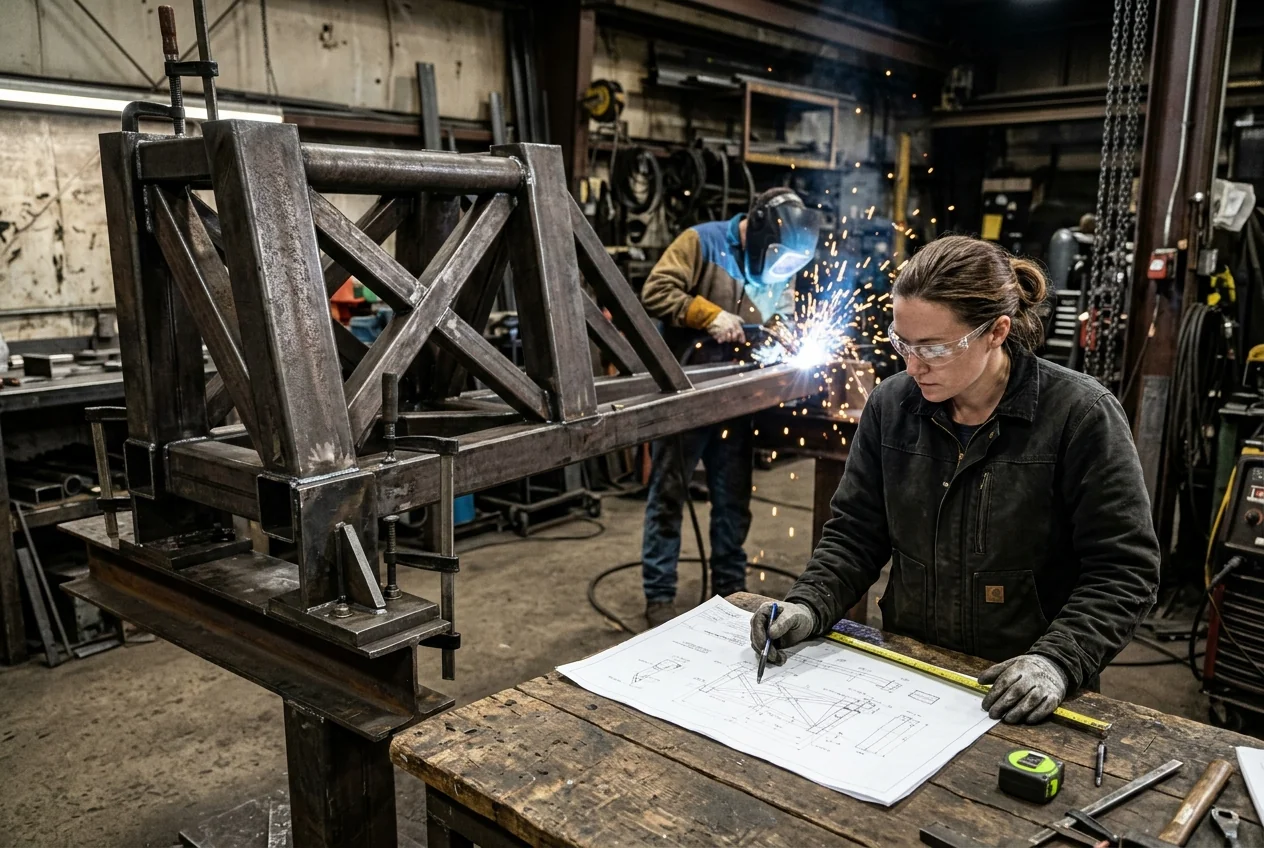
Configurations, costs and deadlines for each project.
AI, DIGITAL TWIN AND INDUSTRY 4.0
Anomaly detection, classification, forecasting and information summaries.
A digital model of equipment or a process for monitoring and simulation, with a defined level of detail.
Connecting processes, systems and data for more integrated operations.
A monitoring dashboard shows the current state; a simulation model tests “what if” scenarios. Not every 3D visual is a digital twin. Advanced functions start after a preliminary assessment.
INTEGRATIONS WITH ERP AND EXISTING SYSTEMS
For each integration we define
WMS (Warehouse Management System) is the system that manages the warehouse. A connection to every machine or software is not guaranteed; the options are verified for each system.
SECURITY AND CONTINUITY
IT means office and business systems; OT means the systems that run machines. Business software does not replace the local safety controls of machines. Legal compliance and certifications are assessed separately for each project.
DEVELOPMENT AND ARCHITECTURE
As a software developer, we build industrial software with technologies chosen to fit the project, the equipment and the systems you use.
DEVELOPMENT PROCESS
Timeline and phases are agreed in advance, based on modules, integrations and migration.
We understand your processes, products, teams and systems.
Priorities and the first version.
Flows, data and interfaces.
Modules and integrations with regular demos.
Verifying processes and information.
Controlled activation and team onboarding.
Support and improvements as agreed.
WHY ENOR
Processes and constraints are clarified before development.
Functions that follow your way of working.
Connections to suitable equipment and systems.
Interfaces for operators, supervisors and managers.
Priorities, demos and progress checks.
Documentation and support as agreed.
FAQ
Related services
Digital Solutions for Factories and Manufacturing
All ENOR services for factories: web, mobile, integrations and AI.
Custom ERP Development
ERP built around your processes.
API Integrations
Secure, documented APIs.
AI & Automation
AI models and automation.
Software Development
All software development services.
Tell us how your production is organised, which systems you use and where you face difficulties. We will help you define the software and the development phases.
Sample Logistics Co.
“They translated complex technical concepts into clear decisions for our team.”