
DIGITAL SOLUTIONS FOR FACTORIES AND MANUFACTURING
Connect orders, production and teams in one digital process.
ENOR builds software, web and mobile apps that connect sales, planning, materials, production and delivery. From paper order forms to reporting, we create solutions shaped around how your factory works and grows.
- Planning
- Materials
- Cutting
- Assembly
- Quality
- Packing
- Product and quantity
- Cabinet D-40 · 120 pcs
- Current phase
- Assembly · 70 / 120
- Responsible
- Line 2 · B. Demo
- Deadline
- 14 November
Action needed: 40 hinges are missing for work order WO-1042-B.
- Custom software
- Web & mobile apps
- Digital transformation
- Integrations & AI
INTRODUCTION
A connected operation should not depend on disconnected records.
Sales records the order, the supervisor plans the work and the warehouse prepares the materials. During production, notes are added, changes are passed on by phone and the office asks several people for the status.
When information stays on paper and in separate spreadsheets, teams can end up working from different instructions. Shortages, delays and quality issues become harder to follow.
At ENOR, we build solutions that tie information to the order, the phase and the person responsible. Each team has the view it needs, while managers can follow progress and the cases that need attention.
Who we build for
- Factory managers
- Production supervisors
- Manufacturers with several departments
- Workshops that make to order
- Series and batch producers
- Companies with several lines or sites
- Manufacturers working with distributors and B2B customers
CHALLENGES
Where does everyday work get stuck?
Common situations when orders, materials and production are tracked in separate places.
Order forms passed from hand to hand
Information is delayed, lost or stays with one person.
Changes that do not reach everyone
Production may continue with outdated specifications.
Planning in separate spreadsheets
Deadlines, capacity and dependencies need manual coordination.
Materials without a clear link to the order
Availability and consumption are checked in several sources.
Quality checks without a full history
Issues and rework are hard to link back to the job.
Reports prepared late
Managers wait for summaries from each department.
USE CASES
How it can be used in different kinds of production.
Possible use cases, not projects delivered by ENOR. The solution is defined after analysing your process.
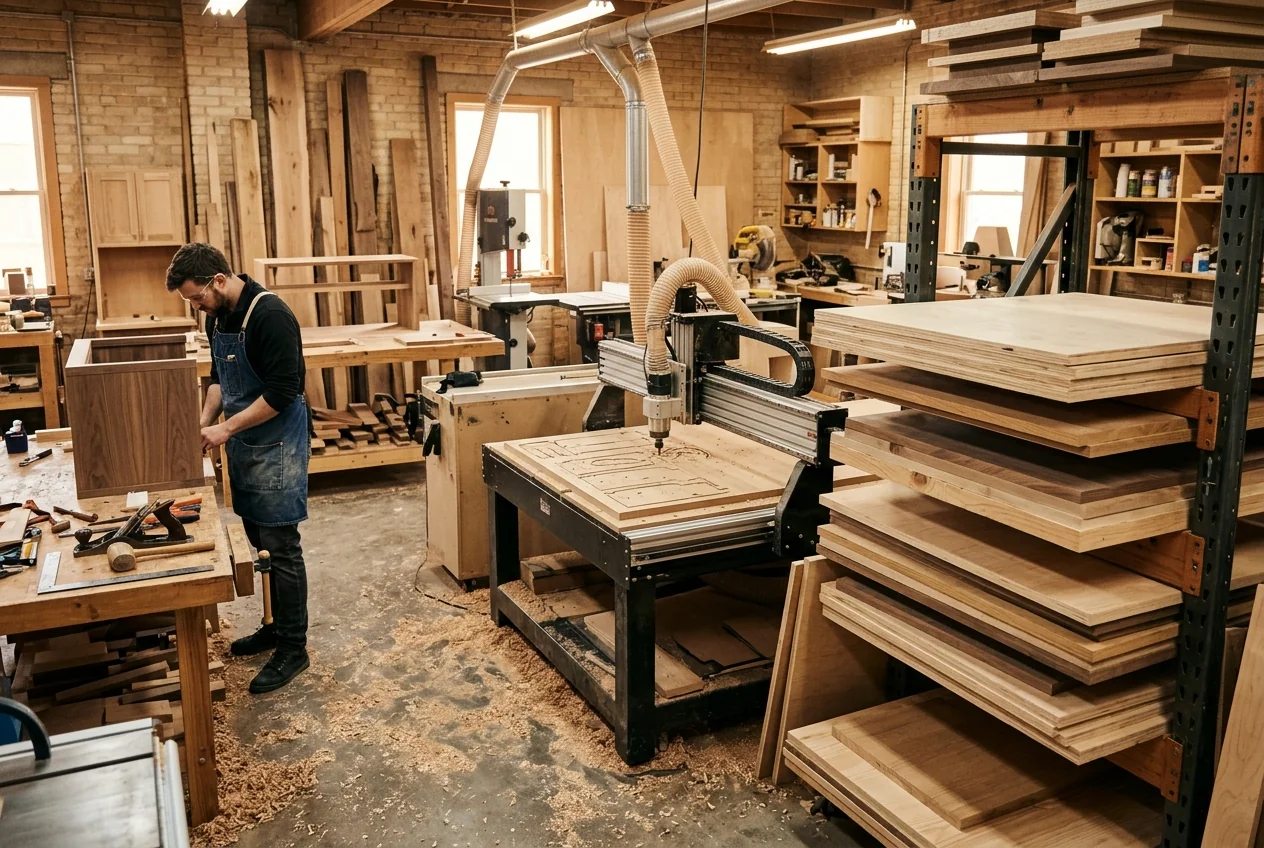
Furniture
Orders with customer-specific sizes, materials and finishes.
- Specifications and drawings linked to the order
- Cutting, assembly and finishing as separate phases
- Delivery and installation at the customer
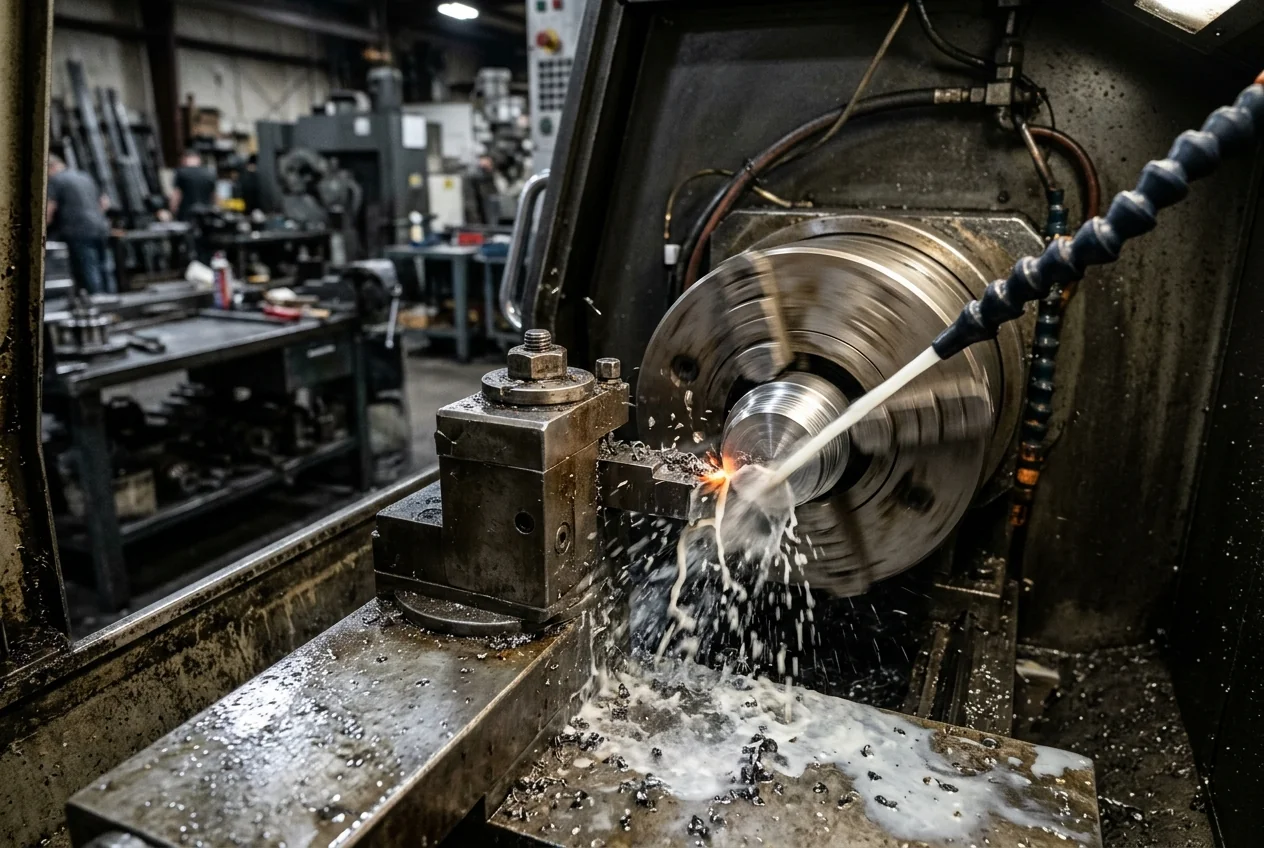
Wood and metal processing
Work to drawing, with many parts and operations.
- Work orders by operation
- Material consumption and scrap
- Dimension checks and rework
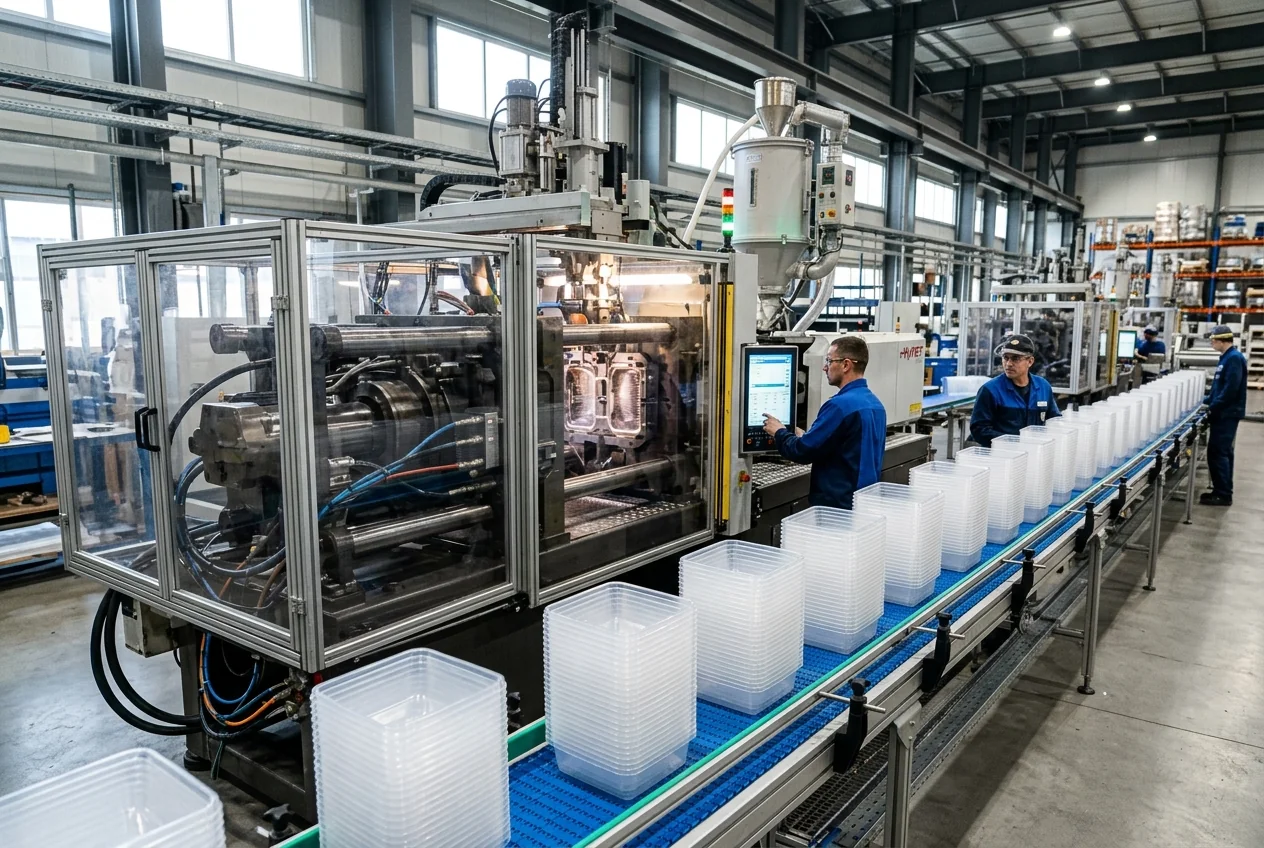
Packaging and printing
Print runs, artwork versions and customer approvals.
- Proof approval before production
- Versions of the artwork file
- Batches and packed quantities
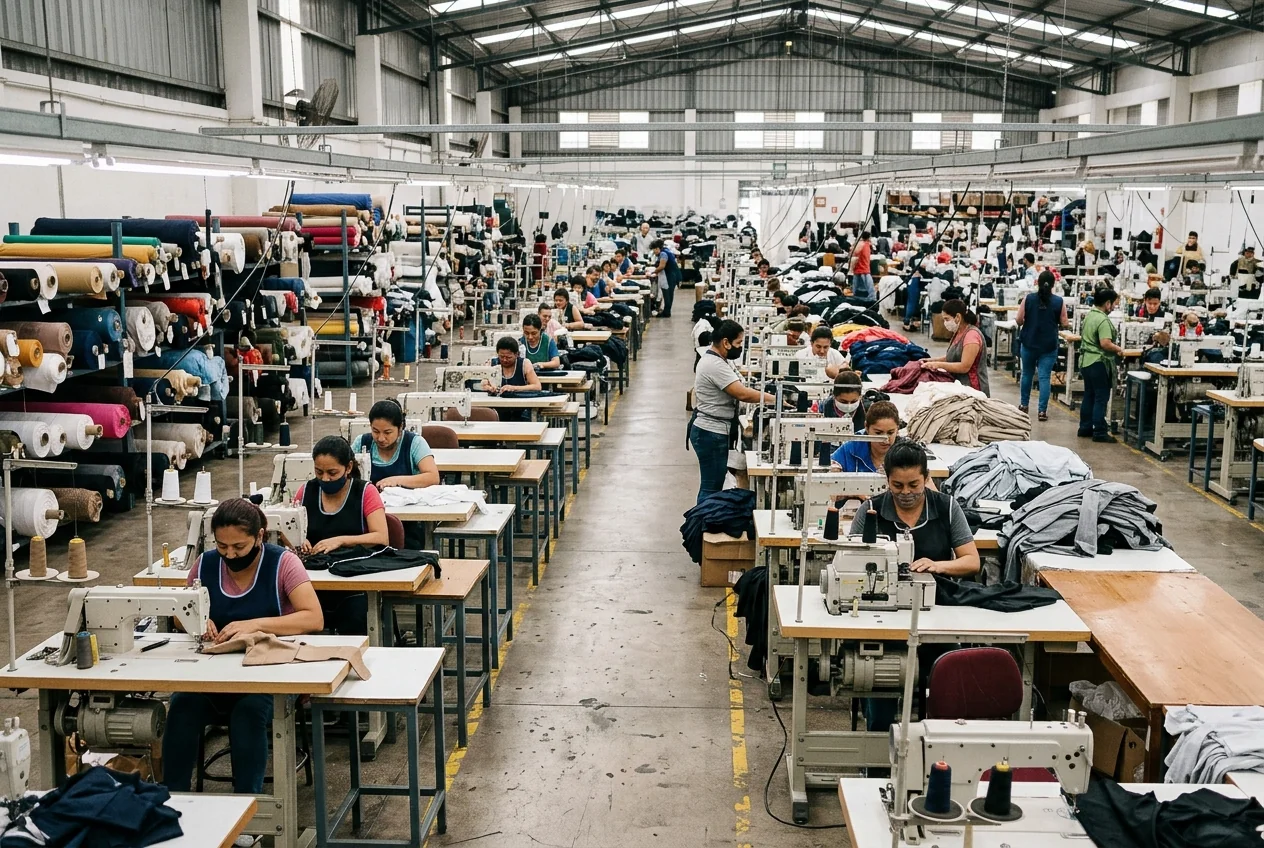
Textiles and apparel
Models, sizes and colours in large quantities.
- Orders by model, size and colour
- Cutting, sewing and inspection phases
- Work shared with subcontractors
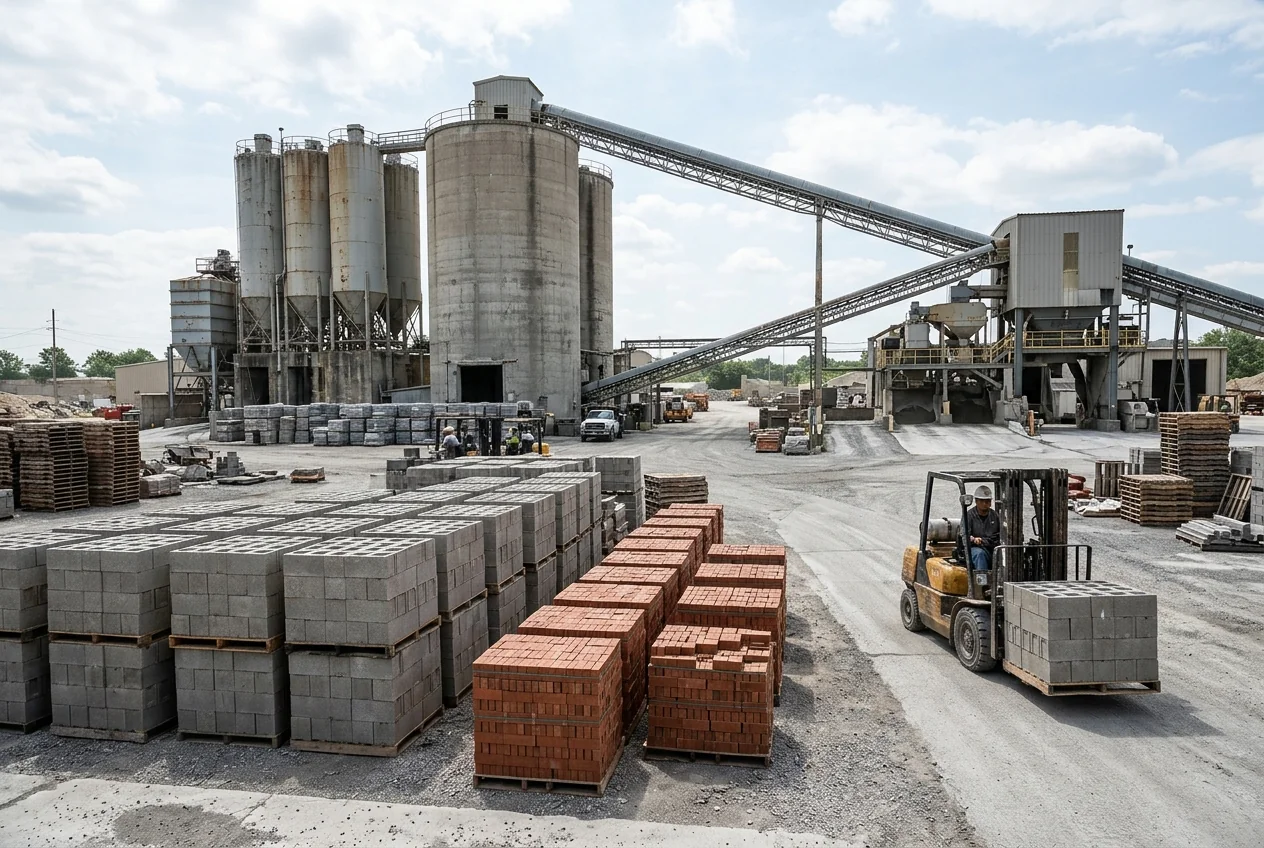
Building materials
Series production with stock and frequent shipments.
- Production batches and quality checks
- Finished goods stock
- Shipment planning by order
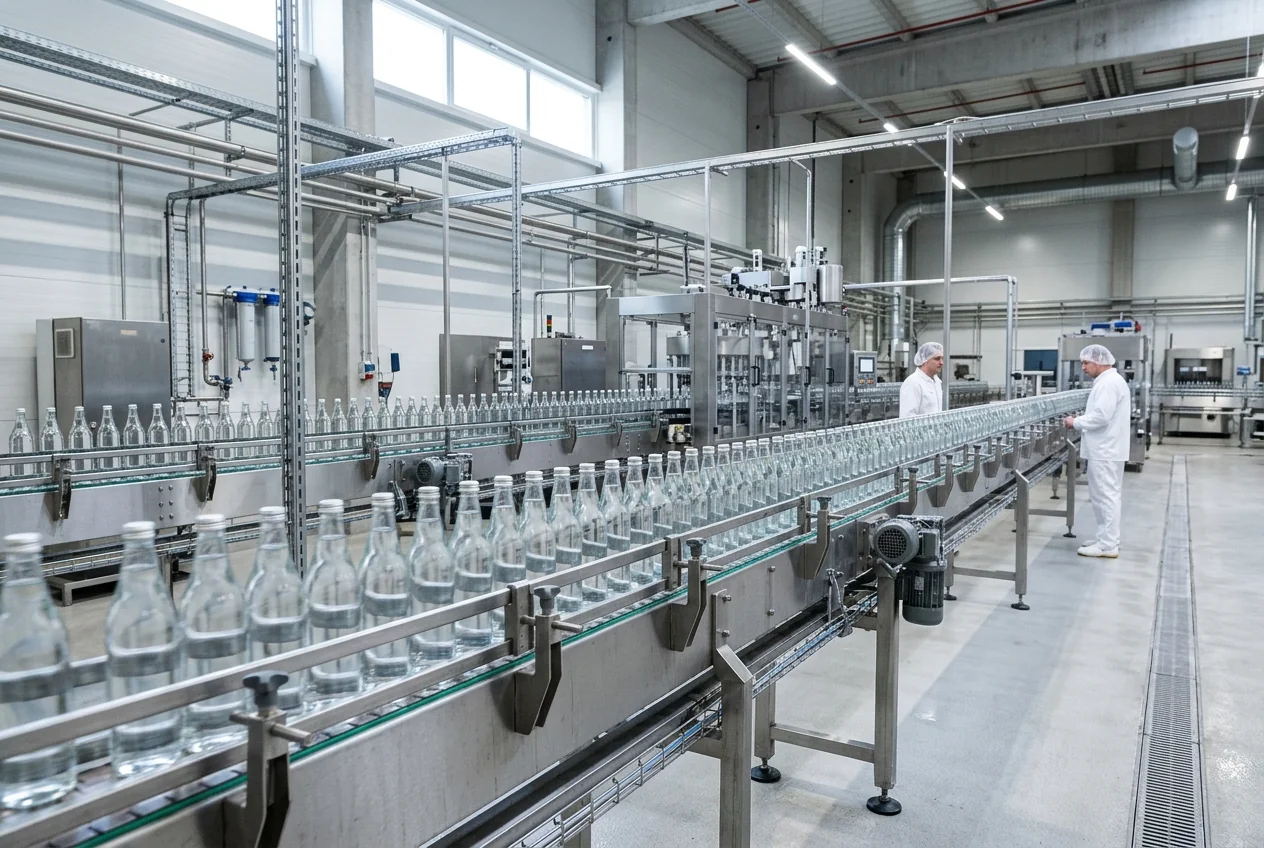
Food production
Recipes, batches and use-by dates.
- Raw material and product batches
- Checks recorded according to procedure
- Batch–shipment link for possible recalls
Recipes, formulas and regulatory requirements are defined with your specialists. Software does not replace food safety procedures or the related certifications.
ENOR SERVICES
From presenting the factory to the systems that support production.
Each service answers a factory need. Open the related page for more detail.
Corporate website
Products, confirmed capabilities, services and ways to work together.Catalogues and B2B portals
Products, documentation, quote requests, orders and tracking for authorised customers.Web applications
Work panels for sales, planning, warehouse, production and management.Mobile apps
Recording and tracking work from phones, tablets or suitable devices.Custom manufacturing software
Modules that match your products, phases and factory rules.Digital transformation
Moving from paper and manual procedures to organised workflows.Software and device integrations
Connections to ERP, CRM, accounting, inventory and verified technical sources.AI and automation
Document processing, assistance and analysis for defined cases.Maintenance and modernisation
Improvements, extra modules and support as agreed.
FROM ORDER TO DELIVERY
Information follows the work through every phase.
An illustrative example: the customer order splits into work orders, work orders create batches and batches are linked to deliveries.
01 / 08
Order entry
Customer, product, quantity, specifications and deadline.
Changed by: Sales · entry in the system
Work orders, batches and deliveries
Work orders are created during planning.
Step through the eight phases: see who acts, how work orders, batches and deliveries are created, and where an exception appears.
- One order can split into several work orders
- Each work order is linked to the batches or units produced
- Deliveries can be partial
- Blockers and rework stay linked to the order
Physical completion is not marked just because time has passed. The status changes through a recorded action or a reliable integration.
OPERATIONAL SOLUTIONS
Modules built around your production model.
Not every module is part of every project. Many factories start with orders and production phases, then expand.
- A
Order and specification management
The order holds everything production needs.
- Customers and references
- Products and variants
- Quantities and deadlines
- Technical documents
- Approved changes
- Partial deliveries
- B
Production planning
Work orders and phases based on available resources.
- Work orders
- Phases and dependencies
- Priorities
- Capacity by model
- Resources and owners
- Replanning with history
Capacity is calculated with a model we define together. The plan depends on accurate data and is not presented as optimal.
- C
Execution tracking
What has started, what is done and what has stopped.
- Phase start and finish
- Work in progress
- Quantities produced
- Stoppages and reasons
- Hand-over to the next phase
- Operator panels
A MES tracks and manages production execution. A task list is not a MES; the scope is defined by need.
- D
Materials and inventory
Material movements linked to work orders.
- Items and units of measure
- Receipts, issues and transfers
- Reservation by work order
- Planned and actual consumption
- Returns and corrections
- Counts and reconciliations
- E
Product structure
What the product is made of and how it is made.
- Bill of materials (BOM), when needed
- Versions
- Components and quantities
- Work instructions
Recipes or formulas need a separate model and rules approved by you.
- F
Traceability
The link from material to delivery.
- Batches or serial numbers
- Material source
- Link to production
- Batch splits and merges
- Inspection documents
- Link to delivery
Traceability depends on recording every step. Where a batch is not recorded, the link breaks.
- G
Quality control and rework
Planned checks and documented decisions.
- Inspection plans
- Results and measurements
- Photos and documents
- Issues and reasons
- Decisions by role
- Rework linked to the original
- Final inspection
- H
Equipment maintenance
Service plans and intervention history.
- Equipment register
- Service plans
- Maintenance orders
- Downtime
- Spare parts
- Intervention history
- I
Operational reporting
A summary view of progress and exceptions.
- Order progress
- Delays
- Work in progress
- Materials
- Quality
- Load by phase
- Output by period
CHANGES AND VERSIONS
Every team should work from the right instruction.
When a product or an order changes, the system shows which version applies, who approved it and who needs to know.
- Specification version for each work order
- The related technical document
- Change approval by the assigned role
- Notification of the affected teams
- A recorded decision for work already started
- A kept history of changes
When the product model changes, data for completed orders does not change. Each work order keeps its link to the specification and structure approved for it.
In force
v2 · approved on 2 October
ChangeUnder review
v3 · aluminium handle instead of wood
Affected orders
- CO-0988 · CompletedStays on v2
- CO-1042 · In production · assemblyContinues on v2
- CO-1057 · PlannedContinues on v2
History
- 2 October · v2 approved by the process engineer
- 11 November · v3 proposed by sales
Approve the new version and see how each order is handled.
VIEWS BY ROLE
One shared system, with views by responsibility.
Everyone works on the same data, but each person sees what they need for their own job.
- Permissions are defined by role
- Access to a module does not grant access to every document
- Important actions are saved with name and time
Prices, costs and personal data are shown only to the roles that need them.
- Customer
- Demo Customer
- Order
- CO-1042 · 120 pcs
- Deadline
- 14 November
- For the customer
- First delivery: 80 pcs
Not shown: Internal costs and quality notes
Choose a role to see what is shown. With the keyboard, move between tabs using the arrow keys.
WEB, MOBILE AND SHOP-FLOOR DEVICES
Interfaces designed for where the work happens.
The office works on computers, while the shop floor uses tablets, touch terminals or phones. The interface is designed for each case.
Devices
- Computer
- Tablet
- Touch terminal
- Phone
- Barcode or QR scanner
- Label printer, when integrated
In the design we consider
- Quick actions
- Clear buttons
- Readability
- Simplified data entry
- Error messages
- Sync status
Working without internet requires designing local storage, sync and conflict handling. It is included only when the project needs it.
Quantity recorded
12 / 40
Try the terminal: record quantities, report a blocker or try to close the phase too early.
ERP, IOT AND INTEGRATIONS
We connect existing systems and available sources.
Every connection starts by verifying what the system or device actually provides.
- ERP
- CRM
- Accounting
- Inventory
- Online catalogue and orders
- Existing MES
- Sensors and measuring devices
- Suitable industrial systems
For devices we check
- Manufacturer and model
- Documentation
- Interfaces
- Access rights
- Data frequency
- Units and quality
- Behaviour when the connection drops
Our focus is operational software and agreed integrations. ENOR does not replace PLC, SCADA or machine safety systems; physical control needs a dedicated scope, specialists and the related checks.
- 1Reading dataA common part of the projectCounters, run status, temperature or weight from a verified source.
- 2Monitoring and alertsAfter assessing the sourceShown with the measurement time, thresholds and team notifications.
- 3Sending commandsOnly with agreement, limits and testingE.g. sending a work order or a parameter to another system.
- 4Industrial controlOutside ENOR’s scopePLC, SCADA and machine safety systems.
Protocols we assess
Technical options, not guaranteed compatibility.
Counter · Cutter 1
1,284 cycles
Measured 10:38 · every 60 seconds
AI AND ANALYSIS
Automation and AI for defined needs.
Many steps are automated with clear rules. AI is used when there is enough data and a way to verify the result.
Document processing
Extracting fields from orders and documents, verified by staff.
Internal assistant
Search in approved instructions and documentation, based on access.
Delay analysis
Summaries and patterns in operational records.
Demand forecasting
When history and data quality allow it.
Predictive maintenance
After analysing signals, history and how results can be validated.
Visual inspection
A pilot project with images, real conditions and acceptance criteria.
What we do not promise
- Detection of every defect
- Certain prediction of breakdowns
- Elimination of downtime
- Absolute accuracy
- Replacing human checks in critical cases
A Digital Twin is handled as a specialised project, with a defined model, data and objective. Technology is chosen by need, not to make the solution look more advanced.
WEBSITE AND B2B PORTALS
Present your products and connect the work with customers.
The website and portals can connect to internal data, but each partner sees only what they are allowed to see.
- Corporate website
- Products, services, processes, documentation and contacts.
- Digital catalogue
- Categories, variants, specifications and quote requests.
- Customer portal
- Orders, documents and the status that may be shown.
- Distributor portal
- Information and functions as agreed.
- Supplier portal
- Requests, confirmations and documents according to the process.
Connecting a portal does not make internal production information public.
- Status
- In production
- First delivery
- 80 pcs · planned 14 November
- Second delivery
- 40 pcs · to be confirmed
- Documents
- Order confirmation · specification v2
The customer sees only the statuses and documents the agreement allows.
Switch the view: the same order, seen by the customer and by the factory.
PHASED IMPLEMENTATION
Start with the process that most needs to change.
There is no need to digitise everything at once. The order of phases is set after the analysis; this is only an example.
Illustrative example
- 1Orders and documents
- 2Production phases and tasks
- 3Materials and quality
- 4Deliveries and integrations
- 5Analytics and extensions
For the move to the new system
- We identify open orders
- We define the starting state
- We verify the data being migrated
- We define the main source of information
- We pilot the process when needed
- We train users
- We define how issues are handled
The switch is planned around the factory’s rhythm. How much it affects daily work depends on the processes, the data and the team, so we do not promise a switch without any interruption.
MEASURING RESULTS
Results are judged in everyday work.
Indicators are chosen together with you. For each one we define the source, the definition and the period, so comparisons make sense.
- 01Order handling timeFrom entry to approval.
- 02Time in each phaseHow long work waits before moving on.
- 03Late ordersWith the recorded reason for the delay.
- 04Manual entriesHow much data is still entered outside the system.
- 05ReworkBy phase, product and reason.
- 06Material matchPlanned consumption compared with actual.
- 07System useHow many actions teams record.
Dashboards show when they were last updated. Information is called “real-time” only when the architecture supports it. Indicators such as OEE are included only with suitable definitions and data.
 EURALB
Hosting and related services from EURALB.
ENOR handles software design, development and integrations. When needed, hosting services can be provided separately by EURALB, based on the technical requirements and the related agreement.
Explore EURALB servicesEURALB services
- Web HostingFor the company website.
- Business emailEmail addresses on your domain.
- DomainsDomain registration and management.
- SSL certificatesFor encrypted connections to the website.
- Cloud Server (VPS)When the project requirements justify it.
The public website and the internal production system have different requirements. For the internal system, local-network operation, connectivity and availability are assessed. Not every hosting plan suits every factory; terms depend on the plan and the agreement with EURALB.
WORKING WITH ENOR
From process analysis to a system in use.
Scope and timeline are set after the analysis. Each phase ends with a result you review.
- 01
We understand the operation
Processes, documents, roles and the systems you use.
- 02
We set priorities
The first process, objectives and project limits.
- 03
We design the workflows
Workflows, data model and interfaces.
- 04
We build the modules
In short phases, with versions you can try.
- 05
We integrate sources
Only confirmed and documented sources.
- 06
We test
With representative scenarios from your work.
- 07
We pilot and train
With one team or line before expanding.
- 08
We go live
With a plan for data and open orders.
- 09
We maintain
As agreed, with agreed improvements.
Scenarios we test
- Specification change
- Material shortage
- Partial completion
- Quality rejection
- Rework
- Quantity correction
- Integration failure
Support level, hours and response times are set in the agreement.
FREQUENTLY ASKED QUESTIONS
Frequently asked questions.
Tell us how an order moves through your factory.
From entry and materials to production, inspection and delivery, we identify where information can be connected and the work improved.
What happens after your request
- 1We review the requestWe read the process and the systems you mentioned.
- 2First conversationWe clarify how an order moves from entry to delivery.
- 3Phased proposalWe prepare the scope of work and the first step.
The success message appears only after the system has accepted the request.
RELATED SERVICES
ENOR services for manufacturing.
OTHER INDUSTRIES
Digital solutions for other industries.
See how ENOR services adapt to other processes and business models.
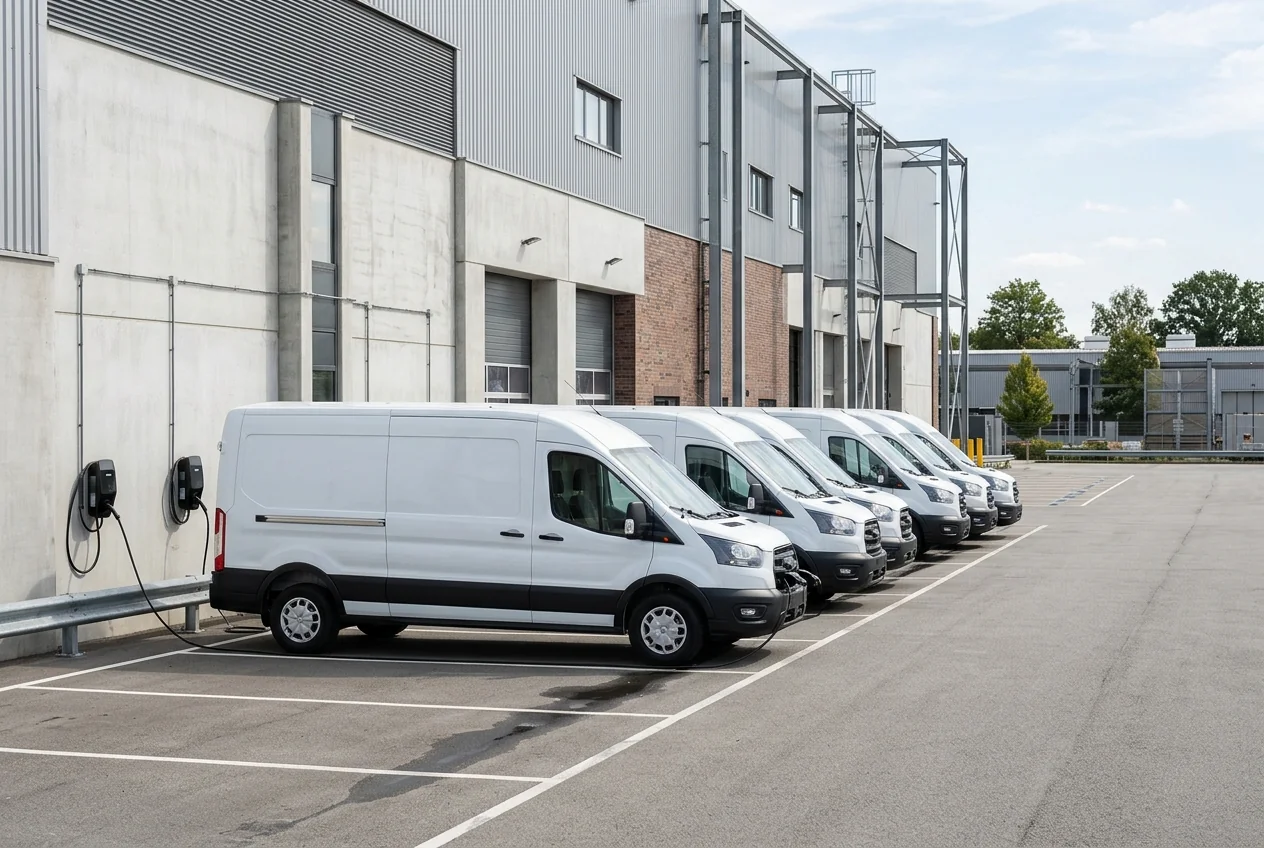 Transport & LogisticsFleet, deliveries, warehouses and operations tracking.
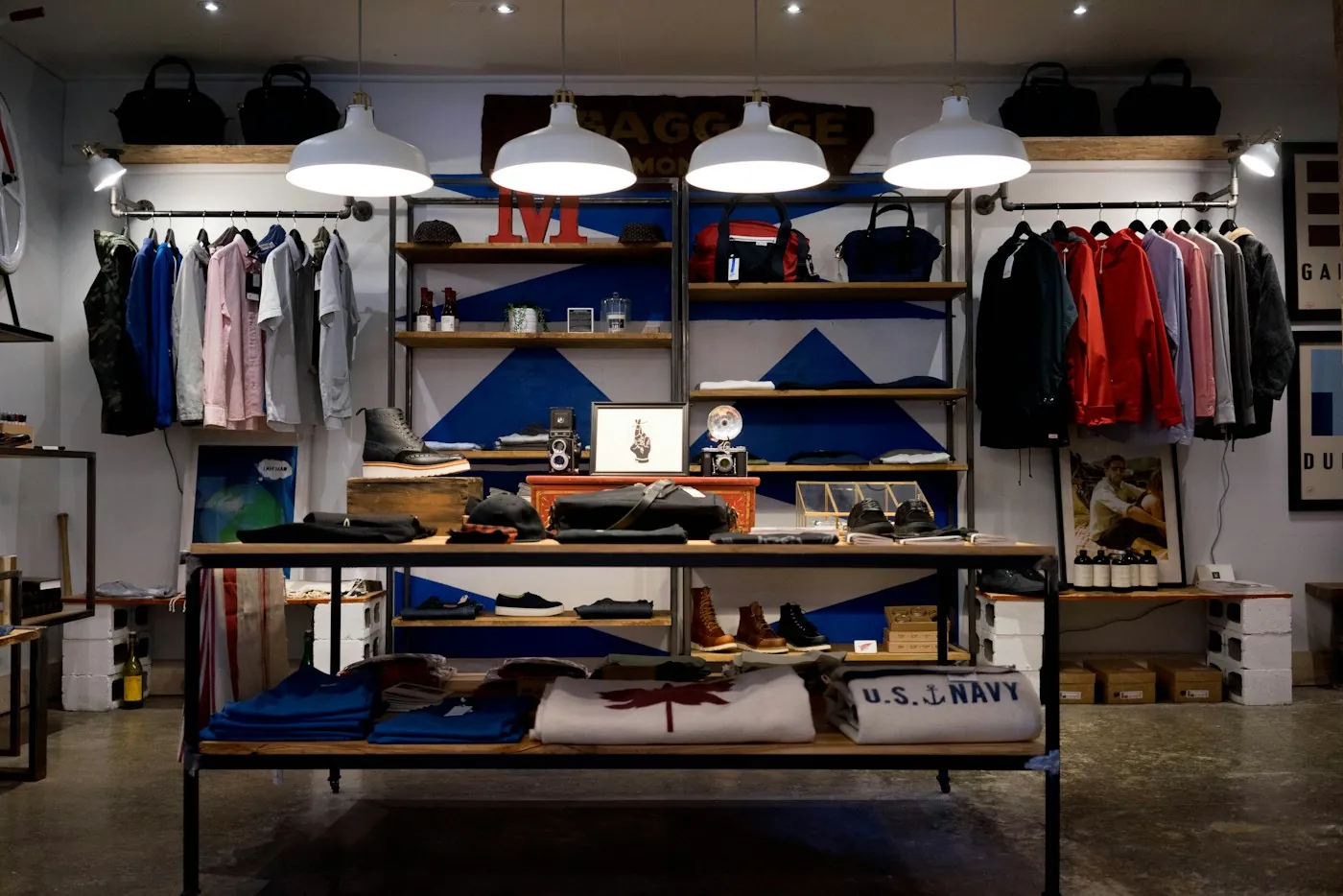 Retail & StoresSales, stock, branches and connected online channels.
 Oil, Gas & FuelOrders, supply, depots and field work in one system.
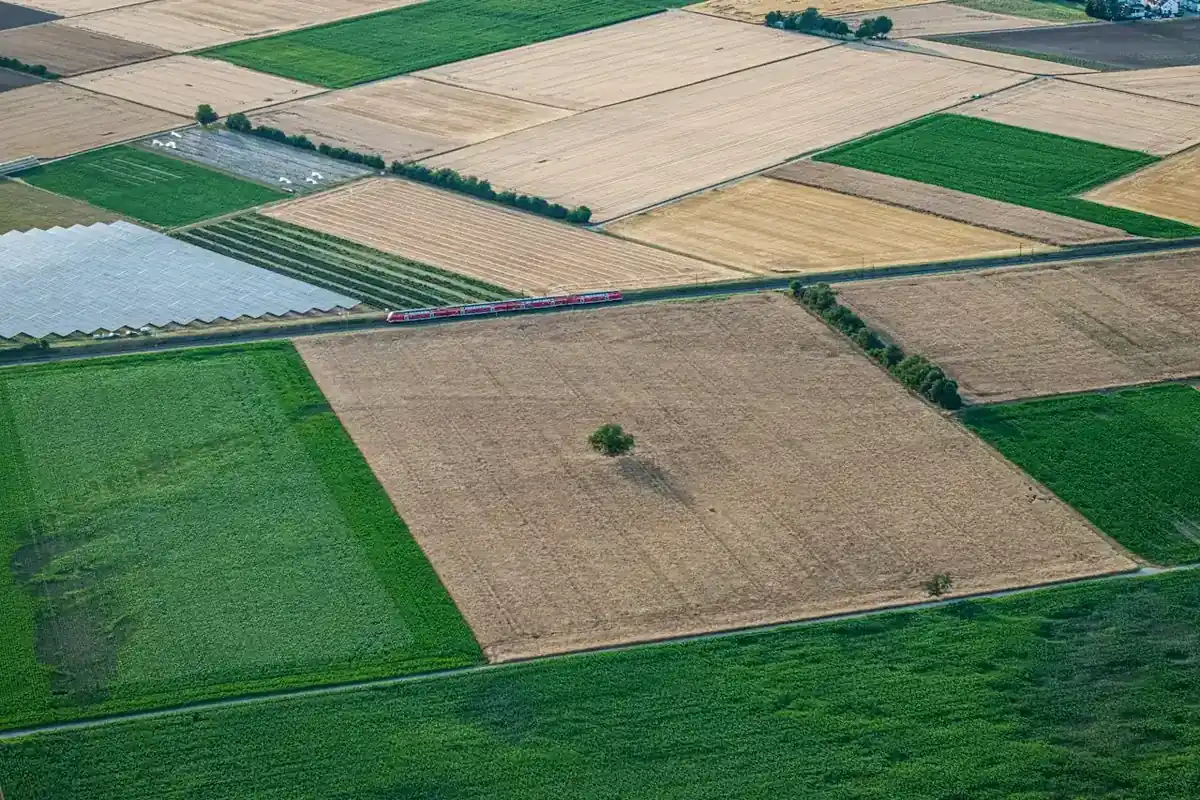 Agriculture & AgribusinessPlots, production, collection and traceability.
 HR & RecruitmentEmployees, candidates, requests and portals in one process.
 Travel & TourismBookings, packages, partners and traveller communication.