
TECHNOLOGY FOR OIL, GAS AND FUEL
Connect orders, supply and operations in one digital system.
ENOR builds software, web and mobile applications for oil, gas and fuel businesses. From the customer’s request to supply planning, field work and reporting, we create solutions that organise information and connect your teams.

- Customer
- Demo station network
- Delivery point
- Site 07 · East Zone
- Product
- Diesel · 12,000 L
- Owner
- Planning · A. Demo
- Custom software
- Web & mobile apps
- Digital transformation
- Integrations & AI
INTRODUCTION
One shared view of an operation that never stands still.
When orders, the depot, transport and administration work with scattered information, even a small change takes several phone calls. Documents pass from hand to hand, status is checked manually and managers struggle to see the full picture.
At ENOR, we map these connections and build the system that brings them together. Information is recorded in the right structure, each team receives its tasks and changes are followed within the same process. The solution adapts to how you take orders, plan supply and deliver the service.
Who we build for
- Fuel distributors
- Fuel station networks
- Gas suppliers
- Depot and storage operators
- Transport and distribution companies
- Maintenance and service companies
- Organisations with several sites and field teams
We focus on software for orders, supply, operations and administration. We do not offer software for drilling, reservoir modelling, geological interpretation or critical industrial control.
CHALLENGES
Where does everyday work get stuck?
Common situations when orders, the depot and transport rely on separate information.
Orders from several channels
Calls, emails and messages that need to come together in one register.
Scattered information
Customer, product and site data spread across different programs.
Manual planning
Hard to coordinate orders, vehicles and teams.
Documents that lag behind
Delivery notes, reports and confirmations that arrive late.
Unclear status
Administration and customers ask several people for updates.
Late reporting
Summaries that require merging records by hand.
OPERATIONAL SOLUTIONS
What can we build for your business?
Modules are chosen by activity. Many projects start with one or two of them and grow from there.
- A
Order and customer management
A structured process from the customer’s request to completed supply.
- Customers and delivery points
- Products, quantities and agreed terms
- Status, deadline and owner
- Documents and change history
- B
Supply and distribution planning
Orders, vehicles and teams coordinated in one shared view.
- Order assignment
- Daily plan
- Progress tracking
- Recorded blockers and changes
Automatic route optimisation is not part of every project; it is assessed separately.
- C
Inventory, materials and equipment
Records for products, materials and equipment by operating site.
- Receipts and issues
- Transfers
- Counts and reconciliations
- Spare parts and material requests
Units, measurements and volume corrections for liquids are defined with your specialists. Measurements taken under different conditions are not compared directly.
- D
Fleet and field work
Apps for the teams that carry out transport, checks and services.
- Tasks and instructions
- Start and finish records
- Photos and documents
- Delivery confirmation
GPS needs a suitable data source and clear usage rules. When data is not live, the update time is shown.
- E
Maintenance and inspections
Planning work and documenting checks.
- Equipment register
- Maintenance plans
- Work orders
- Issues, interventions and documents
It does not replace technical checks or equipment safety systems.
- F
Staff, tasks and responsibilities
Work organised by role, site and department.
- Task assignment
- Shifts when needed
- Deadlines and notifications
- Action history
- G
Requests and complaints
Recording and following up customer issues.
- Linked to the customer and the order
- Category and priority
- Owner and deadline
- Documented reply and closure
- H
Reporting and management dashboards
Summarised information on progress and exceptions.
- Open orders
- Deliveries and delays
- Work by team
- Custom reports
Financial reporting relies on the agreed data and rules. Operational activity is not treated as profit.
DIGITAL TRANSFORMATION
From a paper order form to a process the whole team can follow.
An illustrative scenario of how a supply order moves when the steps are connected.
Illustrative scenario
- 1The customer submits a request.
- 2Sales checks and confirms the order.
- 3The planner schedules the supply.
- 4The depot prepares the order and documents.
- 5The team receives the task in the app.
- 6The delivery is recorded with the relevant details.
- 7Administration receives the data for the next steps.
- Paper does not travel between departments
- Documents are linked to the order
- Each role sees the relevant information
- Changes and exceptions are recorded
Different order states
- Confirmed
- Scheduled
- Dispatched
- Delivered
- Invoiced
Physical status does not change by itself: it is updated by a staff action or a reliable integration.
01 / 07 · Customer
Submits the request through the portal or by phone.
Order
FG-2318 · Diesel · 12,000 L
StatusNew request
Changed by: Entry by the customer or sales
Documents
- No documents yet
Who sees it
Sales
Step through the order: see who acts, how the status changes and which documents are added.
ENOR SERVICES
From your online presence to software that runs operations.
Each service is linked to a need in the sector. Open the related page for details.
Websites and web development
A corporate website for services, products, the site network, documents and partnership requests.Portals and web applications
B2B portals for orders, history, documents and request tracking.Mobile apps
Apps for drivers, field teams, inspectors or customers, depending on the process.Custom software
Systems for orders, distribution, materials, staff and reporting.Digital transformation
Moving procedures from paper and spreadsheets to connected workflows.Software integrations
Connections to ERP, CRM, finance software, GPS and devices where the documentation allows.Automation and AI
Document processing, request routing and assistance based on approved information.Software support and maintenance
Fixes, updates and improvements as agreed.
AI AND AUTOMATION
Automation for repetitive work. Control over important decisions.
Many steps can be automated with clear rules, without AI. Where AI fits, it works with approved sources and staff review.
Document processing
Extracting fields from orders, forms and documents, with validation.
Request routing
Classifying requests and sending them to the right team.
Internal assistant
Searching approved procedures and documentation, according to access.
Customer assistant
Information on services, sites and requests without exposing unauthorised data.
Operational summaries
Preparing summaries from existing records.
Analysis and alerts
Patterns that need review, when data quality and volume allow.
We do not promise technical diagnosis, physical safety or autonomous decisions for critical operations.
INTEGRATIONS AND DATA
We connect the systems you use, within what they can really do.
Connections are built once we understand how each system works and which one is the main source of each piece of information.
- ERP and CRM
- Finance software
- Inventory and warehouse
- GPS and telematics
- Point-of-sale systems
- Sensors and measuring devices
- Email and notifications
- Customer portals
For every integration we assess
- Documentation
- Access
- Format and units
- Update frequency
- The main source of information
- Error handling
- Repeated deliveries
- Access control
Sensors, pumps and devices are connected as integrations assessed against their documentation. We do not use manufacturer logos as proof of compatibility without verification.
Level gauge · Tank R-2
- Main source
- Measuring device at the depot
- Updates
- Depends on the device
- Format
- Device protocol · litres
- Errors
- An old value is not used for decisions without review
No connection to the device since 08:55. The value is shown as outdated and needs checking.
Choose a source: see the measurement time, connection status and how errors are handled.
 EURALB
Hosting and website services, from EURALB.
For the website and related business services, a hosting solution from EURALB can also be included. ENOR designs and develops the software, while hosting services are defined and provided separately by EURALB.
Explore EURALB servicesEURALB services
- Web HostingFor the company website.
- Business emailEmail addresses on your own domain.
- DomainsDomain registration and management.
- SSL certificatesFor encrypted connections to the website.
- Cloud Server (VPS)When the project’s requirements justify it.
Capacity, support and terms depend on the plan and the agreement with EURALB.
HOW WE DELIVER THE PROJECT
Development that starts from your business processes.
Scope and timeline are set after the analysis. Not every project includes every module.
- 01
Analysis
We understand the activity, users, documents and systems.
- 02
Priorities
We set the first process, the objectives and the limits.
- 03
Design
We build the workflows, data models and prototypes.
- 04
Development
We deliver features and integrations in phases.
- 05
Testing
We check normal scenarios, exceptions and permissions.
- 06
Go-live
We plan migration, training and the transition period.
- 07
Improvement
We follow up issues and agreed developments.
WHY ENOR
A development partner for systems that need to work together.
The examples on this page are illustrative. Real projects are shown only when they are approved for publication.
- 01Development around processesWe start from how you work, not from an off-the-shelf product.
- 02Connected web, mobile and backendEvery part of the system works on the same data.
- 03Integrations assessed up frontWe check documentation and access before promising a connection.
- 04A phased projectEach phase has a result you review.
- 05Clear roles and responsibilitiesIt is clear who provides input, who reviews and who approves.
- 06Documentation and maintenanceAs agreed, after handover.
FAQ
Frequently asked questions.
Which process would you like to connect and improve?
Tell us how you manage orders, supply and team work today. Together we will define what can be digitised and what the first step is.
What happens after your request
- 1We review your requestWe read your description and the systems you mentioned.
- 2A first conversationWe clarify orders, supply and the teams involved.
- 3A phased proposalWe prepare the scope and the first step.
The success message appears only after the system has received your request.
OTHER INDUSTRIES
Digital solutions for other industries.
See how ENOR’s services can be adapted to other processes and business models.
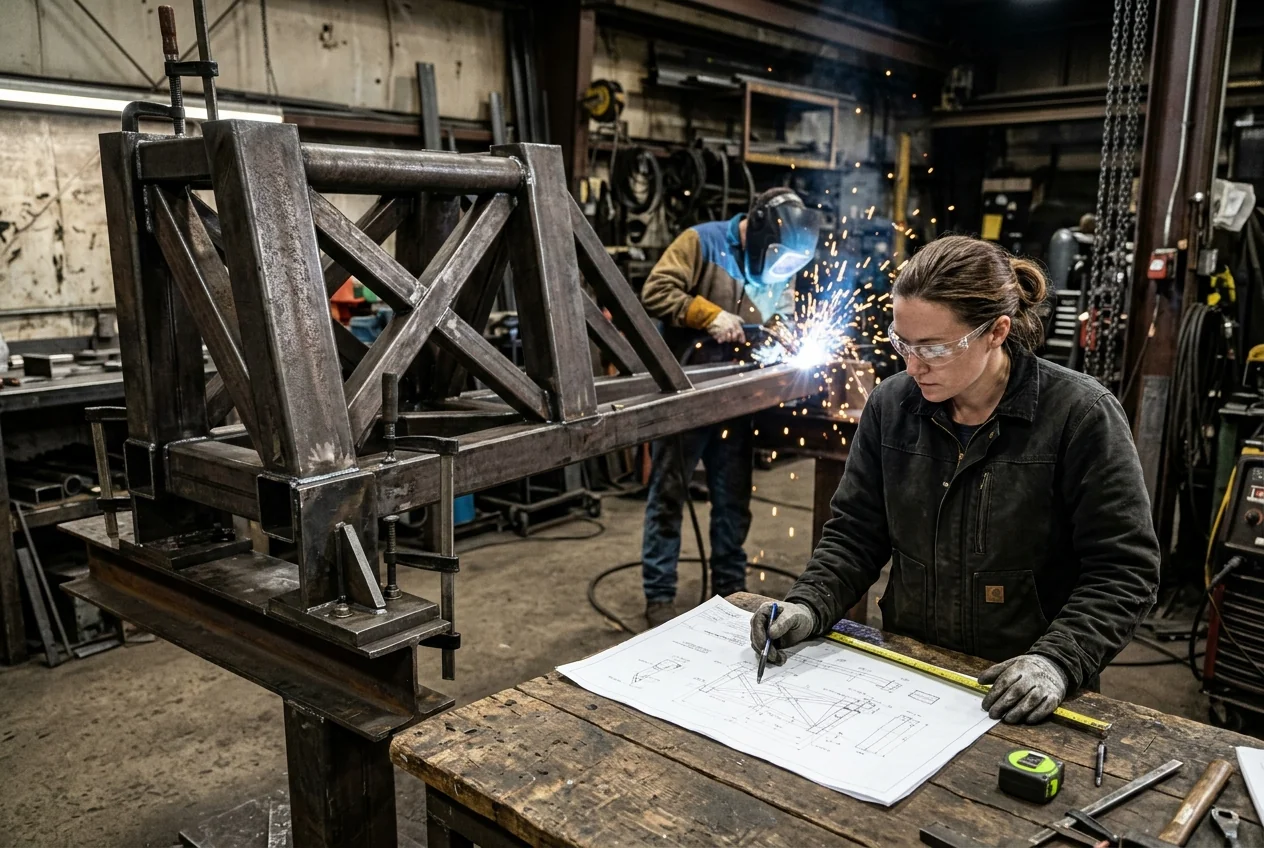 Factories & ManufacturingOrders, production, materials, quality and deliveries, connected.
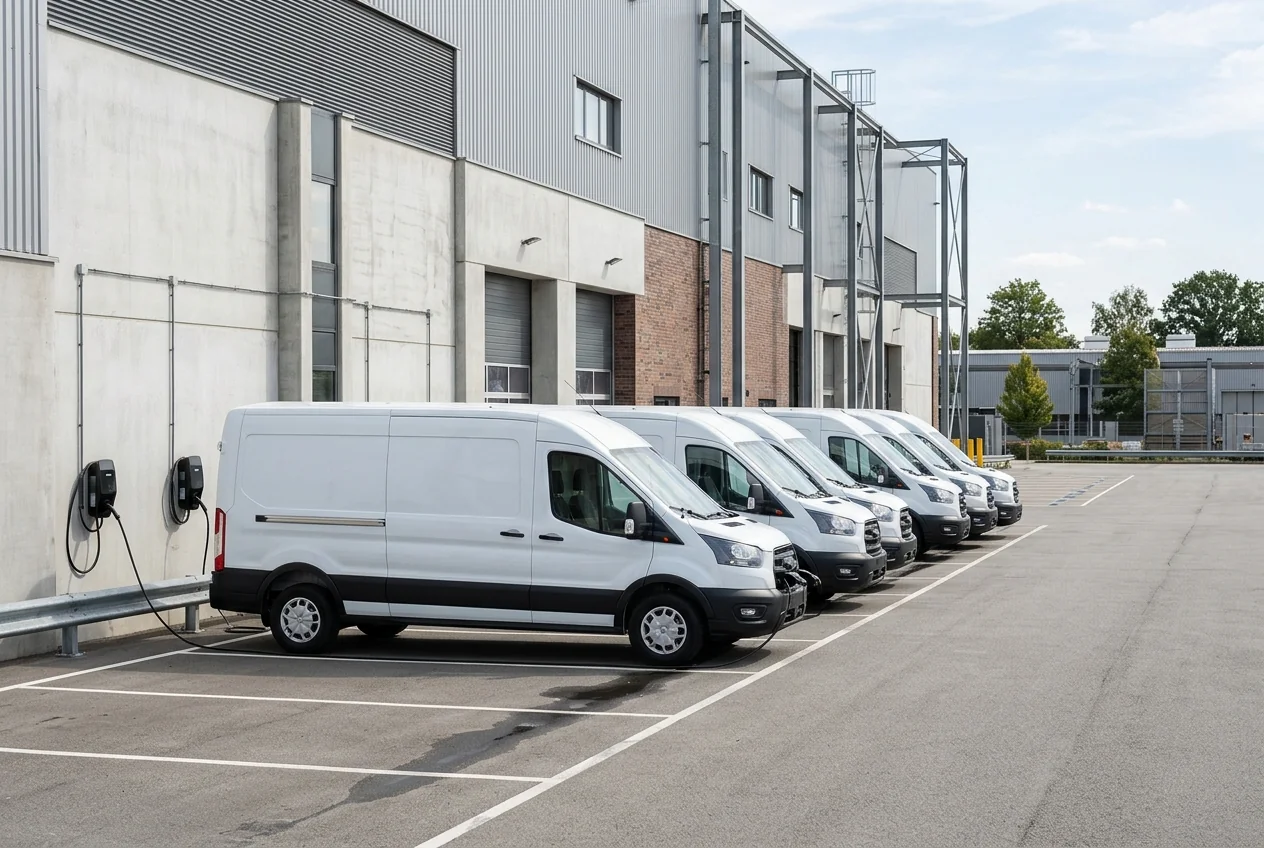 Transport & LogisticsFleet, deliveries, warehouses and operations tracking.
 Retail & StoresSales, stock, branches and connected online channels.
 Travel & TourismBookings, packages, partners and traveller communication.
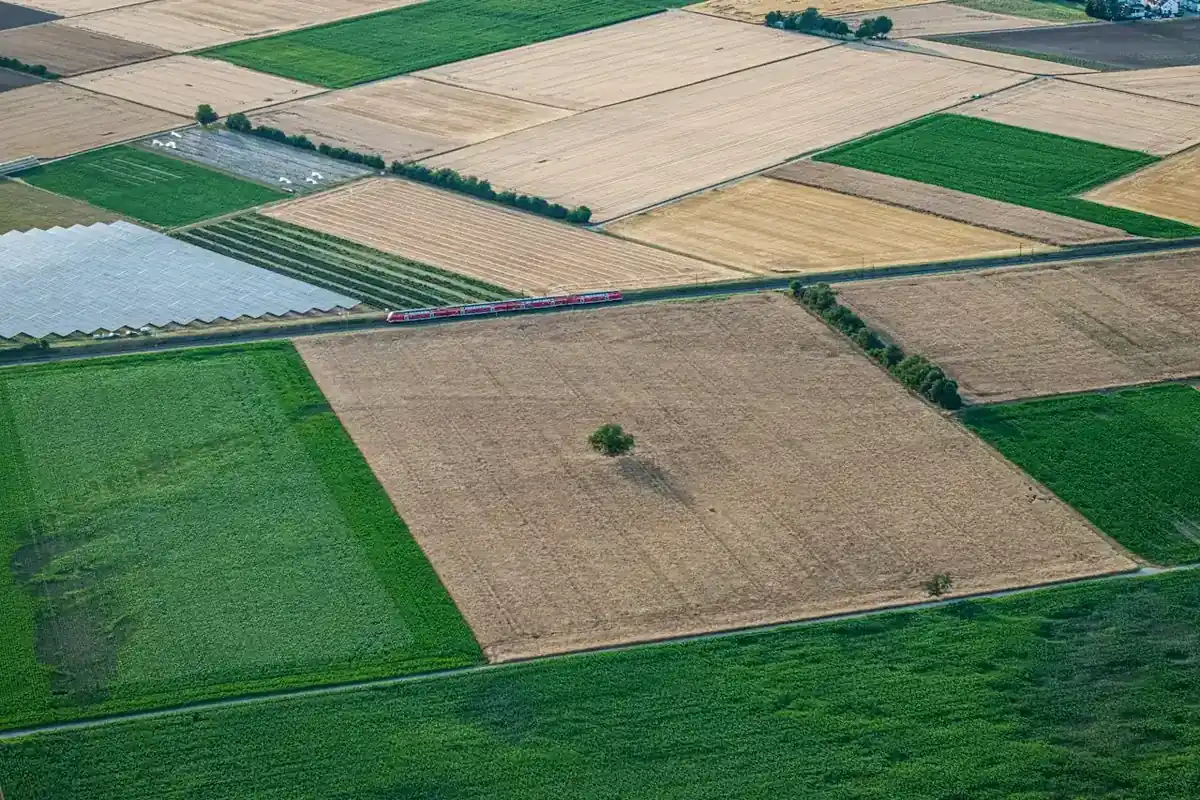 Agriculture & AgribusinessPlots, production, collection and traceability.
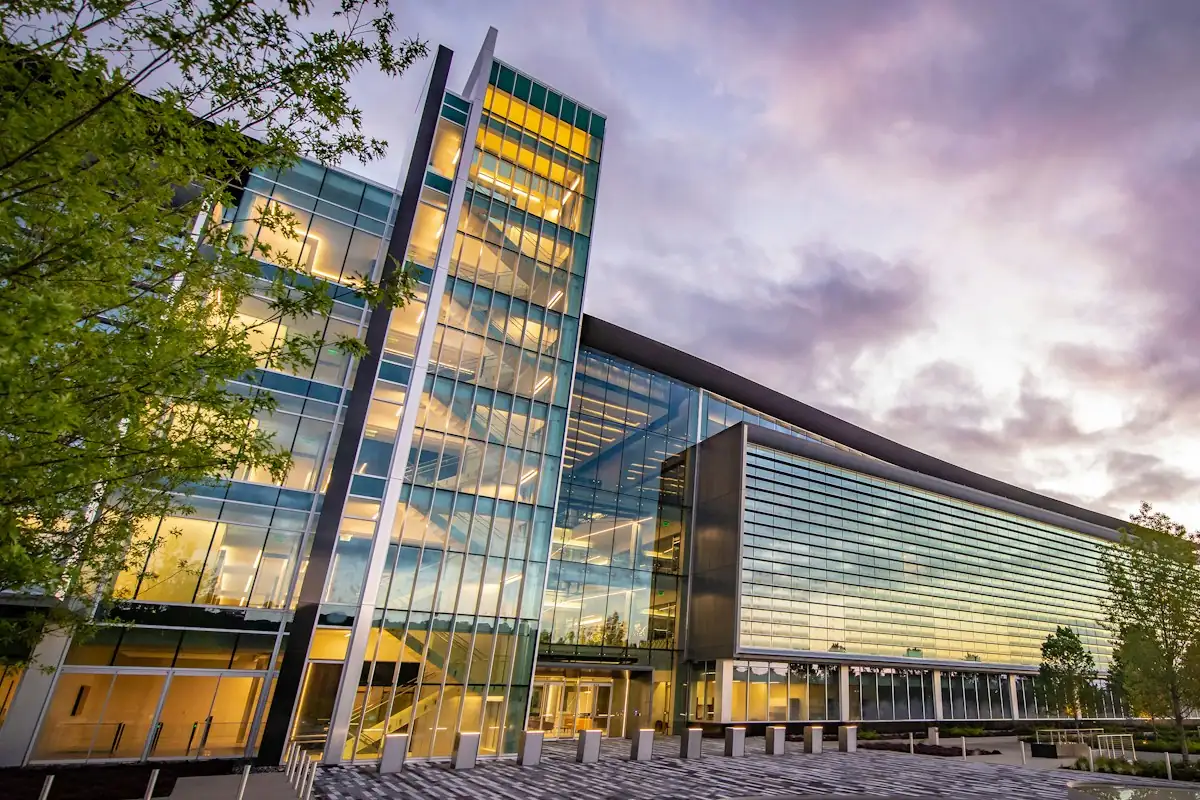 Banking & Financial ServicesCustomer channels, internal processes and banking integrations.