
01
Brief
We understand the products, customers, brand and platform.
ECOMMERCE WEB DESIGN
At ENOR, we design online stores that combine your brand identity with a buying experience people understand. From browsing the catalogue to the order summary, every screen helps customers choose and move on.
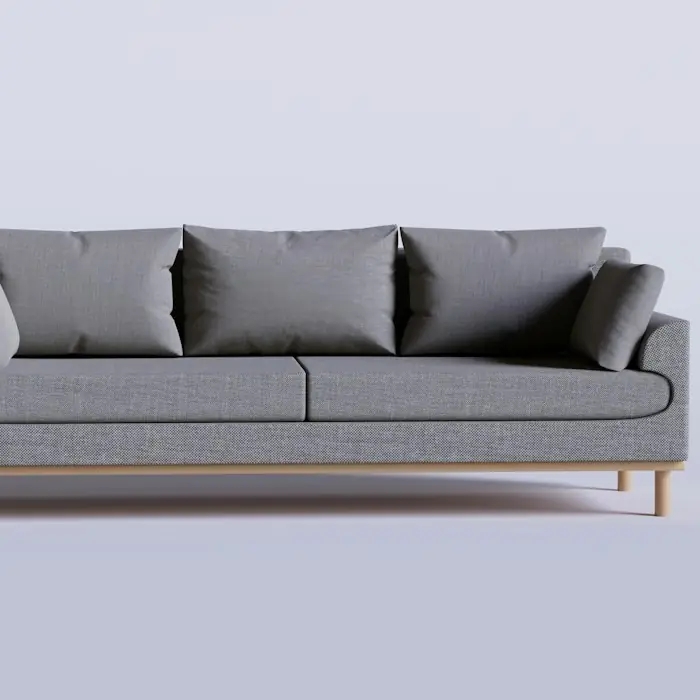
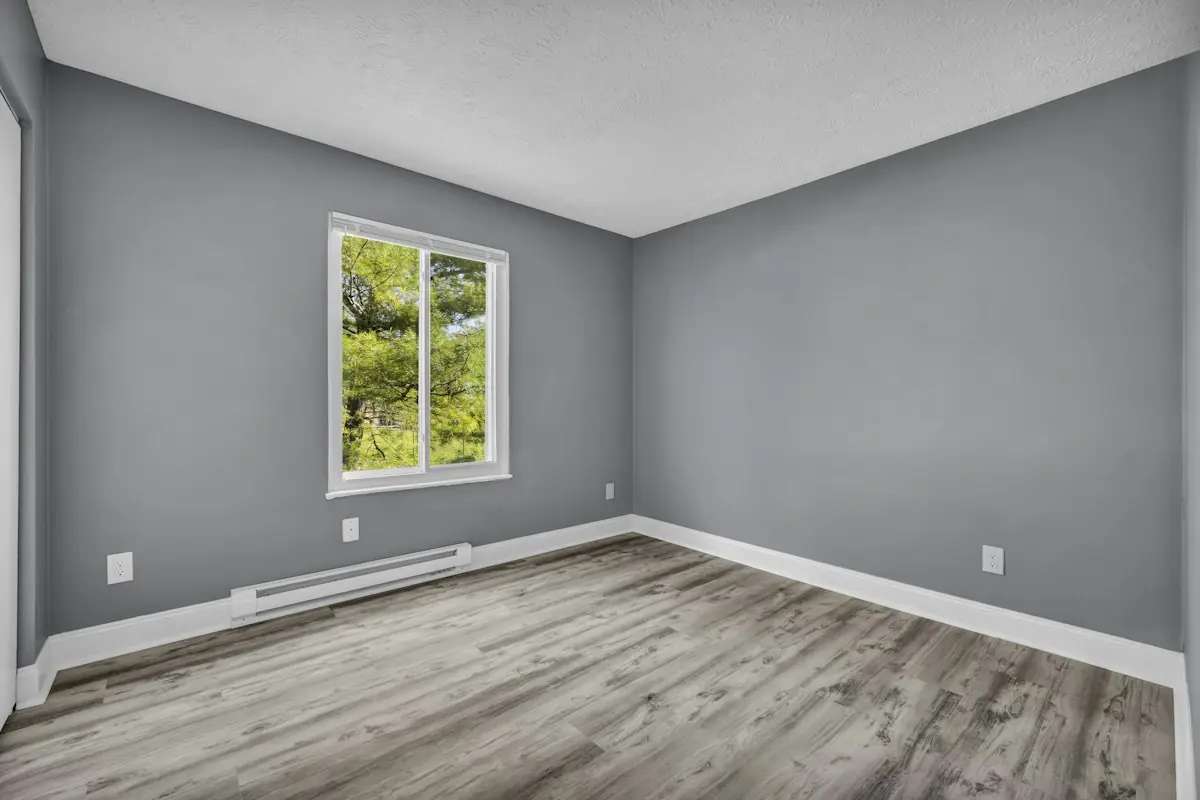
Living room / Sofas / Sera sofa
Sera sofa
€890
Colour: Grey
Size
In stock · delivery in 3–5 working days
Add to cartINTRODUCTION
Photos catch attention, but choosing also needs clear information. Price, variants, availability and purchase terms have to be presented in an organised way.
At ENOR, we design how these elements connect. We create a consistent visual language and a flow that helps customers explore, compare and complete their purchase.
This service delivers the design and prototype. Coding, store configuration, payment and inventory integrations, publishing and maintenance are covered by eCommerce Platform Development.
WHAT THE SERVICE INCLUDES
The scope and number of screens are set in the proposal.
Categories, navigation and content hierarchy.
Result: Category map and menu
Product lists, cards, filters and sorting.
Result: Catalogue screens with states
Photos, variants and information for the decision.
Result: Product template with variants
Summary, steps and clear states.
Result: The full flow to confirmation
Layouts and interactions adapted for phones.
Result: Mobile screens for the main flow
Linked screens and materials for implementation.
Result: Prototype and organised files
STRUCTURE AND NAVIGATION
We organise categories with names that match how customers look for products, without unnecessary navigation levels.
Seating
Storage
Autumn collection
Breadcrumb: Home / Living room / Sofas
Help content: Size guide · Material care · Delivery and returns
Switch categories and the mobile view: the same structure, adapted to the screen.
CATALOGUE, SEARCH AND FILTERS
We design product cards, filters and sorting per category, plus the states when results are missing or loading.
4 products
Sera sofa
3 seats · fabric
€890
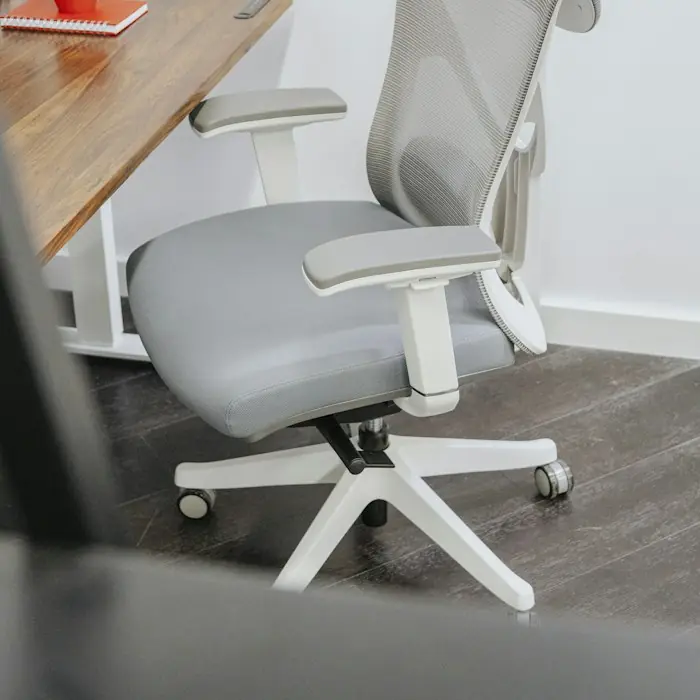
Flex office chair
Mesh · castors
€249
New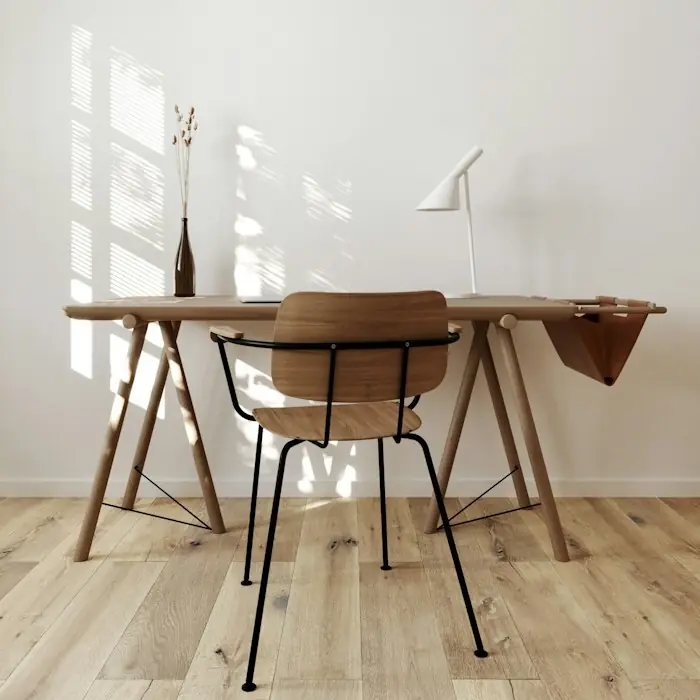
Riva desk
Oak · 140 cm
€340
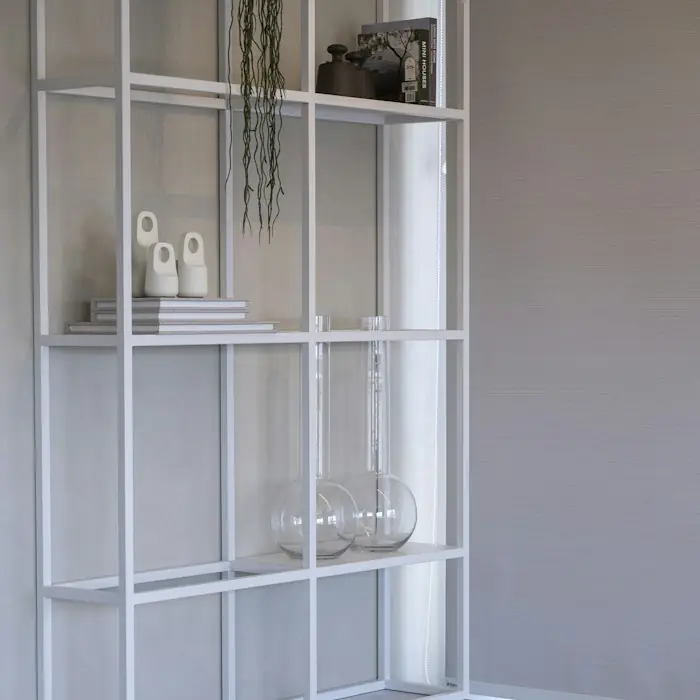
Modul shelf
Metal · 5 shelves
€179
Switch category, pick filters and try the catalogue states.
States we tell apart
Filters change by category: furniture and lighting are not searched by the same criteria. Search features are designed here, not coded as part of this service.
PRODUCT PAGE
Photos, price, variants and purchase terms are placed where customers look for them while deciding.
For products with variants
Ratings and reviews appear only when they really exist. We don’t invent stars, reviews or buyer counts.
Sera sofa
from €720
Colour: Grey
Size
In stock · delivery in 3–5 working days
Sofa with removable cushions and wooden legs.
2 seats: 180 × 90 cm · 3 seats: 220 × 90 cm
The cost is calculated from the address at checkout.
Return terms are shown here, before purchase.
Choose the colour “Olive”: the 3-seat size is out of stock. Add without a size to see the message.
CART
Customers should see what they chose, change quantities and understand which costs are still to be calculated.
Designed states
We don’t show a final total when fees are added later; we label it as an estimated total.
Sera sofa
3 seats · Grey
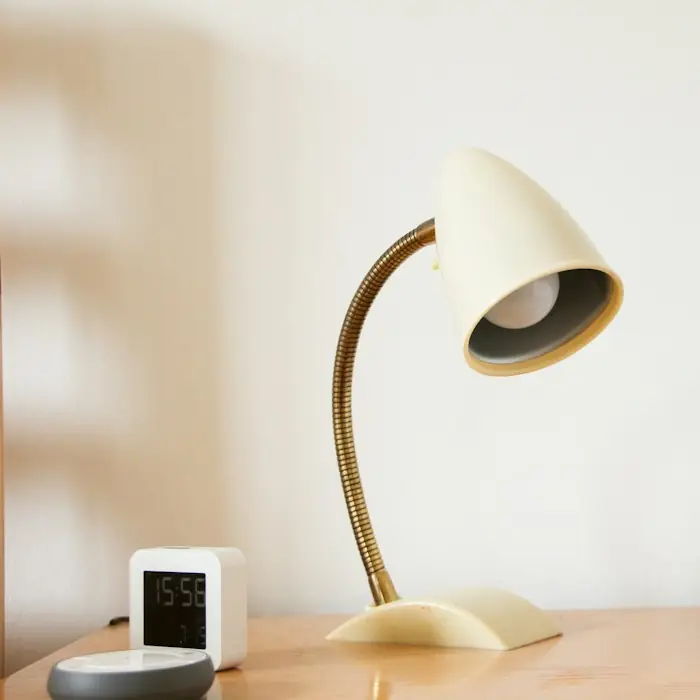
Nora table lamp
Cream
Test code: LINEA10
Change quantities, remove a product or try the coupon LINEA10 and another code.
CHECKOUT
We design the steps to fit the store’s model and every state that can follow submission, from processing to confirmation.
No account is needed to buy.
4 digits, e.g. 1001
Payment method
State after submission
Choose a state to see how it is communicated.
Demo state; no payment is made.
Type an invalid postcode and leave the field; then choose the states after submission.
Details and states
We don’t force registration without a business reason and we don’t design pre-ticked boxes for paid extras.
Payment marks and logos reflect only the methods that will actually be supported.
MOBILE EXPERIENCE
We don’t shrink a desktop screenshot. We design the menu, filters, gallery, variants and forms for touch and for the on-screen keyboard.
For sticky buttons at the bottom
Filters
Type
Light
Filters open in a panel; the button shows the number of results.
Switch between filters, the product page and the form with the keyboard.
ACCOUNT AND AFTER PURCHASE
We design the confirmation, order history and order details, where order, payment, preparation and delivery each have their own status.
We don’t design a single status that mixes everything up. These are designed screens and flows, not completed integrations.
Order AL-2048
Order
ConfirmedRecorded on 12 October.
Payment
CompletedCard · invoice in documents.
Preparation
In progressPacking at the warehouse.
Delivery
Not started yetThe tracking number appears when it ships.
Designed screens and flows; not completed integrations.
Open “Details” for the four separate statuses, or “Return” for the request.
TRUST AND CLARITY
We place the information customers look for before buying where they need it.
Who sells and where they are.
Real ways to ask a question.
Costs and times before paying.
Terms visible from the product.
Readable and linked.
Dimensions, materials, care.
Only those supported.
Only when they exist.
We don’t use fake countdowns, invented stock levels, fabricated reviews or certification marks that don’t exist.
We don’t hide fees or claim absolute security.
VISUAL IDENTITY
The identity carries from the home page to checkout: typography, colours, photos and components speak the same language.
A new logo, brand book and product photography are separate services unless included in the proposal.
Typography
Aa
Heading 32/40 · Text 15/24
Palette
Product 4:5
Banner 16:7
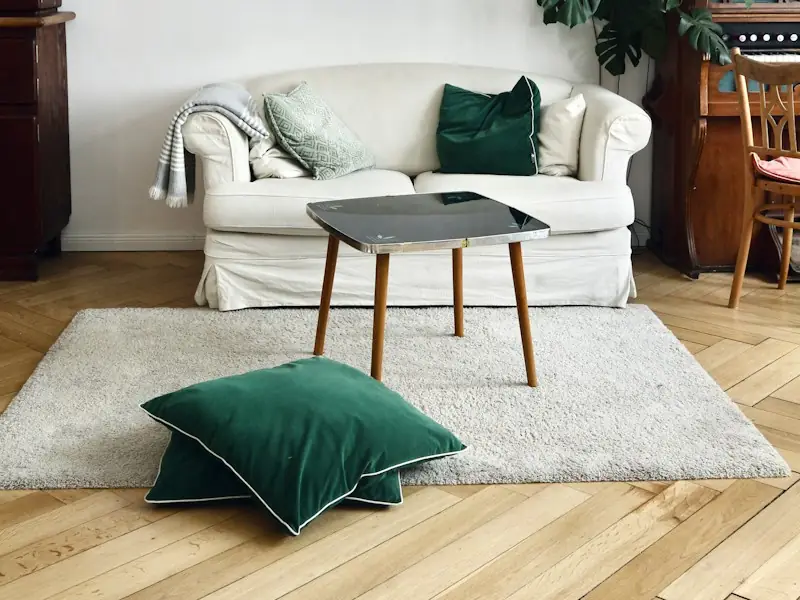 Autumn collection
ACCESSIBILITY AND LANGUAGES
In the design we include contrast, visible focus, labels and errors explained in text. Choosing a variant never depends on colour alone, and the currency is shown clearly in other languages too.
Screens alone do not guarantee full accessibility. Implementation and final testing are still needed.
PURCHASE PROTOTYPE
Catalogue → Product → Variant → Cart → Checkout → Confirmation, with a declined-payment scenario to see the recovery.
Prototype · no real payments, stock or orders
Sofas and storage
In the prototype, the first product is linked.
The prototype simulates the experience. It makes no payments, reserves no stock and creates no real orders. The demo asks for no personal or card data.
DESIGN FOR AN EXISTING PLATFORM
When the store runs on an existing platform, the analysis defines what can be customised and where the design needs to follow its limits.
In the analysis we define
Not every design can be implemented without limits on every platform. Platform names such as Shopify or WooCommerce are mentioned only as verified context, not as ENOR partnerships.
| Area | Customisation | Note |
|---|---|---|
| Home page | Full | Sections and banners as designed. |
| Catalogue and filters | Partial | Filters depend on platform attributes. |
| Product page | Full | Customisable template for variants. |
| Checkout | Limited | The platform sets the steps; the look is customised. |
| Account | Partial | Basic pages; some actions via add-ons. |
PROCESS
The number of screens and review rounds is set in the proposal.
We understand the products, customers, brand and platform.
We organise the categories and main flows.
We define the hierarchy of catalogue, product and checkout.
We design the screens and components.
We adapt the experience and link the main interactions.
We improve based on feedback and the agreed evaluation.
We prepare the files and guidance for implementation.
DELIVERABLES
As agreed, we deliver the materials the team needs to build the store according to the design.
Three different things
Coding, configuration, integrations and publishing are not included automatically.
Source file
Export materials
Issues needing a technical decision
WHY ENOR
Our portfolio shows ENOR’s actual role in each project.
FAQ
More solutions for your business needs.
Tell us about your products, brand and the platform you use or plan to use. We’ll define the screens and flows to design.
Sample Logistics Co.
“They translated complex technical concepts into clear decisions for our team.”